
Optimize your acute care practice with advanced documentation technology
PatientNotes helps acute care NPs reduce critical documentation workload for practitioners and support staff. Streamline complex assessments and treatment plans, enabling your team to focus on rapid clinical decision-making and timely interventions.


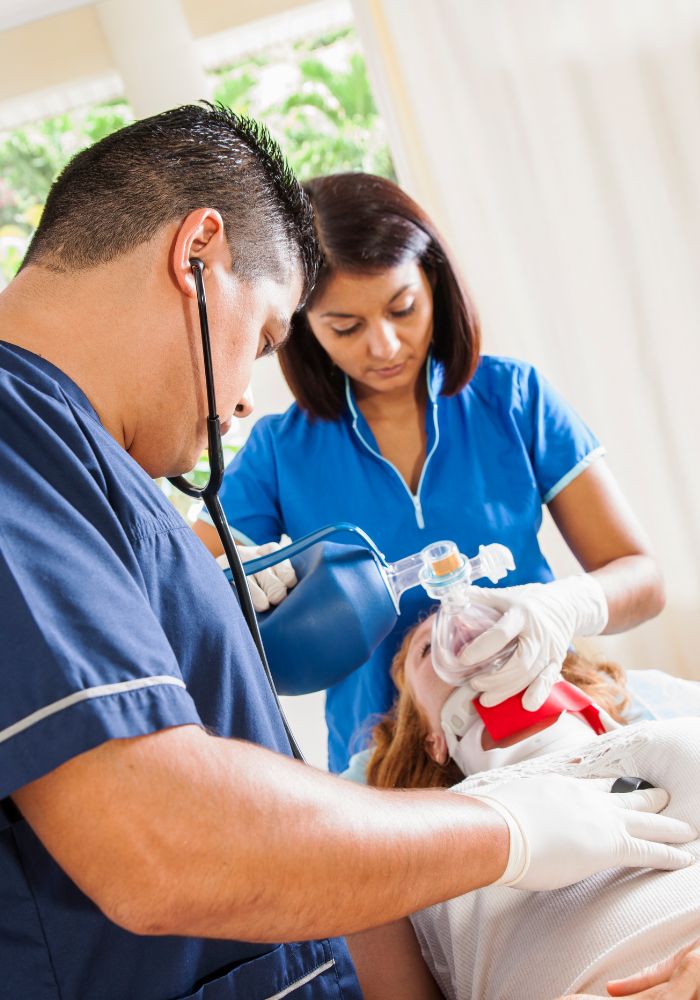

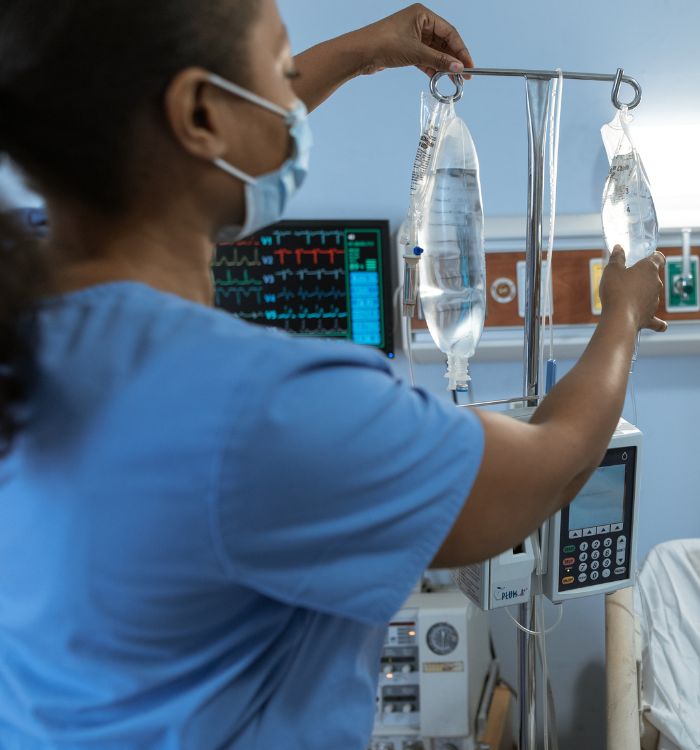
Create a more responsive and patient-centered acute care environment
PatientNotes leverages AI to generate comprehensive clinical notes and treatment updates automatically, minimizing time-consuming documentation. Enhance critical care efficiency, reduce provider documentation stress, and improve continuity of care during rapid patient turnover.


Reduce clinical documentation time and optimize acute care workflows
PatientNotes enhances clinical efficiency by allowing acute care NPs to complete patient documentation instantly with AI. Minimize charting delays, improve practitioner productivity, and increase time for critical patient assessment and intervention.
.webp)
Maximize your acute care team's clinical impact
Delegate documentation to PatientNotes, allowing your nurse practitioners to focus on what they do best—providing expert, time-sensitive care in acute settings. With AI-powered note-taking, administrative requirements are completed promptly, improving overall clinical effectiveness.

Alleviate documentation pressure in high-acuity environments
By automating the creation of complex clinical notes and treatment orders, your acute care NPs no longer need to compromise patient time for documentation, enhancing practitioner satisfaction and clinical responsiveness.

Acute care compliance made straightforward
Ensure detailed, accurate, and compliant clinical records for every acute care encounter, reducing potential regulatory concerns. Automatically generate treatment summaries and handoff documentation to improve patient safety and care continuity.

Protecting patient health data with confidence
At PatientNotes robust security measures create the strong immune system we know is vital to your patient's healthcare data. We know medical information is sensitive, and we’ve fortified PatientNotes with cutting-edge security measures to safeguard your clinical consults and notes.





Integrates with your acute care information systems
PatientNotes connects seamlessly with all major electronic health record systems like Epic, Cerner, and more, ensuring a smooth transition and minimal disruption to your acute care operations.






Available on any device, throughout your acute care setting
PatientNotes is web-based and functions on any platform—workstations, tablets, mobile devices—allowing your acute care team to access and update clinical documentation from anywhere, whether in emergency departments, ICUs, or during rapid response situations.

iPhone app
iPad app
PC
Mac
Microsoft Teams
Zoom
Google Meet (using PatientNotes Mac App)





Plans for teams of all sizes



Frequently asked questions
How can an AI scribe help during rapid patient assessments in critical care settings?
AI scribes document your rapid assessments in real-time as you verbalize findings, allowing you to maintain focus on unstable patients while ensuring comprehensive documentation.
How do I integrate AI scribe notes with hospital EMR systems like Epic or Cerner?
Copy and paste your completed AI scribe notes into your hospital's EMR system after reviewing for accuracy, which works with any platform including Epic, Cerner, or Meditech.
Will an AI scribe understand specialized terminology used in acute care settings?
AI scribes recognize common acute care terminology related to ventilator settings, hemodynamic monitoring, and critical care interventions, though you may need to review technical terms or unusual abbreviations for accuracy.
Can AI scribes document during time-sensitive situations like code blues or rapid responses?
During codes or rapid responses, activate your AI scribe to capture your verbal assessments, interventions, and patient responses while you focus on critical care delivery, then review the documentation afterward.
Book a Discovery Call
Simply fill out the form and select a time that suits you best
Ready to get started? Create an account today
Transform the medical reporting in your practice, elevate the standard of patient care and bolster effective communication among healthcare professionals.



