
Students get complimentary access to PatientNotes
Are you a student looking to organize and manage your patient notes efficiently? PatientNotes is now offering a fantastic opportunity for students to access our service with a 100% discount whilst you are studying.

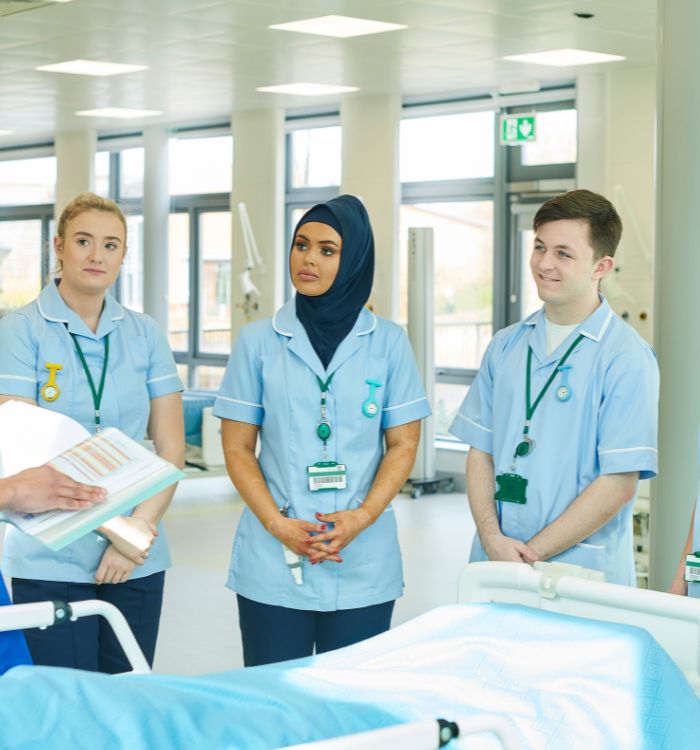
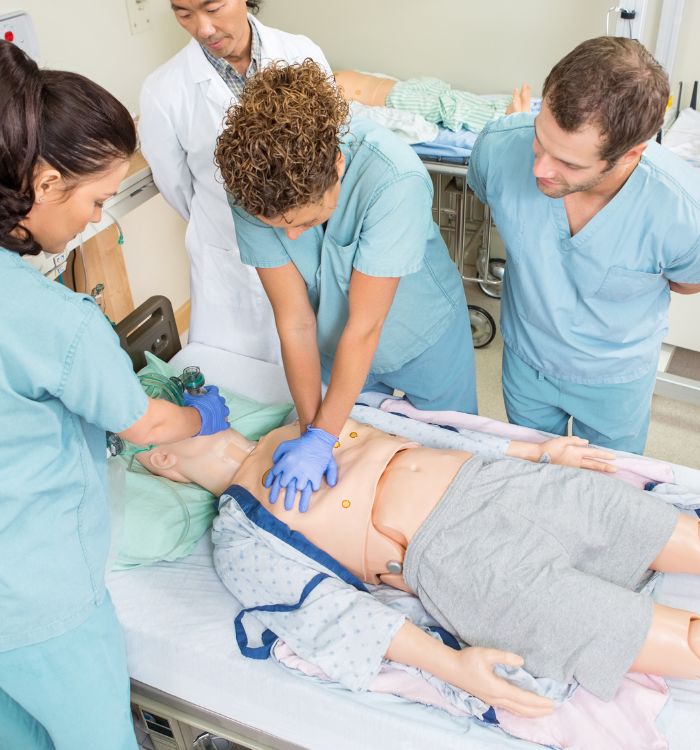
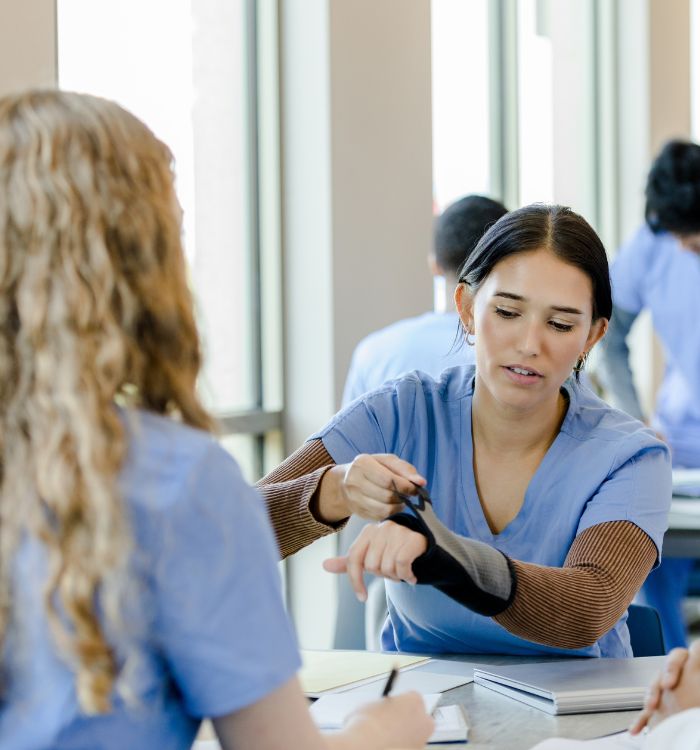
Improve the quality of your clinical notes
PatientNotes is designed to enhance your clinical and communication skills, assisting you throughout your course and enabling you to quickly master the techniques used by experienced clinicians with their clients.


Sign up using the student email address from your educational institution
Here’s how you can take advantage of this offer:
.webp)
Eligibility
This offer is available exclusively to undergraduate students currently enrolled in a relevant course.

Registration
Simply sign up for PatientNotes using your university email address.

Contact our team
Email hello@patientnotes.app and we will apply the discount to your account.

Protecting patient health data with confidence
At PatientNotes robust security measures create the strong immune system we know is vital to your patient's healthcare data. We know medical information is sensitive, and we’ve fortified PatientNotes with cutting-edge security measures to safeguard your clinical consults and notes.





Works with the existing PMS in any healthcare practice
PatientNotes is compatible with all popular Patient Management Systems, including Nookal, Cliniko, PPMP, Pracsoft, and TM3.






PatientNotes is available for learning environments such as in-room consults, home visits, class environments and telehealth consults
Compatible with various devices, PatientNotes ensures your clinical notes are always within reach, no matter where you are. PatientNotes also works with your existing telehealth platform.

iPhone app
iPad app
PC
Mac
Microsoft Teams
Zoom
Google Meet (using PatientNotes Mac App)





Plans for teams of all sizes



Frequently asked questions
How might AI scribes benefit my clinical rotations as a healthcare student?
AI scribes convert your spoken observations and patient interactions into written documentation, giving you more opportunity to focus on developing clinical skills and patient rapport while still creating comprehensive notes for your preceptors to review.
How do I balance learning proper documentation skills while using an AI scribe during clinical education?
Regular review and editing of AI-generated notes reinforces your understanding of proper documentation structure and terminology while simultaneously teaching you to communicate findings clearly. Your supervisors may recommend periods of traditional documentation alternated with AI-assisted documentation to ensure mastery of both methods.
Will using AI scribes during my training help prepare me for future practice?
Early exposure to documentation technologies provides valuable experience with modern clinical workflow tools that increasingly appear in healthcare settings across specialties. Learning these documentation methods alongside traditional methods creates versatility in your professional skill set.
How might AI scribes handle specialized terminology from different rotations I'm completing?
Voice-to-text transcription captures the specialized vocabulary you use during patient encounters across various rotation specialties. Regular review of your notes helps identify any terminology that needs manual correction.
What should I tell patients about using an AI scribe during my student clinical encounters?
Introduce the documentation method at the beginning of the encounter, explaining that you're using a voice-to-text tool to create notes while maintaining your focus on them. Transparency about documentation methods helps build patient trust during your learning process.
Book a Discovery Call
Simply fill out the form and select a time that suits you best
Ready to get started? Create an account today
Transform the medical reporting in your practice, elevate the standard of patient care and bolster effective communication among healthcare professionals.



