Streamline patient care with automated clinical documentation
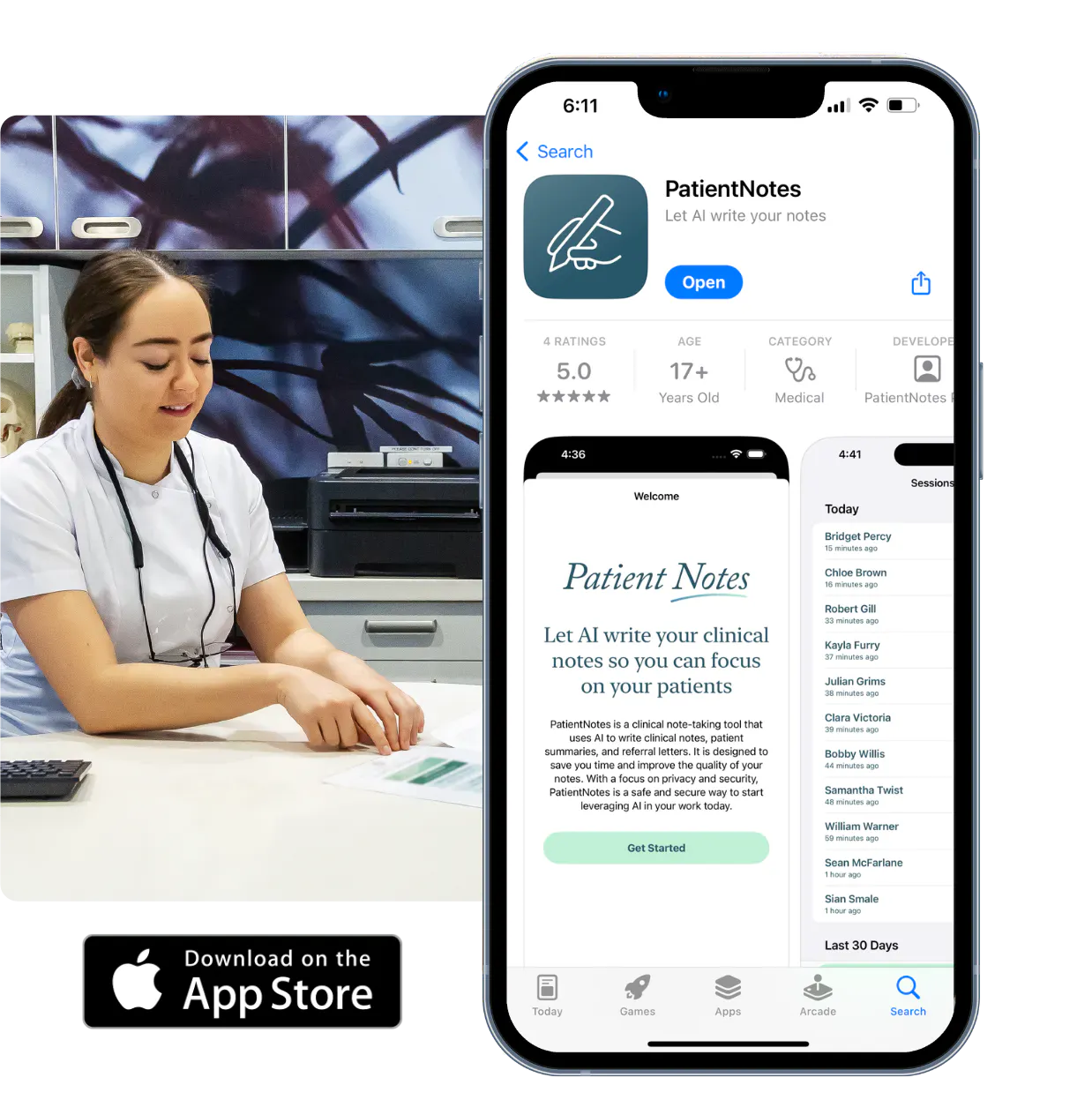
PatientNotes helps allied health practitioners efficiently manage patient records, treatment notes, and care plans, allowing you to focus more on patient outcomes and less on administrative tasks.
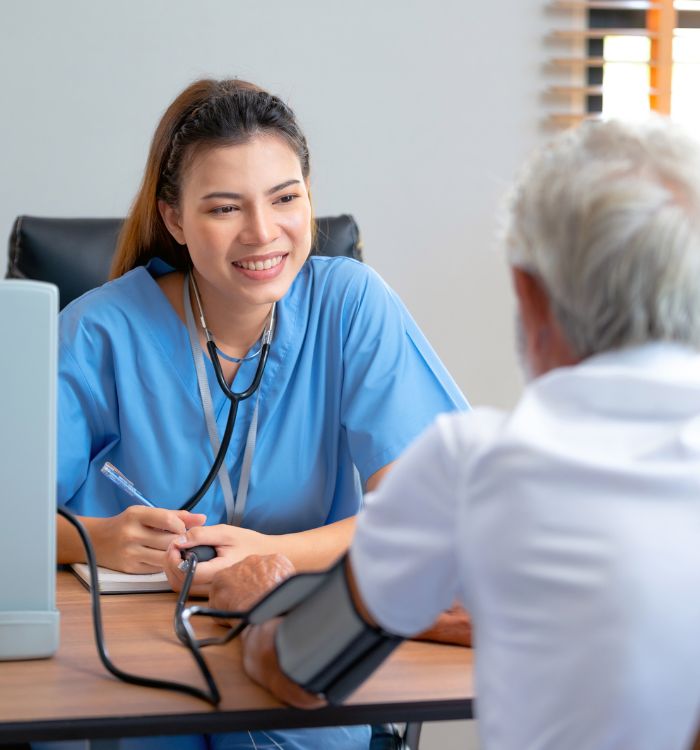
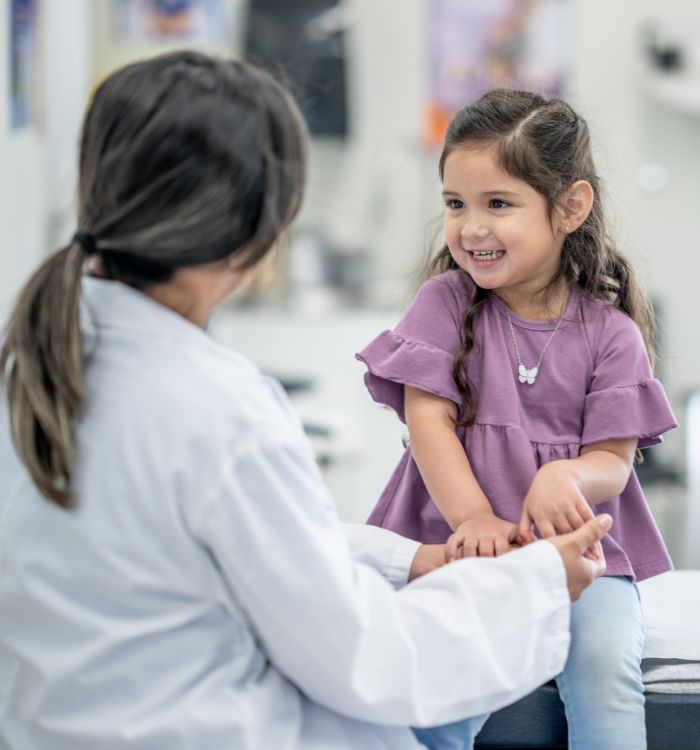
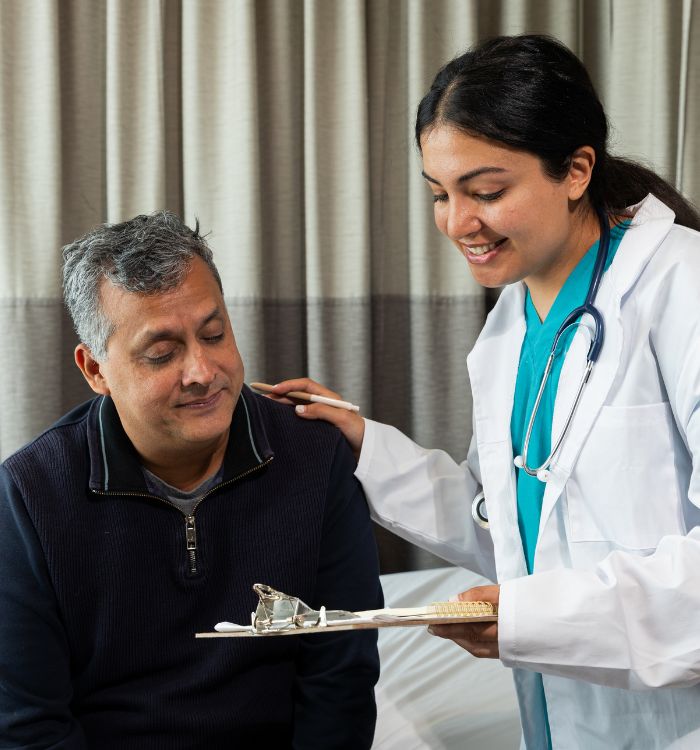
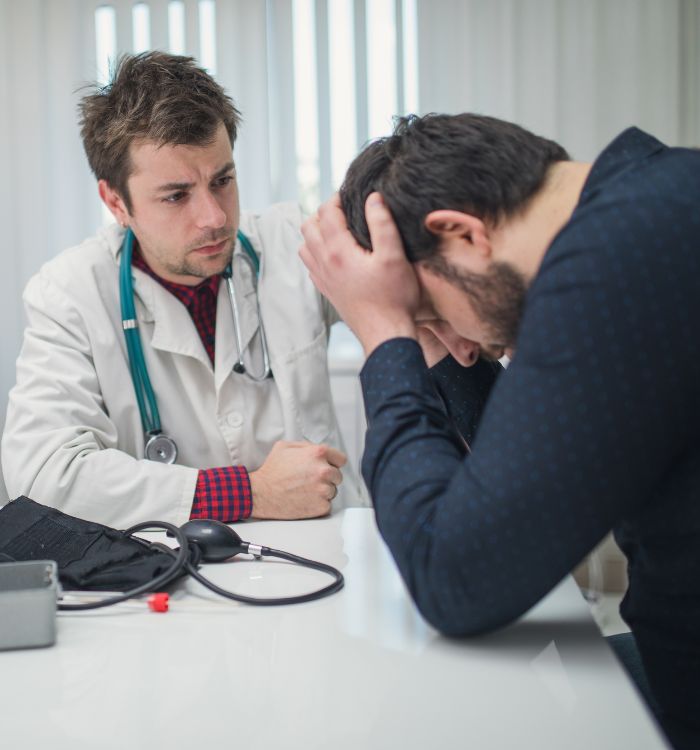
Allied health practitioners, focus on patient well-being, not paperwork
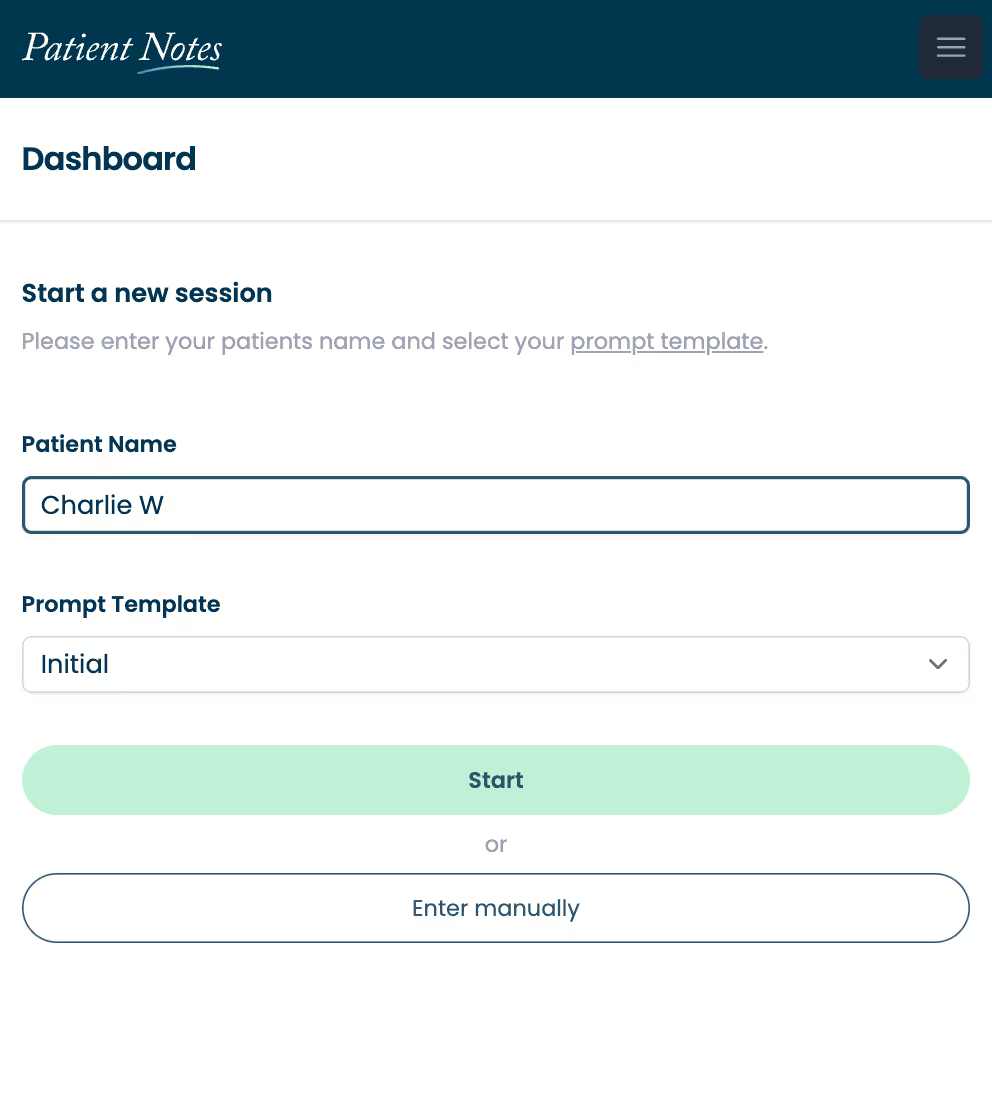
PatientNotes uses AI to automatically draft clinical notes and care summaries, reducing the time spent on documentation. Spend more time on delivering quality care to your patients and less on admin.
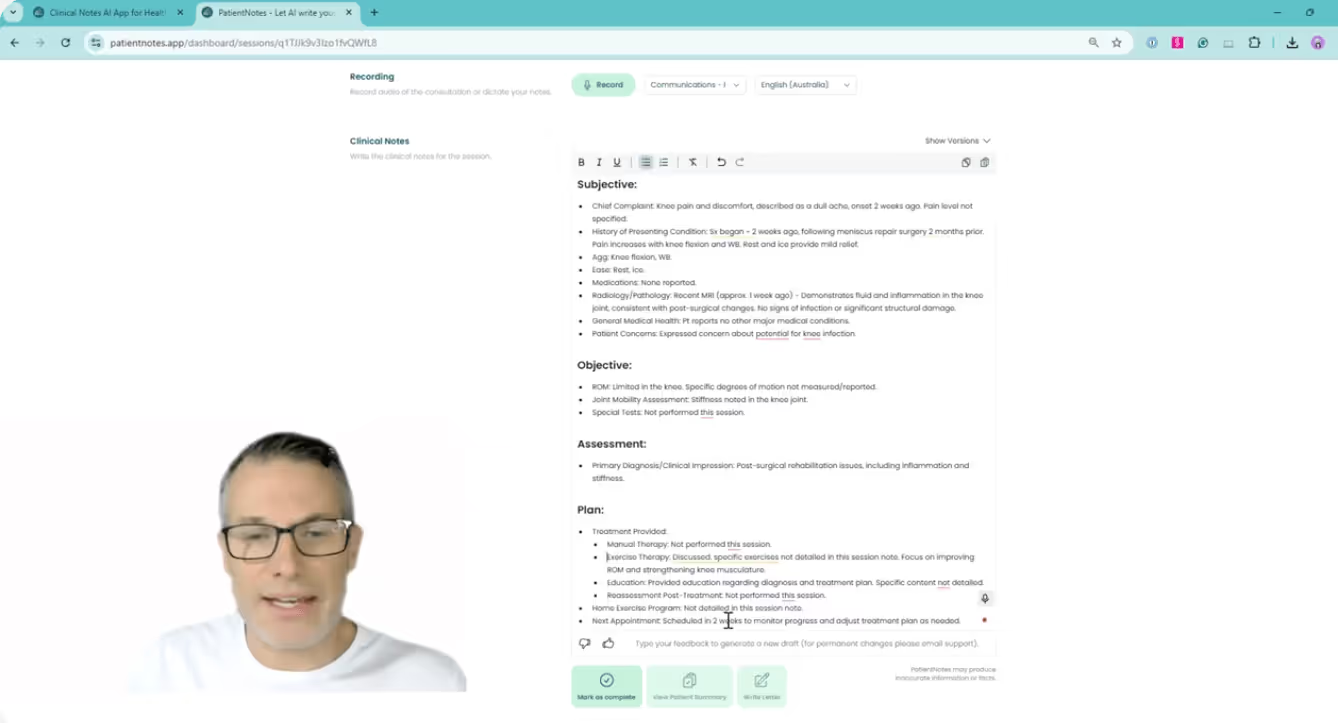

Increase efficiency with AI-powered documentation
Allied health practitioners find PatientNotes invaluable for efficiently documenting patient sessions, treatment plans, and follow-ups. Save time on paperwork, enhance note accuracy, and improve patient care.
.webp)
Quickly generate comprehensive patient notes
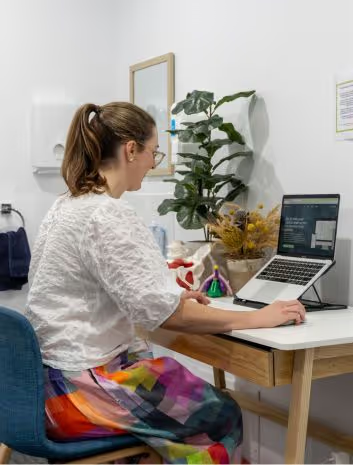
With PatientNotes, allied health practitioners can rapidly create detailed, customized notes, allowing for more focus on patient care and less time spent on administrative work.
Provide clear care plans for patients
Automatically generate post-session summaries, ensuring patients leave with a clear, actionable plan for their health journey without adding to your administrative workload.
Simplify reporting and referrals
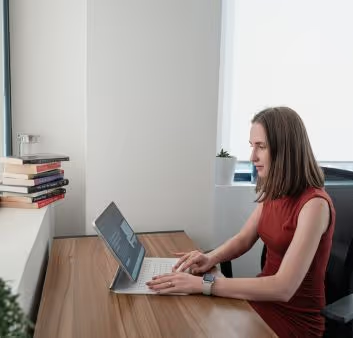
PatientNotes makes it easy for allied health practitioners to generate detailed treatment reports and referral letters, streamlining documentation processes and improving workflow efficiency.
Protecting patient health data with confidence
At PatientNotes robust security measures create the strong immune system we know is vital to your patient's healthcare data. We know medical information is sensitive, and we’ve fortified PatientNotes with cutting-edge security measures to safeguard your clinical consults and notes.
Works with your existing practice management system
PatientNotes integrates seamlessly with your practice management system, ensuring smooth workflows and efficient documentation without disruption.
Accessible across all devices, anywhere
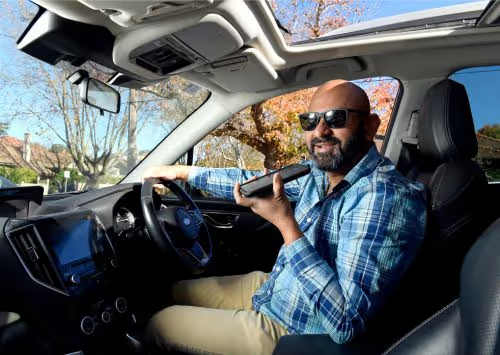
Whether you're in the clinic, making home visits, or conducting telehealth sessions, PatientNotes is available on all devices—smartphones, tablets, and computers—ensuring your notes are always within reach.

iPhone app
iPad app
PC
Mac
Microsoft Teams
Zoom
Google Meet (using PatientNotes Mac App)
Plans for teams of all sizes


Frequently asked questions
How does voice-to-text documentation work during patient assessments?
As you conduct your assessment, speaking your observations and findings aloud transforms these spoken words into written clinical documentation. The system creates a draft note from your natural speech during the patient interaction.
What about documenting objective measurements and test results?
Simply vocalize your measurements, test results, and objective findings as you record them, and these details appear in your documentation. This works for range of motion assessments, functional test outcomes, or any quantitative data you gather during sessions.
How do I integrate AI scribe notes with allied health electronic record systems?
Copy and paste your clinical documentation from the AI scribe into your profession-specific EHR or practice management system. This works with various allied health platforms while maintaining your established documentation workflow.
How do AI scribes handle profession-specific terminology across different allied health disciplines?
The voice recognition captures the specialized vocabulary from your field as you speak, whether that includes functional assessments, treatment modalities, or technical measurements. Regular use typically improves recognition of your discipline-specific terms over time.
How do I manage documentation during hands-on therapeutic interventions?
Narrate your interventions, patient responses, and clinical reasoning as you work, allowing documentation to happen simultaneously with treatment. This approach maintains the natural flow of your session while creating a record of your clinical decision-making.
What about patient privacy when using voice documentation during sessions?
Voice documentation follows the same confidentiality requirements as traditional note-taking methods in allied health. The transcribed notes become part of the protected health record, subject to the same privacy standards you already maintain in your practice.
Book a Discovery Call
Simply fill out the form and select a time that suits you best
Ready to get started? Create an account today
Transform the medical reporting in your practice, elevate the standard of patient care and bolster effective communication among healthcare professionals.