Enhance care management with automated documentation from PatientNotes
PatientNotes supports caretakers by automating the recording of care activities and patient interactions, enhancing care quality and efficiency, crucial for patient support in various settings.
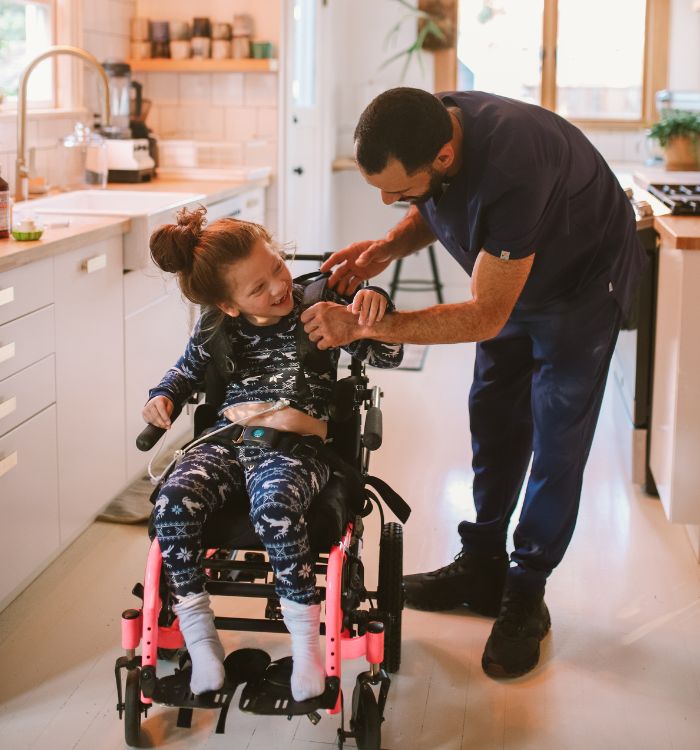
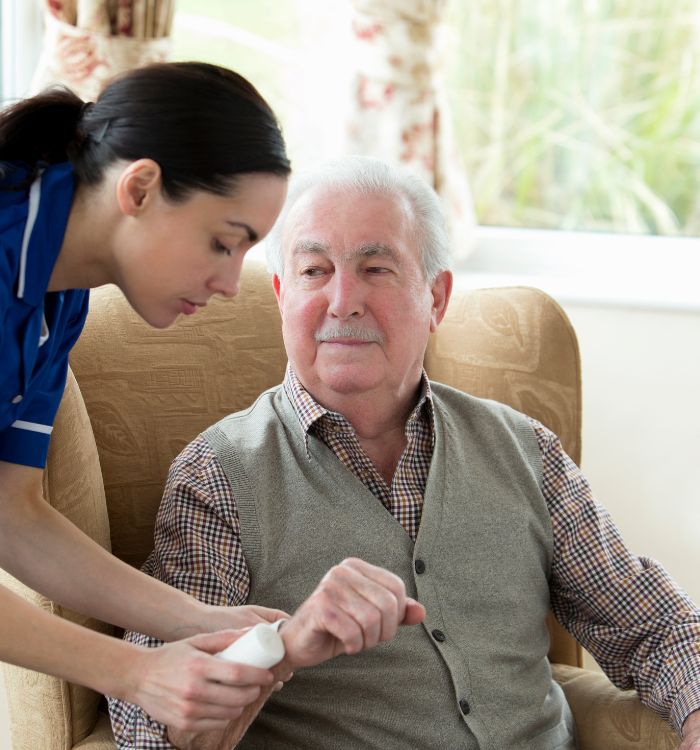
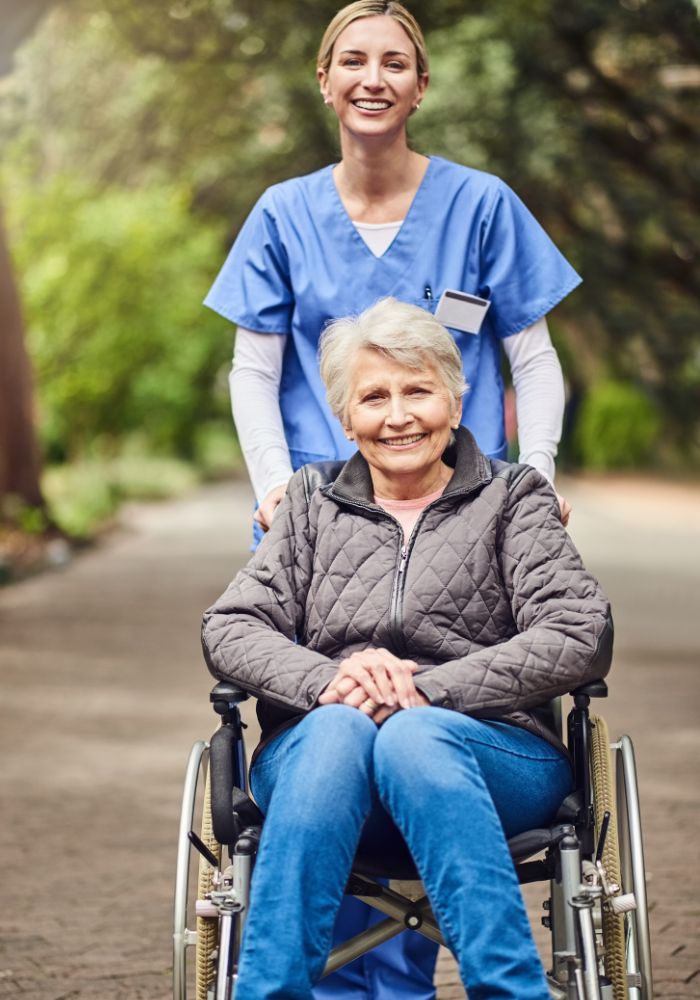
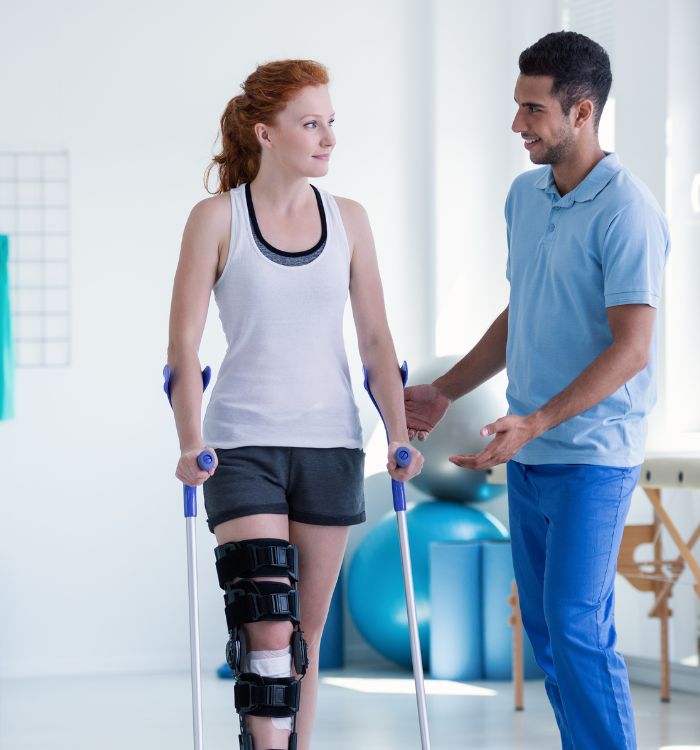
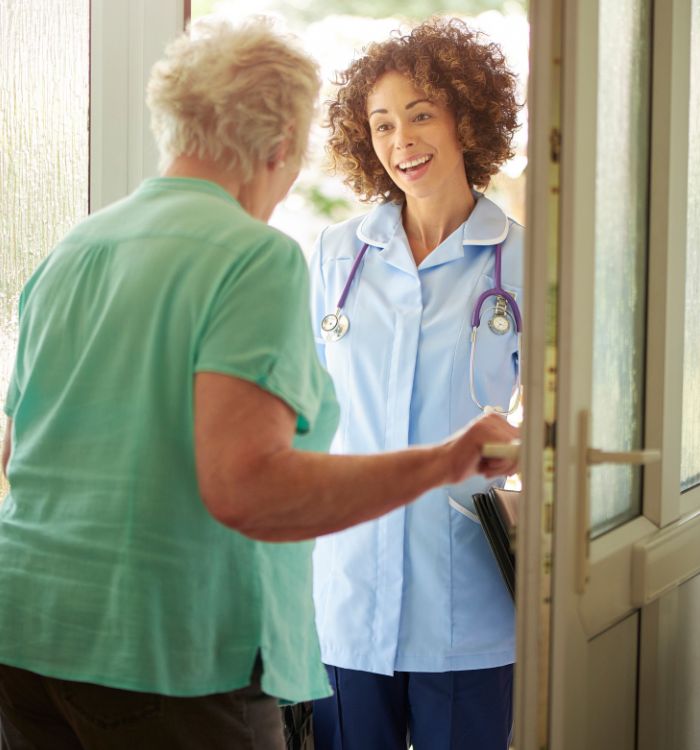
Caretakers, more care, less paperwork
Caretakers improve care delivery with PatientNotes, utilizing AI to manage daily logs and patient interactions efficiently, ensuring secure and comprehensive documentation that enhances caregiving services.
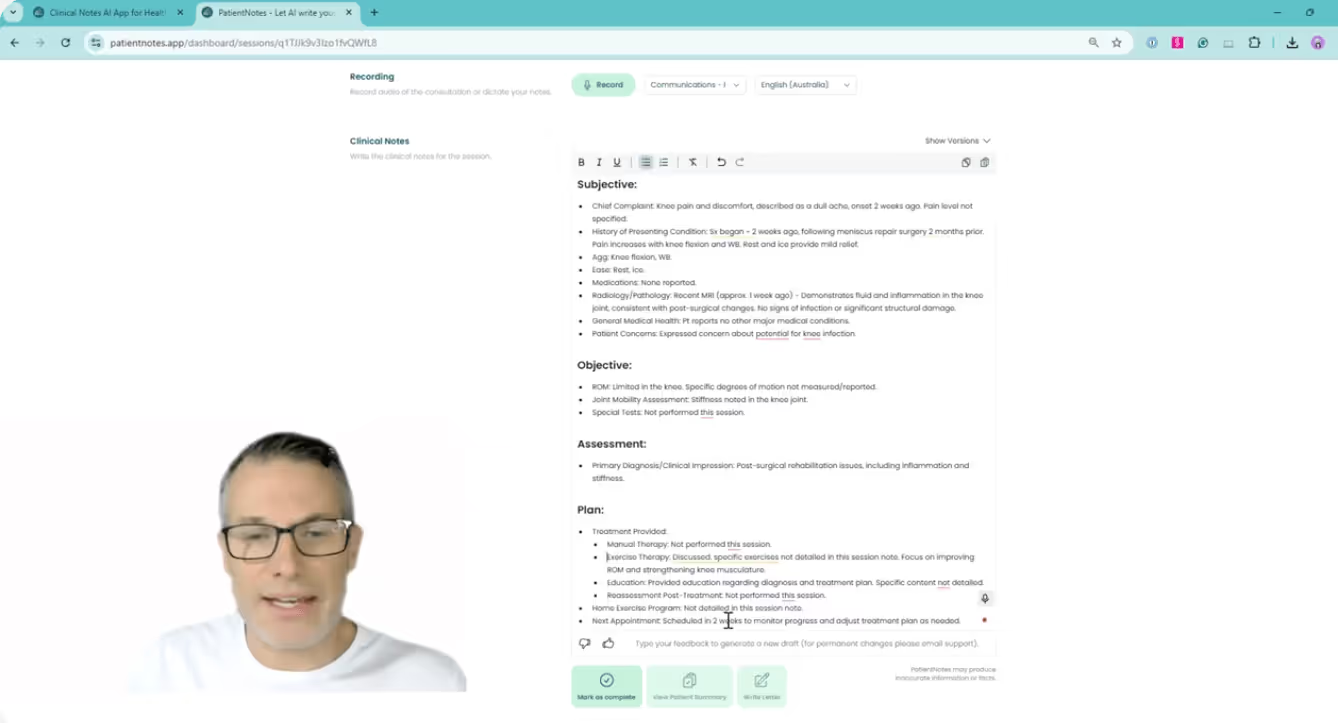

Care Takers How AI Enhances Patient Management
Care Takers find PatientNotes invaluable for managing daily care logs and patient interactions efficiently, saving time and improving documentation quality, which enhances caregiving services and patient support.
.webp)
Personalized Caregiving notes ready in a flash for better patient support
Care takers improve patient support with PatientNotes, swiftly generating detailed, customized care notes and allowing more time for direct caregiving and interaction.
Recommended Care Taker Action Plans
Care Takers offer clear, actionable summaries post-care, empowering clients with a written care plan and next steps for their caregiving journey.
Care Takers Save Time on Health and Welfare Reports
Streamline caregiving reports and referrals, focusing more on patient support and health maintenance.
Protecting patient health data with confidence
At PatientNotes robust security measures create the strong immune system we know is vital to your patient's healthcare data. We know medical information is sensitive, and we’ve fortified PatientNotes with cutting-edge security measures to safeguard your clinical consults and notes.

Works with the existing PMS in your caretaking practice
Caretakers can manage patient daily care with PatientNotes, integrating with healthcare systems like Nookal, enhancing patient support and care documentation.
Caretakers coordinate patient daily care with PatientNotes in residential settings, during caregiver training, and through remote monitoring systems.
Caretakers can keep patient care data handy on any device with PatientNotes, enhancing personal care with caretaker telehealth platforms.

iPhone app
iPad app
PC
Mac
Microsoft Teams
Zoom
Google Meet (using PatientNotes Mac App)
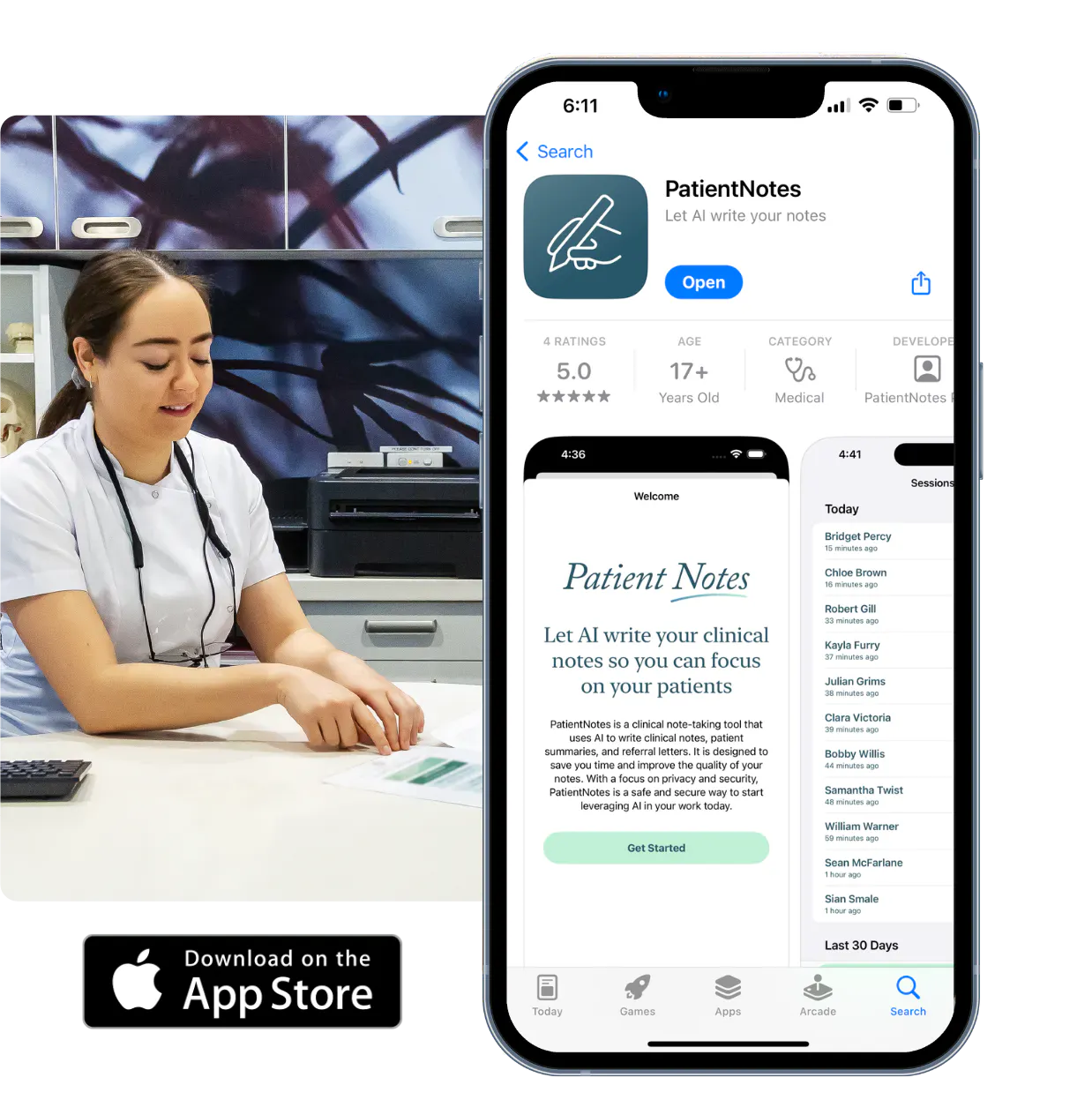
Plans for teams of all sizes


Frequently asked questions
How do I document daily care activities with an AI scribe when I'm working with clients?
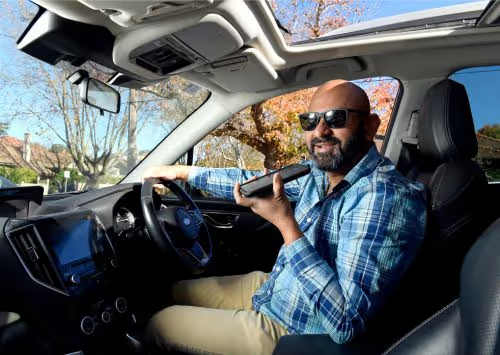
Simply speak out the care activities as you perform them, mentioning important details like medication administration, meals, hygiene assistance, or mobility support.
How do AI scribes handle caretaker-specific terminology related to activities of daily living (ADLs)?
Your spoken terminology about assistance levels, transfer techniques, or specialized care procedures transforms into written documentation through the voice-to-text process.
What about documenting changes in a client's condition or behavior when using an AI scribe?
Verbalize your observations about changes in mood, physical condition, or cognition as you notice them during your care routine.
How do I maintain client privacy when documenting sensitive care like bathing or toileting assistance?
Document these activities after completing them, in a private setting where the client's dignity is preserved while you speak your notes.
Book a Discovery Call
Simply fill out the form and select a time that suits you best
Ready to get started? Create an account today
Transform the medical reporting in your practice, elevate the standard of patient care and bolster effective communication among healthcare professionals.