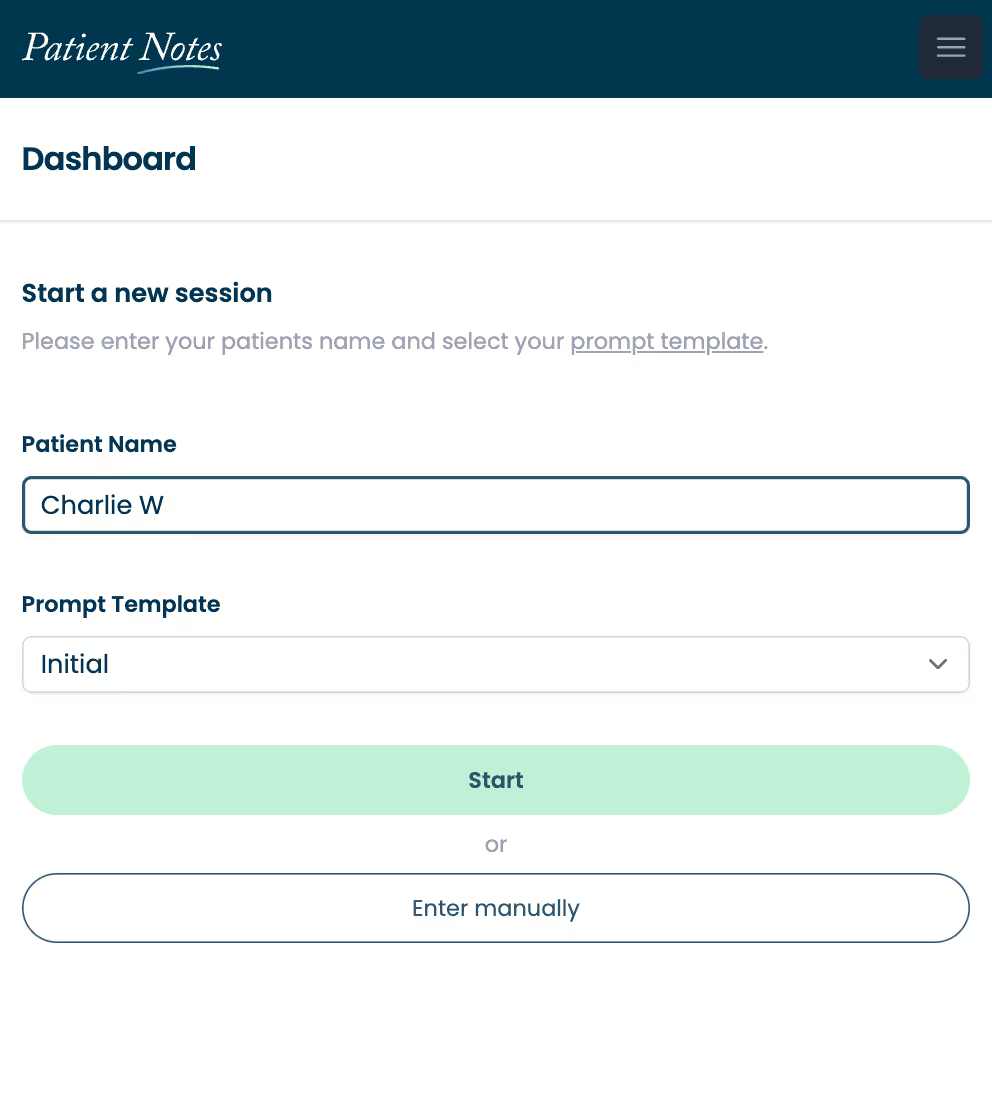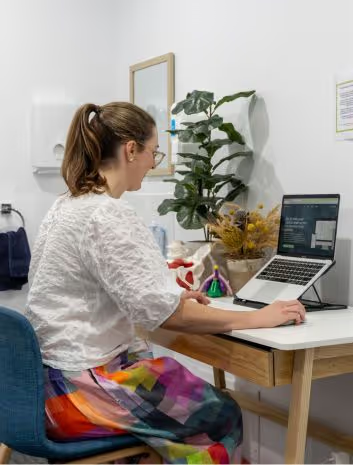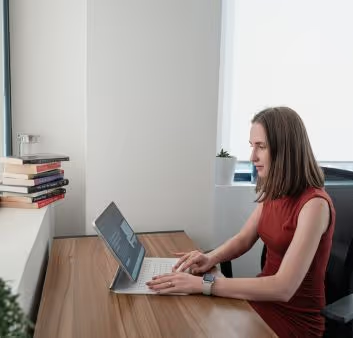
Focus more on client support with automated counseling notes
PatientNotes assists counselors in documenting sessions and tracking client progress, enabling better client interaction and support.



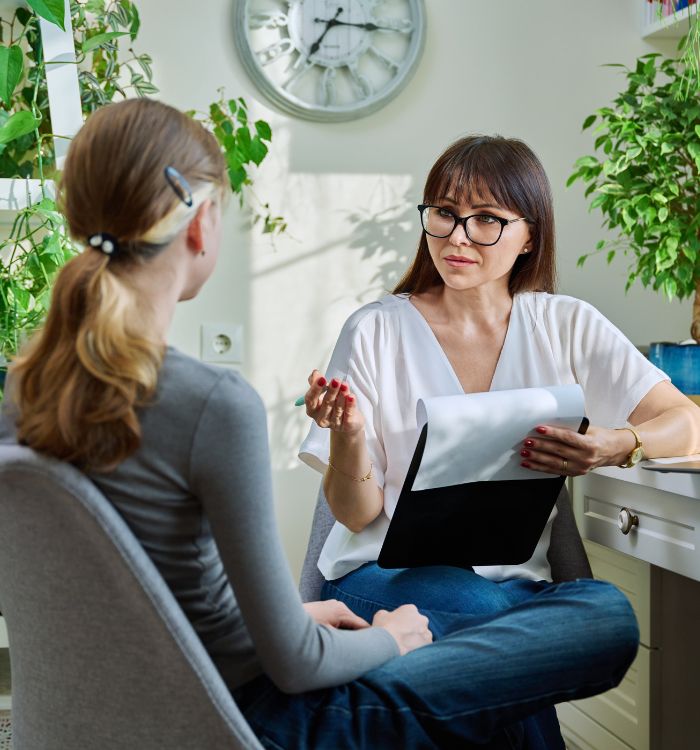

Counselors, minimize documentation, maximize discussion
Counselors using PatientNotes can achieve faster, more secure, and comprehensive documentation with AI, allowing more time to focus on client support and less on paperwork.
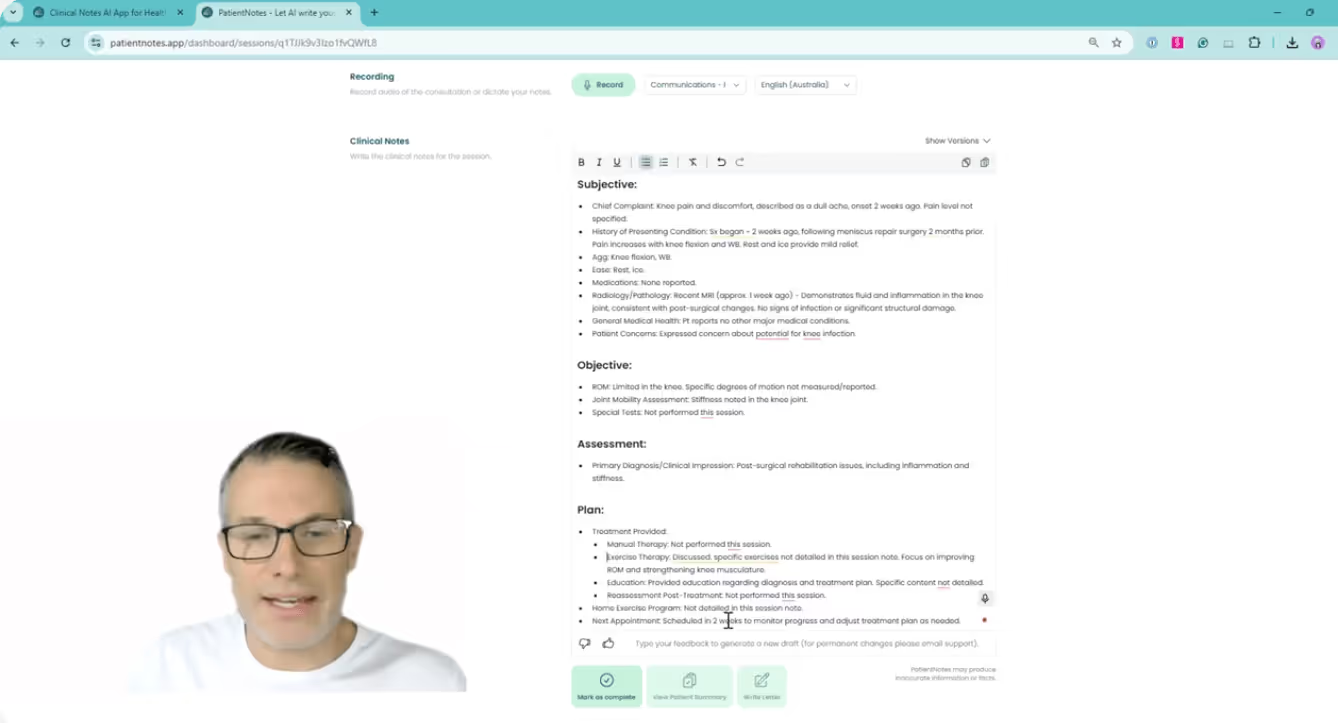

Counseling Made Efficient AI's Role
Counselors use PatientNotes to efficiently manage session documentation, improving the quality of their notes and saving time, which allows for more focused client support and counseling.
.webp)
Rapidly created Counselor notes for efficient care.
Counselors enhance their client support with PatientNotes by rapidly producing detailed notes, thus spending more time in counseling and less on documentation.
Recommended Counselor Action Plans
Counselors provide clear, actionable summaries post-session, empowering clients with a written care plan and next steps for their counseling journey.
Counselors Streamline Documentation Processes
Streamline your admin with quick completion of medicolegal reports and referral letters, focusing on counseling.
Protecting patient health data with confidence
At PatientNotes robust security measures create the strong immune system we know is vital to your patient's healthcare data. We know medical information is sensitive, and we’ve fortified PatientNotes with cutting-edge security measures to safeguard your clinical consults and notes.


Works with the existing PMS in your counseling practice
Counselors will find PatientNotes compatible with leading management systems like Cliniko, streamlining session notes and follow-ups.
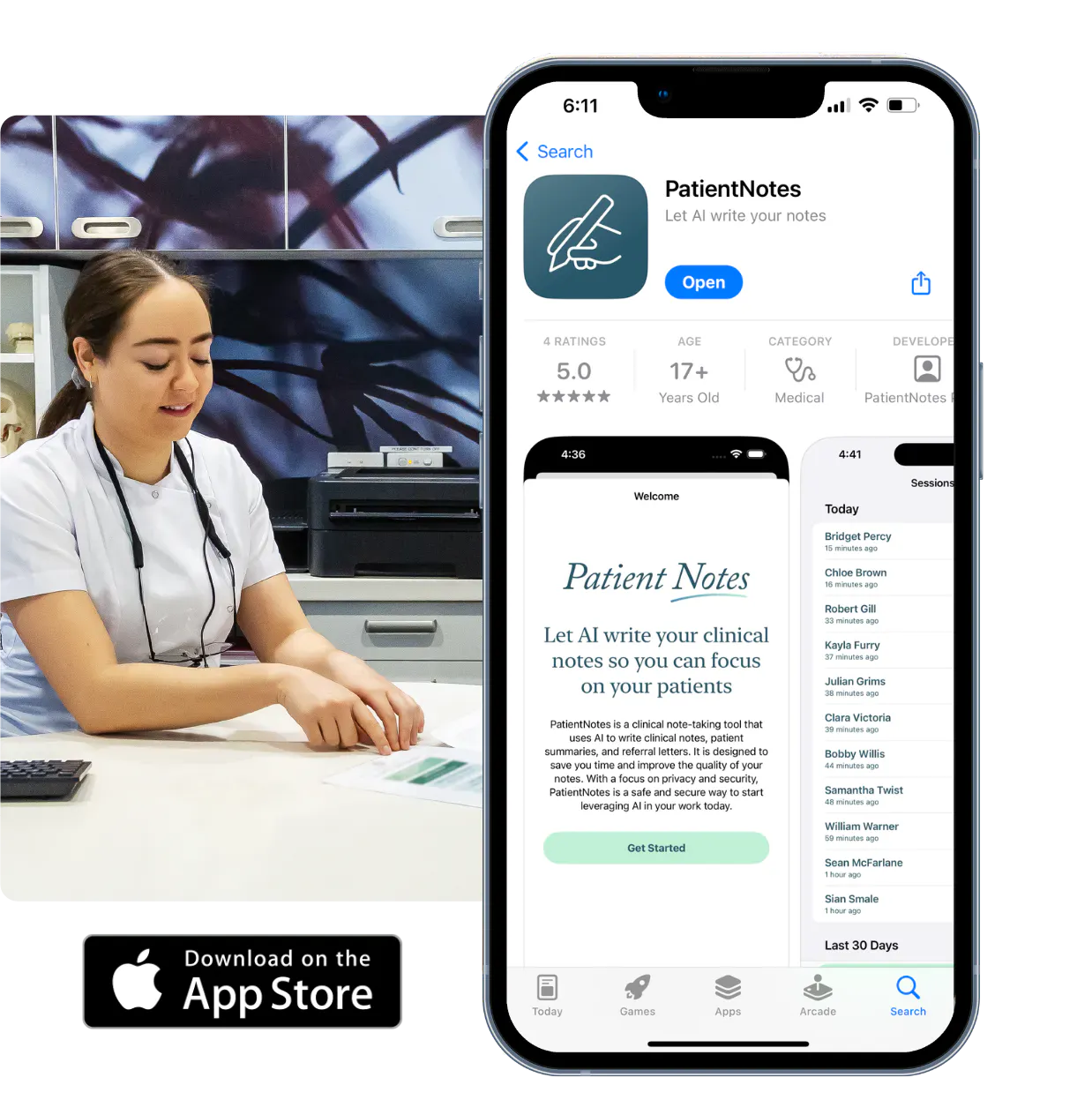
Counselors enhance client interactions with PatientNotes during in-room, home, and online telehealth consultations.
Counselors can access session notes anywhere with PatientNotes, compatible across various devices and counselor telehealth platforms.

iPhone app
iPad app
PC
Mac
Microsoft Teams
Zoom
Google Meet (using PatientNotes Mac App)

Plans for teams of all sizes


Frequently asked questions
How do I maintain therapeutic presence while using an AI scribe during counseling sessions?
Explain to clients at the beginning of your session that you'll be speaking notes aloud occasionally to document important points, allowing you to maintain eye contact and engagement throughout your time together.
How do AI scribes handle counseling-specific terminology like therapeutic modalities or assessment frameworks?
Speaking clearly when using specialized counseling terms creates accurate documentation of your therapeutic approaches, interventions, and assessment observations.
What about confidentiality concerns when using voice-to-text during sensitive client disclosures?
The same ethical standards and confidentiality protocols that apply to your written notes apply to voice transcribed documentation, with all information remaining within your secured clinical systems.
Is it appropriate to use an AI scribe during crisis intervention sessions?
During crisis situations, focus entirely on the client's immediate needs and safety, then document the session afterward using your recollection rather than interrupting the critical therapeutic moment.
Book a Discovery Call
Simply fill out the form and select a time that suits you best
Ready to get started? Create an account today
Transform the medical reporting in your practice, elevate the standard of patient care and bolster effective communication among healthcare professionals.