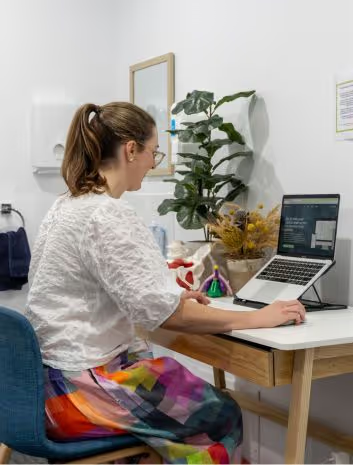
Streamline critical nursing documentation with PatientNotes
PatientNotes aids critical care medicine physician assistants in documenting intensive care treatments and patient responses, automating clinical notes to enhance focus on patient monitoring and critical interventions, crucial for critical care environments.


Critical care PAs, more patient care, less paperwork
Critical care medicine physician assistants benefit from PatientNotes, which streamlines the documentation of intensive care treatments with AI, ensuring secure, detailed, and efficient patient records that support critical care management.

Critical Care Medicine PAs How AI Saves Time in Intensive Care
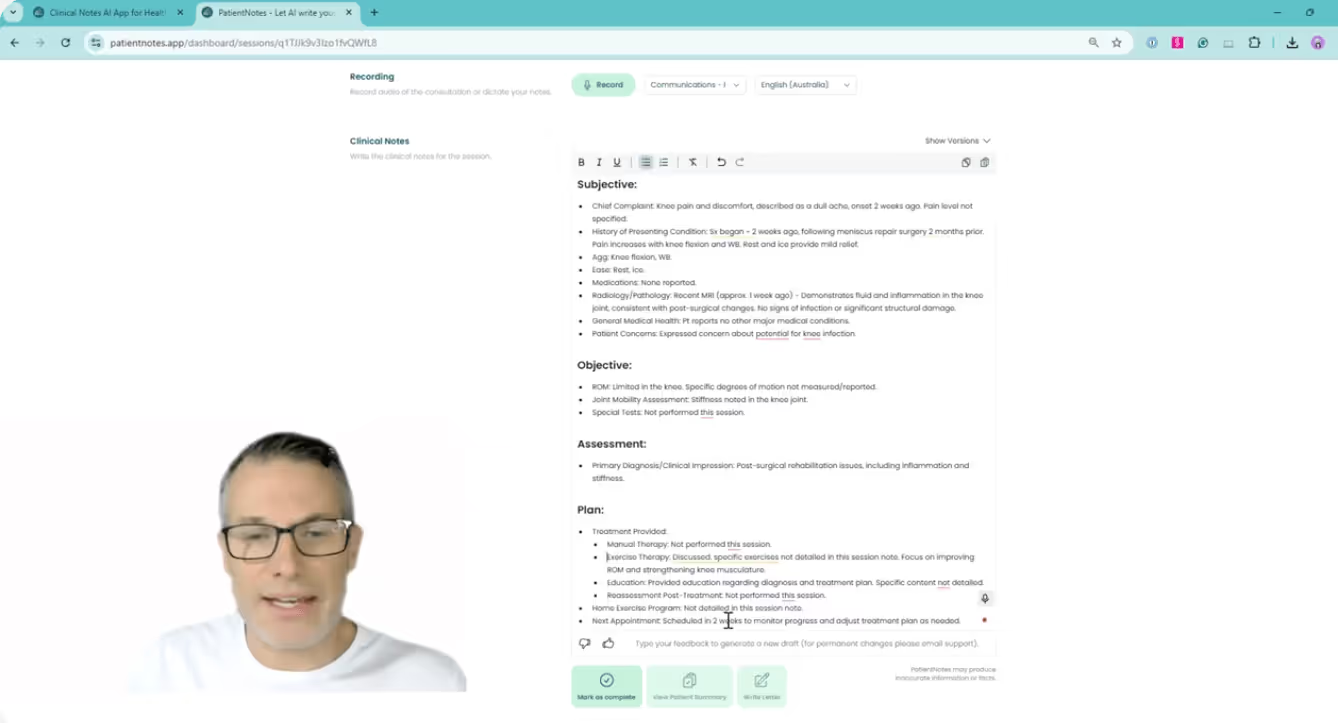
Critical Care Medicine Physician Assistants rely on PatientNotes to document intensive care and patient interactions efficiently, saving time and improving note quality, which supports effective critical care management.
.webp)
Tailored Critical Care notes drafted instantly for better patient management
Critical care medicine physician assistants optimize intensive care with PatientNotes, swiftly generating detailed, personalized care notes and allowing more time for critical patient management.

Recommended Critical Care Medicine Physician Assistant Action Plans
Critical Care Medicine Physician Assistants ensure clear, actionable summaries are provided post-intensive care, providing patients with a written care plan and next steps for their critical care journey.

Critical Care Medicine Physician Assistants Save Hours on Intensive Care Reporting
Quickly handle critical care reports and referrals, enhancing intensive care management.

Protecting patient health data with confidence
At PatientNotes robust security measures create the strong immune system we know is vital to your patient's healthcare data. We know medical information is sensitive, and we’ve fortified PatientNotes with cutting-edge security measures to safeguard your clinical consults and notes.




Works with the existing PMS in your critical care medicine assistant practice
Critical Care Medicine Physician Assistants can streamline critical care documentation with PatientNotes, integrating with critical care systems like Cliniko, enhancing patient critical care management and documentation.




Critical care physician assistants manage ICU care with PatientNotes in intensive care units, during critical care training, and through telehealth monitoring.
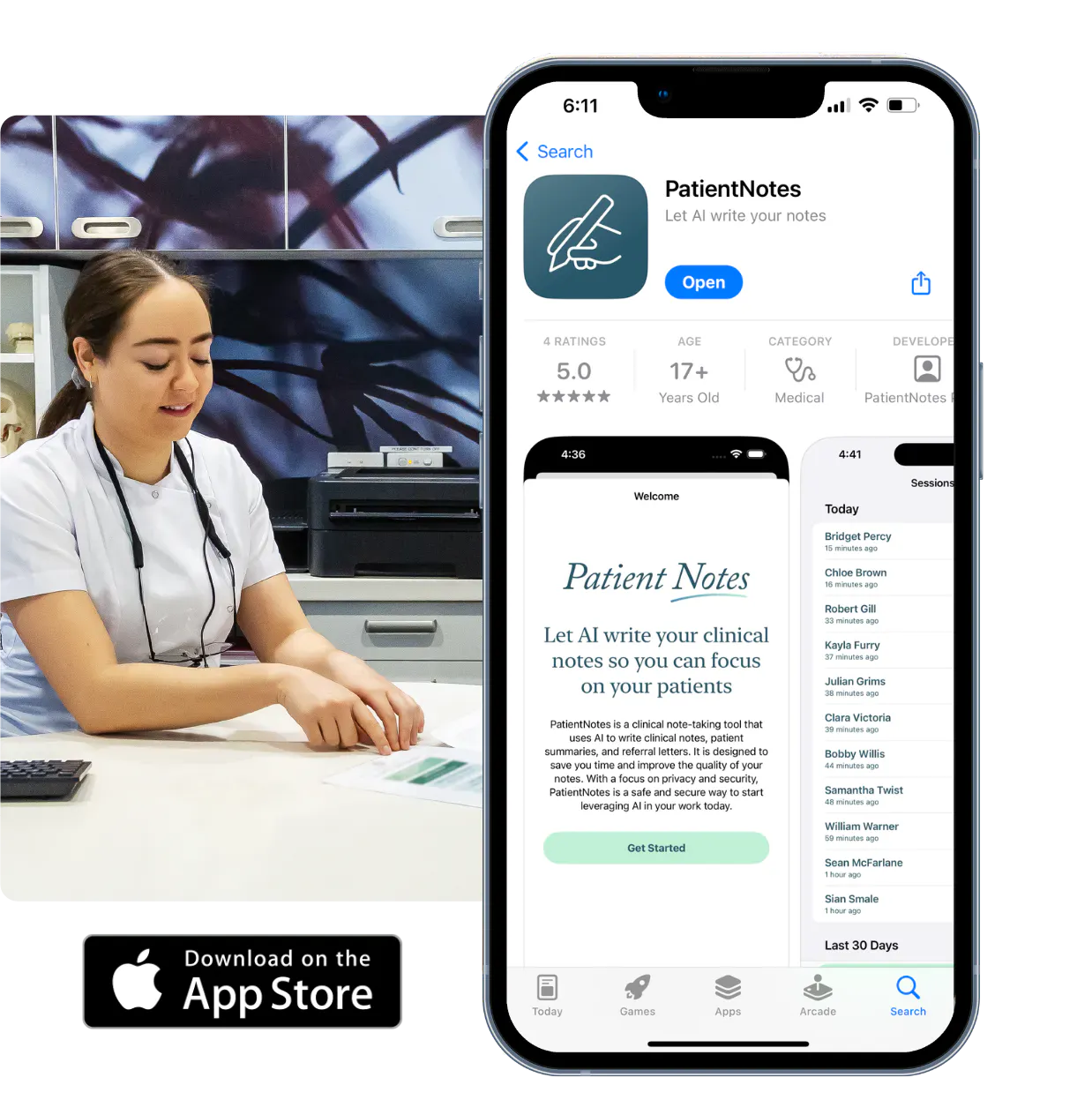
Critical care medicine physician assistants can access intensive care profiles on any device with PatientNotes, compatible with critical care medicine physician assistant telehealth platforms for comprehensive critical care management.

iPhone app
iPad app
PC
Mac
Microsoft Teams
Zoom
Google Meet (using PatientNotes Mac App)




Plans for teams of all sizes



Frequently asked questions
How do I document rapidly changing patient conditions in the ICU using an AI scribe?
Verbalize your observations and assessments as they occur during patient rounds or emergent situations, creating documentation in real-time while maintaining focus on critical patient care.
How do AI scribes handle specialized critical care terminology and abbreviations?
Your spoken critical care terminology, including vasopressor dosing, ventilator parameters, and acid-base values, transforms into written documentation through the voice-to-text process.
What about recording complex ventilator settings and hemodynamic parameters?
Speak the specific ventilator modes, settings, pressure readings, and hemodynamic values as you review them, allowing for accurate documentation without taking your attention away from monitoring equipment.
Can I document time-sensitive procedures like central line placement or intubation while performing them?
Voice your procedural steps, observations, and patient responses as you work, creating a chronological record of time-sensitive interventions without interrupting your clinical workflow.
Book a Discovery Call
Simply fill out the form and select a time that suits you best
Ready to get started? Create an account today
Transform the medical reporting in your practice, elevate the standard of patient care and bolster effective communication among healthcare professionals.