
Enhance dental care with streamlined procedural documentation
PatientNotes aids dental assistants in managing treatment notes and patient records, enhancing dental care efficiency and patient service.
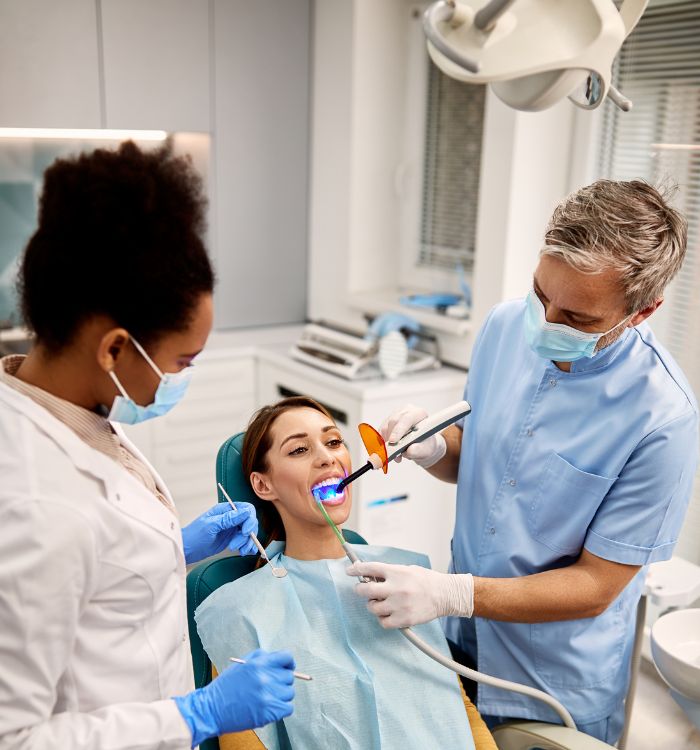
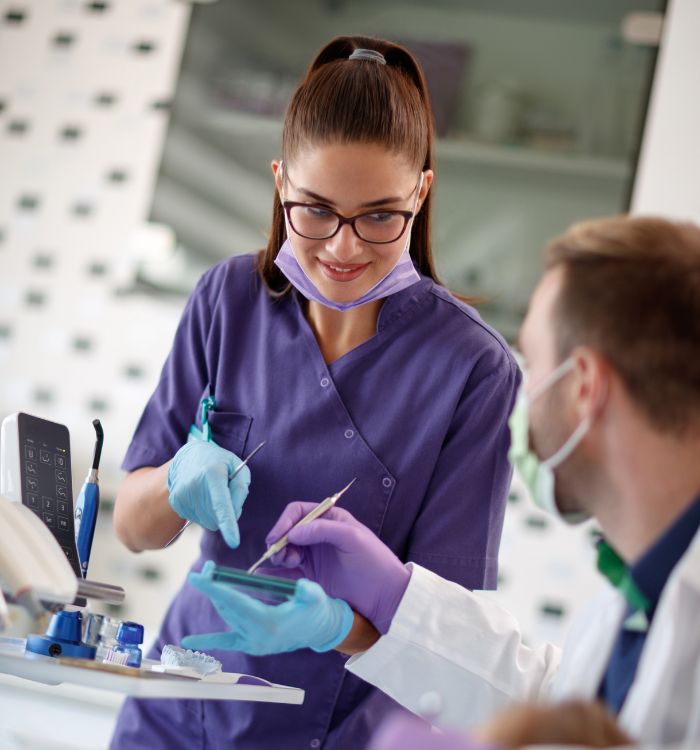
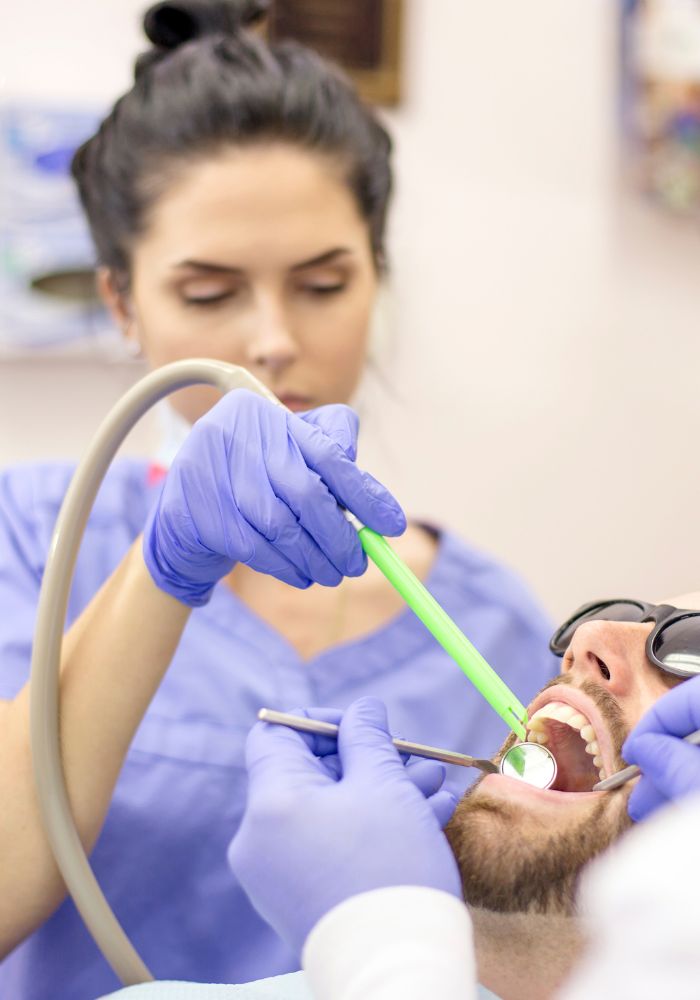

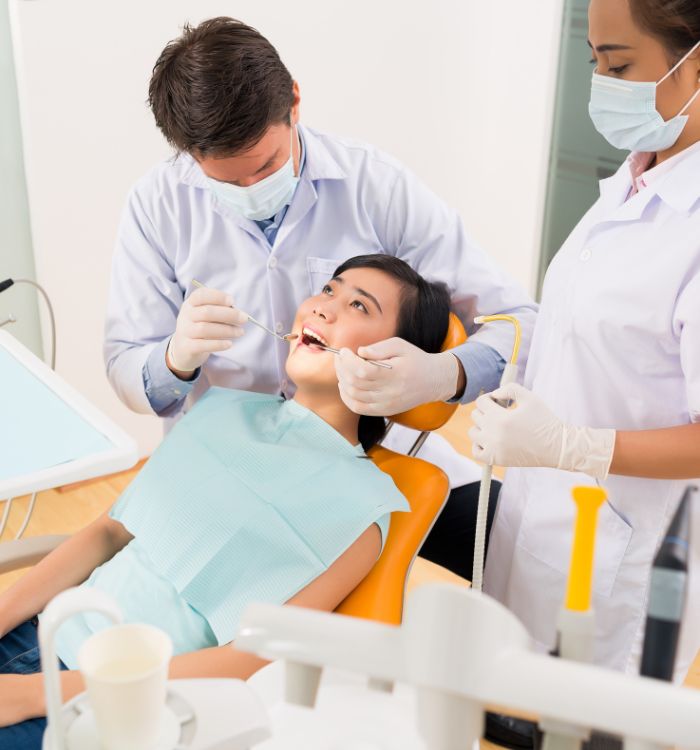
Dental assistants, more smiles, less typing
Dental assistants benefit from PatientNotes, which utilizes AI to manage treatment records and patient details efficiently, ensuring that all dental procedures are documented promptly and securely.


Dental Assistants How AI Can Save Time
Dental Assistants leverage PatientNotes to streamline dental procedure documentation, saving time and improving note quality, which enhances patient care and dental treatment coordination.
.webp)
Quick, Personalized Dental Assistant notes.
Dental assistants improve efficiency with PatientNotes by swiftly creating detailed patient notes, allowing more time for dental care and patient interaction.

Recommended Dental Assistant Action Plans
Dental Assistants ensure that patients receive clear, actionable summaries post-appointment, providing a written care plan and next steps for their dental health journey.

Dental Assistants Facilitate Faster Dental Reporting
Streamline dental reports and referral letters, enhancing efficiency in dental care settings.

Protecting patient health data with confidence
At PatientNotes robust security measures create the strong immune system we know is vital to your patient's healthcare data. We know medical information is sensitive, and we’ve fortified PatientNotes with cutting-edge security measures to safeguard your clinical consults and notes.





Works with the existing PMS in your dental assisting practice
Dental assistants can streamline workflow with PatientNotes, compatible with dental systems like Nookal and Cliniko.






Dental assistants manage appointment details with PatientNotes in dental offices, during community dental drives, and online consultations.
Dental assistants can access patient dental records on any device with PatientNotes, which also integrates with dental assistant telehealth platforms.

iPhone app
iPad app
PC
Mac
Microsoft Teams
Zoom
Google Meet (using PatientNotes Mac App)





Plans for teams of all sizes



Frequently asked questions
How do AI notes help dental assistants document procedures and patient details?
AI notes automatically capture procedural details and patient information through voice recognition, allowing dental assistants to focus on chairside duties while maintaining comprehensive documentation.
Why are AI notes an essential tool for dental assistants?
AI notes help dental assistants maintain accurate records of treatments, materials used, and patient reactions without interrupting workflow, while also ensuring consistent documentation across the practice for improved continuity of care.
Can AI-powered notes improve workflow efficiency in dental practices?
AI-powered notes significantly reduce manual documentation time by converting speech to text and automatically categorizing information, enabling dental assistants to manage more patients and minimize administrative bottlenecks.
How do I document chairside instrument transfers and procedure assistance while using an AI scribe?
Speak a brief summary of assistance provided during breaks in the procedure or immediately after the patient appointment when details are fresh in your mind.
Book a Discovery Call
Simply fill out the form and select a time that suits you best
Ready to get started? Create an account today
Transform the medical reporting in your practice, elevate the standard of patient care and bolster effective communication among healthcare professionals.



