
Modernize your dental surgery practice with sophisticated documentation tools
PatientNotes helps dental surgeons decrease charting responsibilities for clinical and office teams. Streamline procedure documentation and treatment planning, freeing your surgical team to concentrate on exceptional oral healthcare delivery.
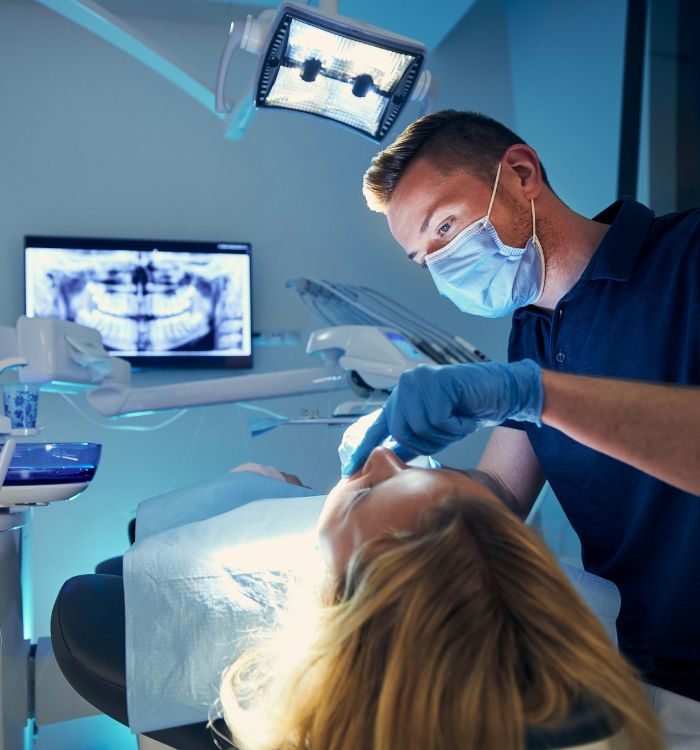
Build a more efficient and patient-focused dental surgery practice
PatientNotes employs AI to generate comprehensive procedure notes and follow-up instructions automatically, reducing chairside documentation time. Enhance productivity, minimize administrative stress, and create smoother patient flow throughout your practice.


Reduce clinical documentation time and optimize dental surgery workflows
PatientNotes streamlines clinical operations by allowing dental surgeons to complete procedure notes instantly with AI. Minimize administrative overhead, improve surgical efficiency, and increase operatory availability for patient appointments.
.webp)
Enhance your dental practice's surgical capacity
Assign documentation to PatientNotes, allowing your dental surgeons to focus on what they do best—providing skilled surgical interventions. With AI-assisted note-taking, administrative requirements are completed promptly, improving overall surgical throughput.

Decrease charting pressure on your surgical team
By automating the creation of procedure notes and post-operative instructions, your dental surgeons no longer need to extend clinical hours to complete documentation, enhancing team satisfaction and professional quality of life.

Dental compliance made effortless
Ensure detailed, accurate, and compliant surgical records for every procedure, reducing potential liability concerns. Automatically generate treatment summaries and referral letters to improve patient care and professional communication.

Protecting patient health data with confidence
At PatientNotes robust security measures create the strong immune system we know is vital to your patient's healthcare data. We know medical information is sensitive, and we’ve fortified PatientNotes with cutting-edge security measures to safeguard your clinical consults and notes.





Integrates with your dental practice management system
PatientNotes connects seamlessly with all major dental practice management systems like Dentrix, Eaglesoft, and more, ensuring a smooth transition and minimal disruption to your dental surgery operations.






Available on any platform, throughout your practice
PatientNotes is web-based and operates on any device—computer, tablet, mobile—allowing your dental surgery team to access and update clinical documentation from anywhere, whether chairside, in consultation rooms, or during specialist referrals.

iPhone app
iPad app
PC
Mac
Microsoft Teams
Zoom
Google Meet (using PatientNotes Mac App)





Plans for teams of all sizes



Frequently asked questions
How do AI scribes record dental procedures during treatment when my hands are occupied?
AI scribes listen continuously throughout dental procedures, capturing your verbal documentation even when your hands are busy with instruments or in a patient's mouth. Simply speak clearly about observations, procedures performed, and materials used.
How do I transfer my AI scribe notes to dental practice management software like Dentrix or Eaglesoft?
After reviewing and approving your AI scribe notes, copy and paste them directly into your dental practice management software's clinical notes section. This transfers all documentation into the patient's permanent dental record.
How do AI scribes handle documentation for dental imaging findings?
Verbally describe what you observe in radiographs, intraoral photos, or 3D scans, including specific teeth, structures, pathologies, or measurements. This creates a comprehensive record of your imaging interpretations alongside other clinical documentation.
Can AI scribes understand specialized dental terminology like "mesio-occlusal restoration" or "periapical abscess"?
AI scribes recognize extensive dental vocabulary including anatomical terms, restoration classifications, periodontal conditions, and prosthetic terminology. Regular use allows the system to become familiar with your specific dental terminology patterns.
What information should I verbalize during a new patient examination for the AI scribe to document?
Verbalize your observations about dentition status, periodontal conditions, occlusion assessment, radiographic findings, and treatment recommendations. Include patient concerns and any explanations you provide about proposed treatment plans.
Book a Discovery Call
Simply fill out the form and select a time that suits you best
Ready to get started? Create an account today
Transform the medical reporting in your practice, elevate the standard of patient care and bolster effective communication among healthcare professionals.



