
Enhance emergency medical care with streamlined documentation from PatientNotes
PatientNotes aids emergency physicians in managing detailed patient assessments and emergency treatments, automating clinical notes to enhance focus on patient care and response in emergency departments, crucial for effective emergency medical practices.

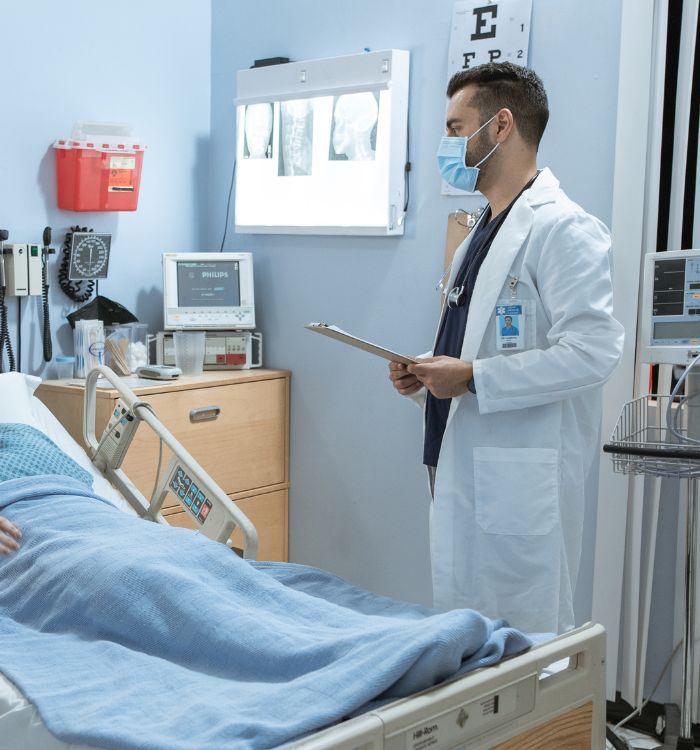
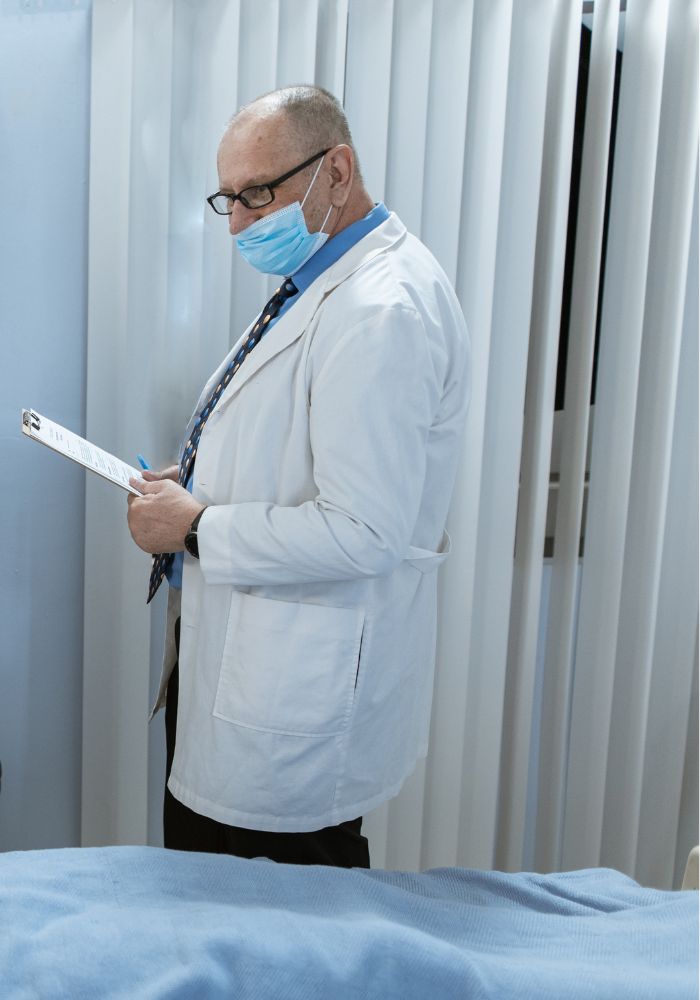
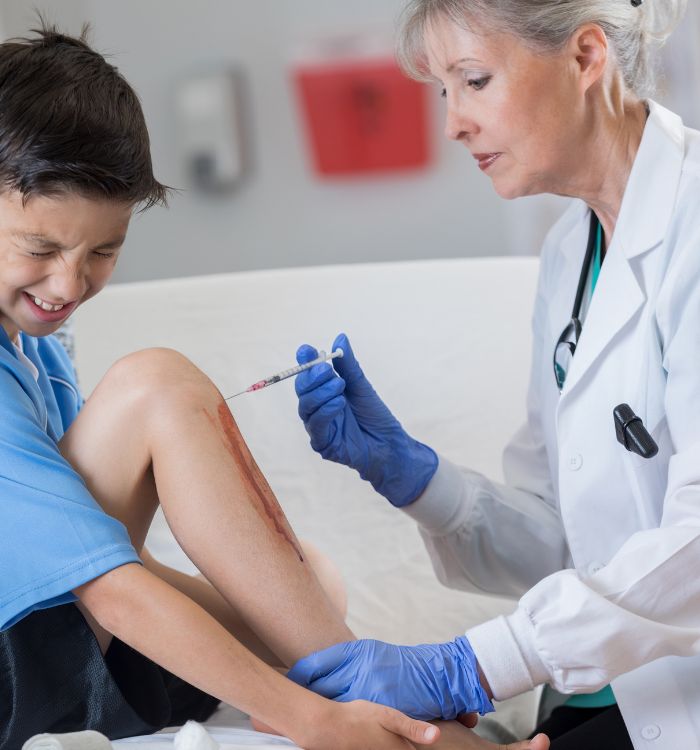

Emergency physicians, more treatments, less typing
Emergency physicians rely on PatientNotes to streamline documentation of acute care, with AI enhancing the speed, security, and detail of patient records, supporting efficient emergency treatment and patient management.


Emergency Physicians How AI Enhances Emergency Room Efficiency
Emergency Physicians appreciate PatientNotes for its ability to streamline critical care documentation, saving time and improving note quality, which supports rapid patient management and effective emergency care delivery.
.webp)
Personalized Emergency Physician notes ready in seconds for better patient care
Emergency physicians improve patient care in urgent settings with PatientNotes, rapidly producing detailed, personalized treatment notes and allowing more time for critical interventions.

Recommended Emergency Physician Action Plans
Emergency Physicians provide clear, actionable summaries post-emergency care, empowering patients with a written care plan and next steps for their critical health journey.

Emergency Physicians Expedite Critical Care Reports
Quickly generate emergency medical reports and referrals, enhancing immediate care and critical response.

Protecting patient health data with confidence
At PatientNotes robust security measures create the strong immune system we know is vital to your patient's healthcare data. We know medical information is sensitive, and we’ve fortified PatientNotes with cutting-edge security measures to safeguard your clinical consults and notes.





Works with the existing PMS in your emergency medicine practice
Emergency Physicians can streamline emergency medical care with PatientNotes, integrating with emergency medicine systems like Cliniko, enhancing emergency medical documentation and rapid response planning.






Emergency physicians manage acute cases with PatientNotes in trauma centers, during emergency medical conferences, and through telehealth.
Emergency physicians can access critical care data on any device with PatientNotes, compatible with emergency physician telehealth platforms for effective emergency medical care.

iPhone app
iPad app
PC
Mac
Microsoft Teams
Zoom
Google Meet (using PatientNotes Mac App)





Plans for teams of all sizes



Frequently asked questions
How do AI scribes handle the fast-paced documentation needs in emergency department settings?
AI scribes transcribe clinical encounters in real-time, allowing emergency physicians to document patient interactions without interrupting workflow during high-volume periods. The transcription happens as you speak, creating a draft of your notes that can be reviewed and edited before finalizing.
How do AI scribes handle emergency medicine-specific terminology and trauma documentation?
AI scribes recognize standard emergency medicine terminology including trauma classifications, triage assessments, and critical care procedures. For specialized terms or department-specific abbreviations that might be misinterpreted, you can review and edit the transcribed notes before finalizing them.
How do I transfer AI scribe documentation into ED-specific electronic health record systems?
Once your clinical documentation is complete, you can copy and paste the notes directly into your emergency department EHR system. The formatted notes integrate into your existing documentation workflow, allowing for seamless incorporation into platforms like Epic's ED Navigator or Cerner's FirstNet emergency department modules.
What about documenting multiple patient interactions during overlapping treatment times in the ED?
You can start and stop recording for different patients throughout your shift, clearly indicating patient transitions verbally for the AI to recognize. The separate recordings maintain distinct documentation for each patient encounter, helping you manage the parallel treatment flows common in emergency medicine.
Can I use an AI scribe during time-sensitive resuscitation efforts or code situations?
During resuscitation efforts, you can activate the AI scribe to capture the timeline of interventions, medication administration, and team communication. After the acute situation resolves, review the documentation to ensure accurate capture of critical decision points and interventions performed during the resuscitation.
What about documenting time-based critical care codes and procedure notes in the emergency setting?
While dictating, clearly articulate start and end times for critical care services and procedural interventions to create appropriate time-stamping in your documentation. This approach facilitates more accurate coding for emergency-specific billing requirements, including critical care time and procedure documentation needed for emergency medicine reimbursement.
Book a Discovery Call
Simply fill out the form and select a time that suits you best
Ready to get started? Create an account today
Transform the medical reporting in your practice, elevate the standard of patient care and bolster effective communication among healthcare professionals.



