
Streamline equine care with automated physiotherapy documentation
PatientNotes helps equine physiotherapists efficiently manage treatment notes, rehabilitation plans, and progress reports, allowing you to focus more on treating horses and less on administrative tasks.
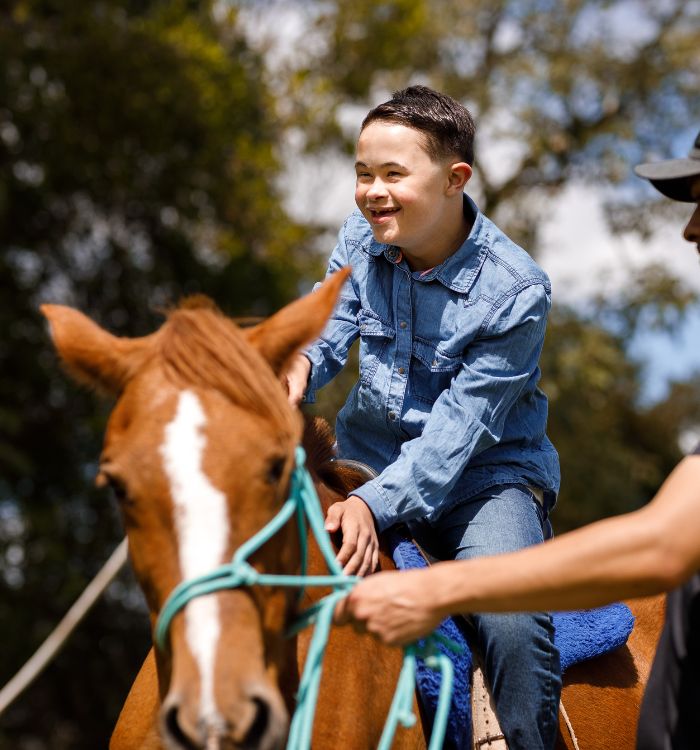
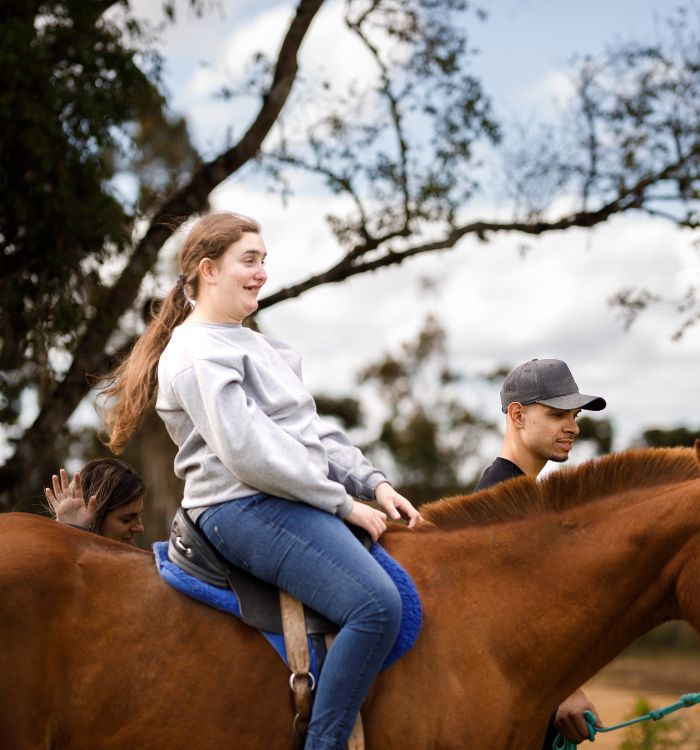
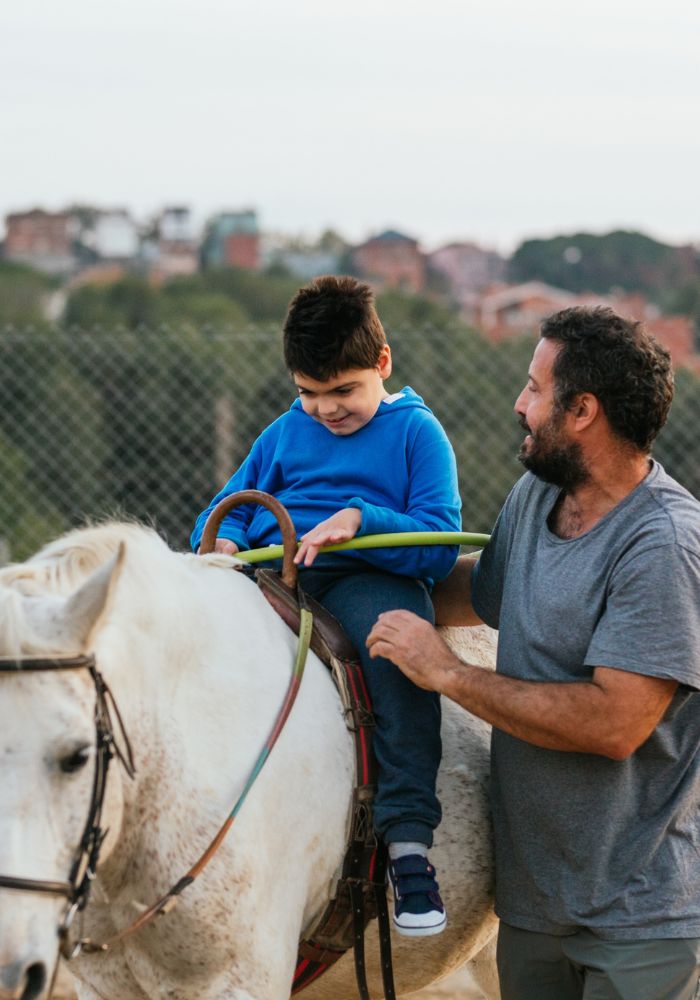
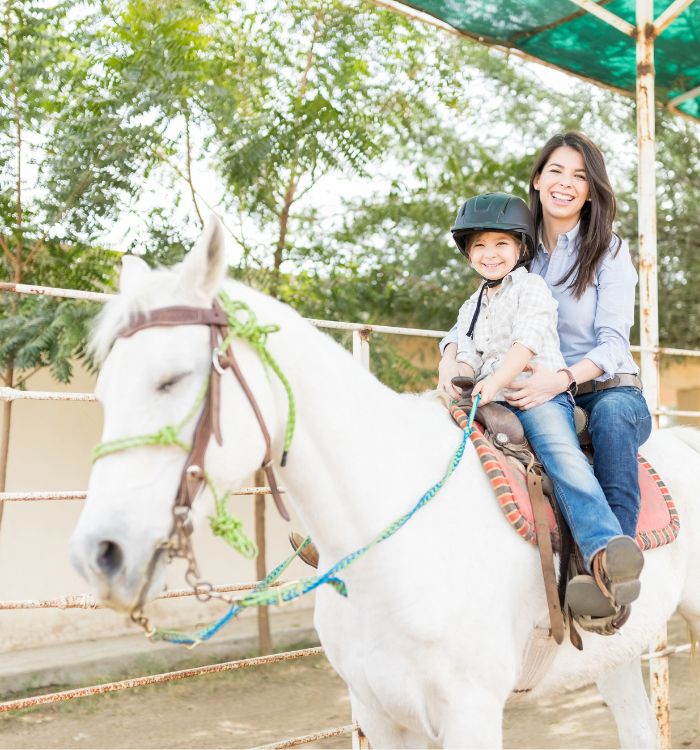
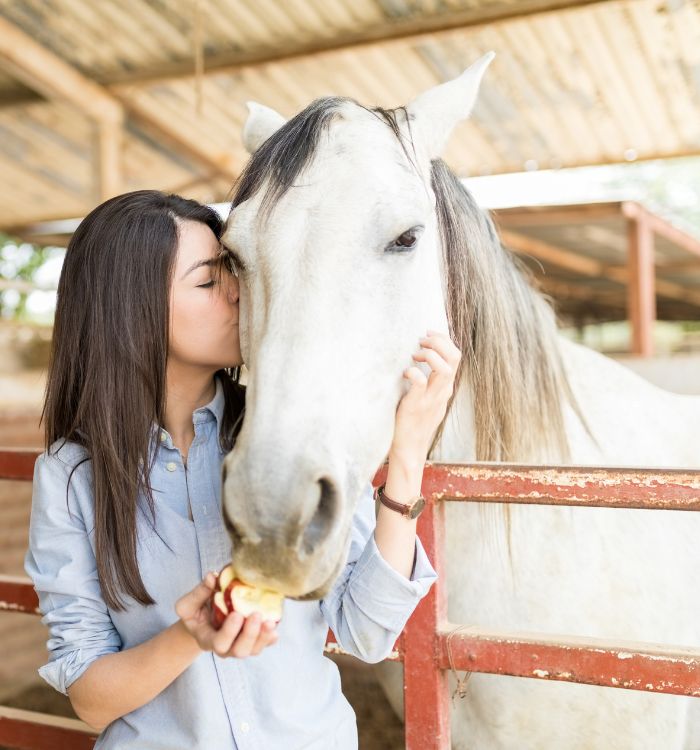
Equine physiotherapists, focus on rehabilitation, not paperwork
PatientNotes uses AI to draft session notes and rehabilitation summaries automatically, reducing the time spent on documentation and enabling more time for hands-on treatment and patient care.


Boost efficiency with AI-powered documentation
Equine physiotherapists find PatientNotes invaluable for quickly documenting therapy sessions, treatment plans, and follow-ups. Save time on paperwork, improve note accuracy, and enhance the quality of care for your equine patients.
.webp)
Instantly create detailed equine physiotherapy notes
With PatientNotes, equine physiotherapists can generate accurate, personalized notes on mobility, recovery progress, and treatment plans, allowing for more focused care and better outcomes for the horses under your care.

Provide clear rehabilitation plans for horse owners
Automatically generate post-session rehabilitation plans, ensuring horse owners have a clear, actionable guide for continuing their horse’s recovery at home, without adding to your administrative workload.

Simplify reporting and referrals
PatientNotes makes it easy for equine physiotherapists to create detailed treatment reports and referral letters, streamlining the documentation process and improving workflow efficiency.

Protecting patient health data with confidence
At PatientNotes robust security measures create the strong immune system we know is vital to your patient's healthcare data. We know medical information is sensitive, and we’ve fortified PatientNotes with cutting-edge security measures to safeguard your clinical consults and notes.





Works with your equine practice management system
PatientNotes integrates seamlessly with your existing practice management system, ensuring that equine physiotherapists can maintain accurate and comprehensive documentation without disruption to their workflow.






Accessible on all devices, anywhere
Whether in the stables, on-site during visits, or conducting telehealth consultations, PatientNotes is available on all devices—smartphones, tablets, and computers—ensuring your notes are always accessible.

iPhone app
iPad app
PC
Mac
Microsoft Teams
Zoom
Google Meet (using PatientNotes Mac App)





Plans for teams of all sizes



Frequently asked questions
How can an AI scribe help with documenting equine physiotherapy sessions?
AI scribes transcribe your verbal observations during equine assessments, capturing gait abnormalities, muscle tension patterns, and treatment responses in real-time. This allows you to maintain physical contact with the horse while creating comprehensive treatment notes.
How do I document treatment progress for performance horses with an AI scribe?
Simply narrate your observations about performance metrics, biomechanical improvements, and functional changes as you work. The transcription creates a chronological record of treatment progression that helps demonstrate value to owners and trainers.
What equine-specific terminology will an AI scribe understand during my sessions?
Most AI scribes learn and adapt to specialized equine physiotherapy terminology through regular use. The more you use profession-specific terms like "craniosacral techniques," "myofascial release," or "proprioceptive neuromuscular facilitation," the better the transcription accuracy becomes.
Can I use an AI scribe while working in outdoor environments like paddocks or arenas?
AI scribes work in various environments as long as your device can capture your voice clearly. Consider using a headset microphone to minimize environmental noise from wind, other horses, or barn activities for optimal transcription accuracy.
How can AI scribes help with documenting pre- and post-competition assessments?
Dictate your observations during pre-competition baseline assessments and post-performance evaluations while keeping your hands free to work with the horse. This creates detailed documentation that helps track subtle changes in equine athletes' condition across competition seasons.
Book a Discovery Call
Simply fill out the form and select a time that suits you best
Ready to get started? Create an account today
Transform the medical reporting in your practice, elevate the standard of patient care and bolster effective communication among healthcare professionals.



