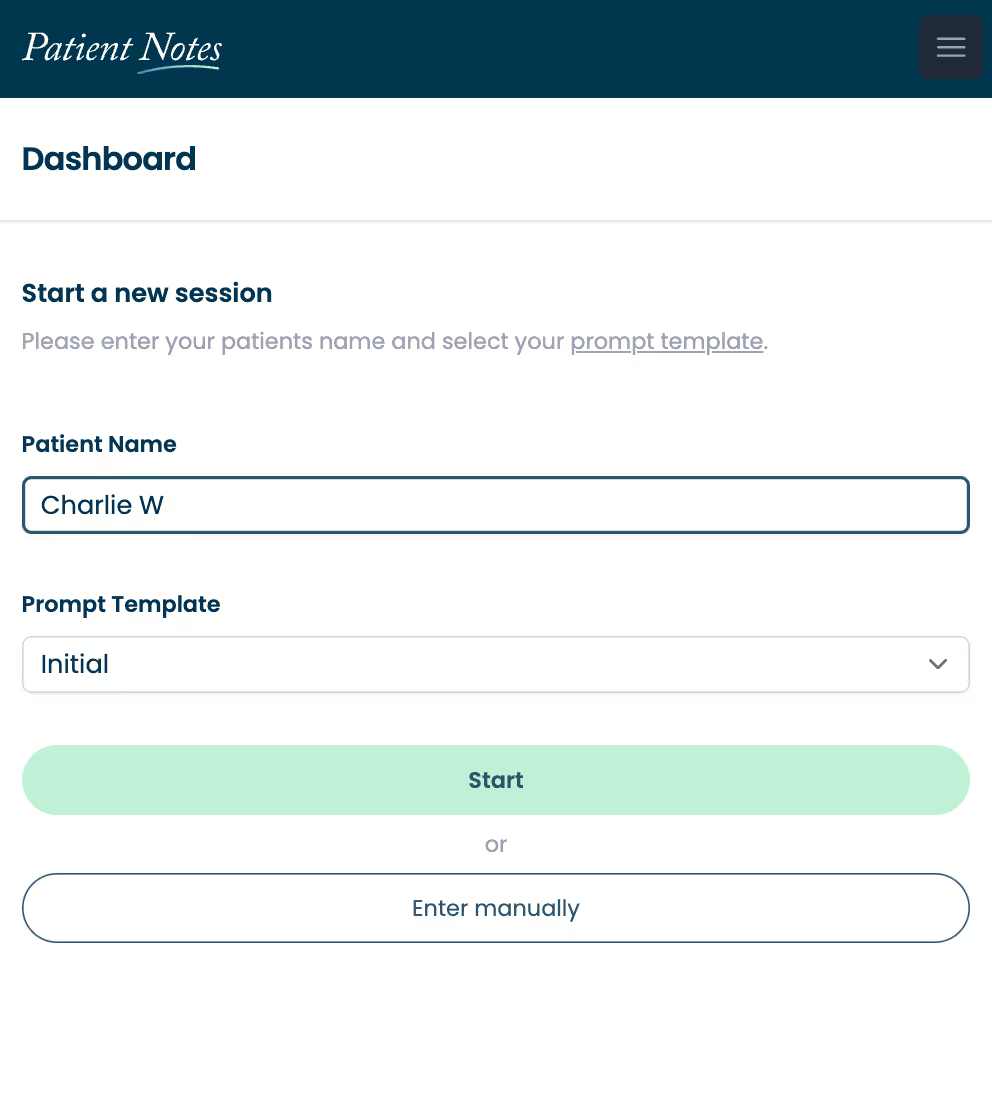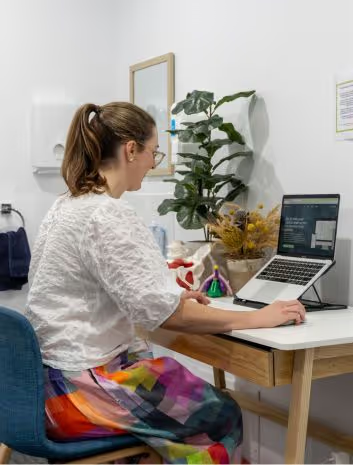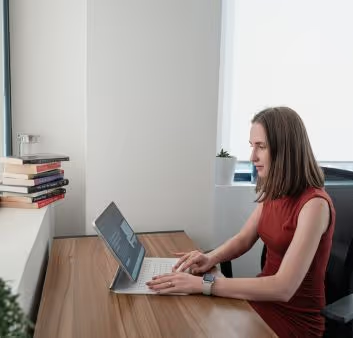
Enhance family health care with automated documentation from PatientNotes
PatientNotes supports family nurse practitioners by automating the recording of comprehensive family health records and treatment plans, enhancing efficiency and focus on patient care, crucial for effective family medicine practices.
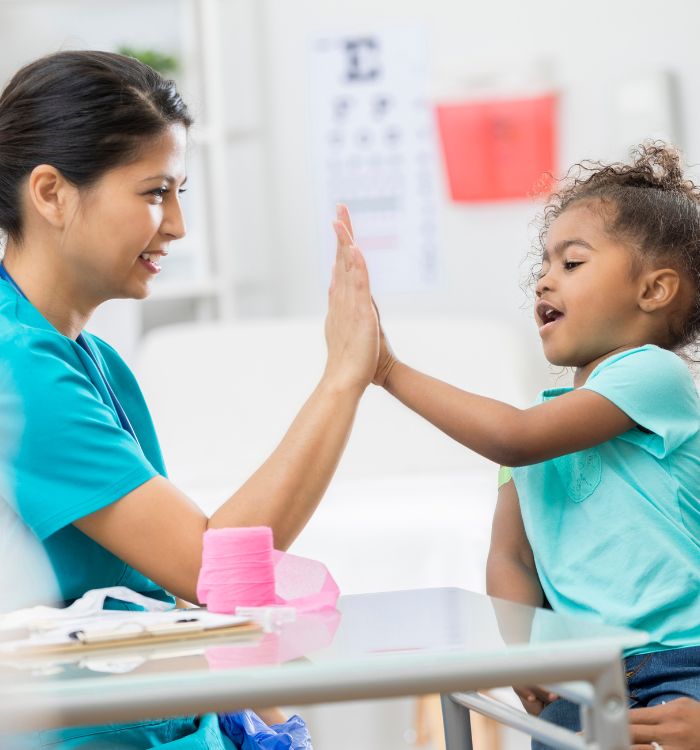

Family nurse practitioners, more family care, less admin
Family nurse practitioners streamline family health documentation with PatientNotes, leveraging AI to ensure secure, comprehensive, and efficient patient records, enhancing family care and preventive health management.
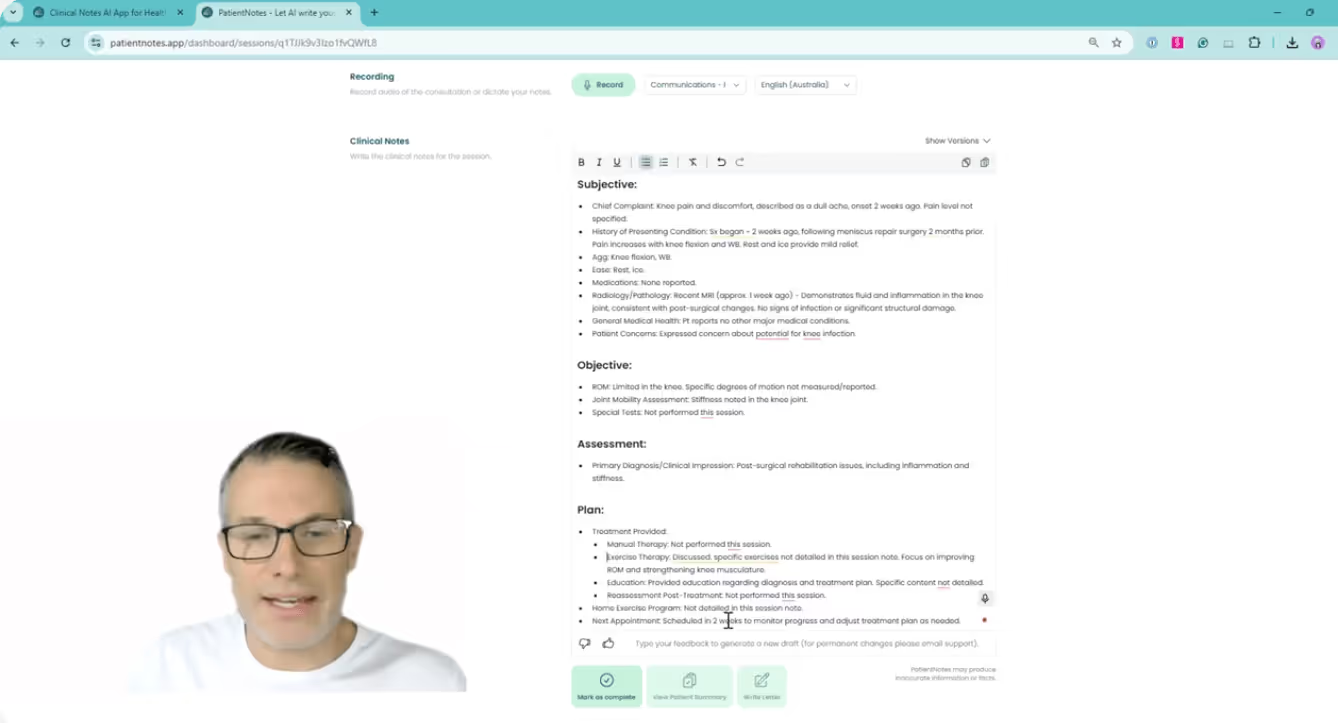

Family Nurse Practitioners How AI Enhances Family Health Care
Family Nurse Practitioners utilize PatientNotes to manage comprehensive family health documentation efficiently, saving time and improving the quality of notes, which supports holistic patient care and family health management.
.webp)
Quick, Customized Family Nursing notes for better holistic care.
Family nurse practitioners enhance holistic care with PatientNotes, rapidly producing detailed, personalized family health notes and allowing more time for patient interaction and treatment.
Recommended Family Nurse Practitioner Action Plans
Family Nurse Practitioners deliver clear, actionable summaries post-consultation, empowering families with a written care plan and next steps for their comprehensive health journey.
Family Nurse Practitioners Save Hours on Family Health Documentation
Efficiently manage family health reports and referrals, enhancing comprehensive family care.
Protecting patient health data with confidence
At PatientNotes robust security measures create the strong immune system we know is vital to your patient's healthcare data. We know medical information is sensitive, and we’ve fortified PatientNotes with cutting-edge security measures to safeguard your clinical consults and notes.




Works with the existing PMS in your family nurse practitioner practice
Family Nurse Practitioners can enhance family health care with PatientNotes, compatible with family medicine systems like TM3, optimizing family health documentation and patient care coordination.

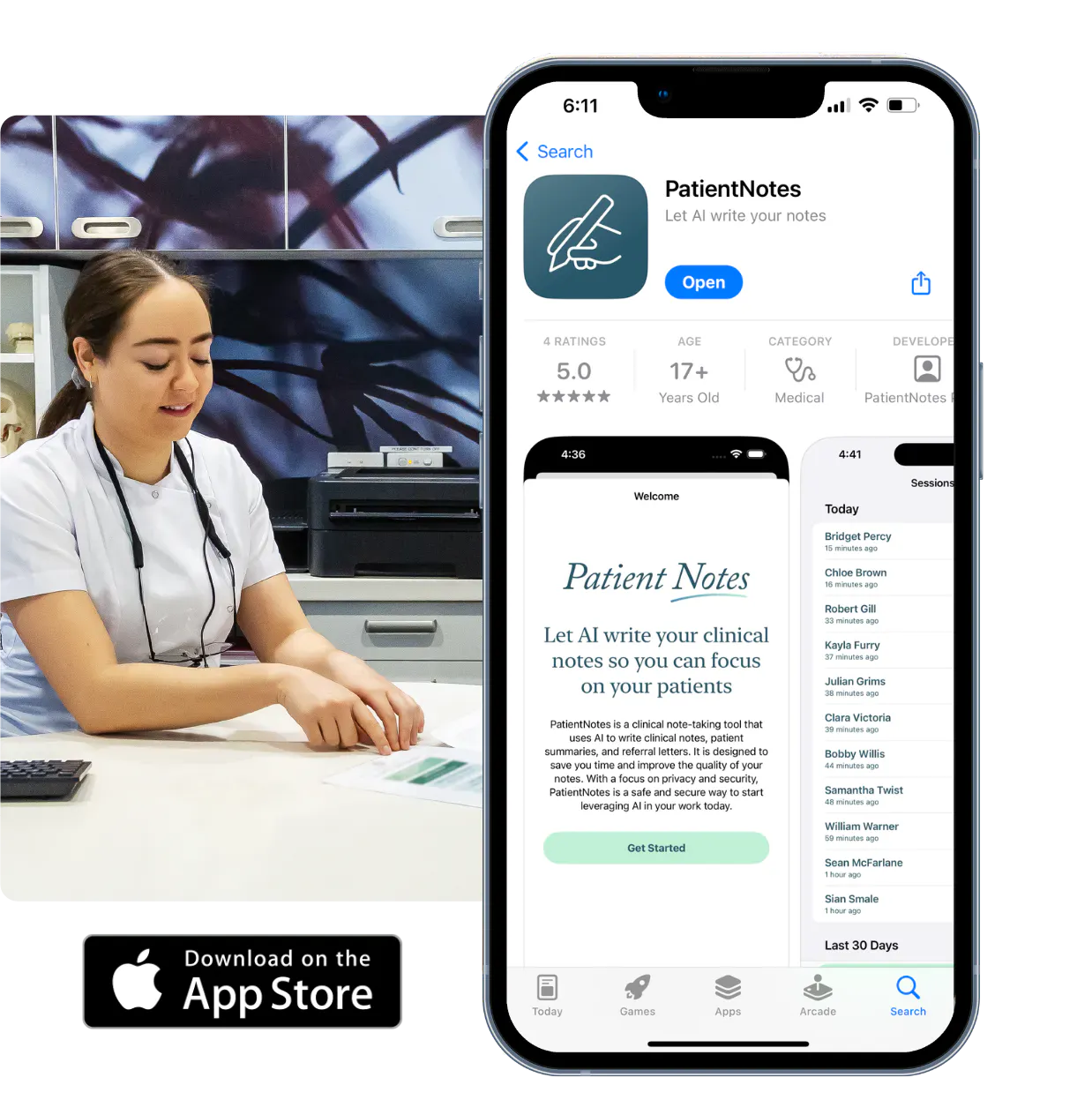
Family nurse practitioners coordinate comprehensive family care with PatientNotes in family practice settings, during community health days, and via telehealth.
Family nurse practitioners can keep family health care notes accessible on any device with PatientNotes, enhancing family health management with family nurse practitioner telehealth platforms.

iPhone app
iPad app
PC
Mac
Microsoft Teams
Zoom
Google Meet (using PatientNotes Mac App)
Plans for teams of all sizes


Frequently asked questions
How do I document complex family dynamics during primary care visits using an AI scribe?
Verbalize your observations about family interactions, support systems, and care dynamics during the visit, which becomes part of your clinical documentation.
How do AI scribes handle FNP-specific terminology related to chronic disease management?
Your spoken clinical terminology about disease management, medication adjustments, and treatment plans transforms into written documentation through the voice-to-text process.
What about documenting preventive care discussions and immunization counseling?
Speak through your preventive care recommendations, vaccination discussions, and patient education points during the visit for documentation in your notes.
How do I document multiple complaints from different body systems in a single visit?
Address each complaint systematically while speaking your assessment and plan for each body system, creating organized documentation that follows your clinical reasoning pattern.
Book a Discovery Call
Simply fill out the form and select a time that suits you best
Ready to get started? Create an account today
Transform the medical reporting in your practice, elevate the standard of patient care and bolster effective communication among healthcare professionals.