
Enhance your lactation practice with AI-powered documentation
PatientNotes helps IBCLCs efficiently manage client notes, feeding plans, and progress reports, allowing you to focus more on supporting breastfeeding mothers and babies and less on paperwork.
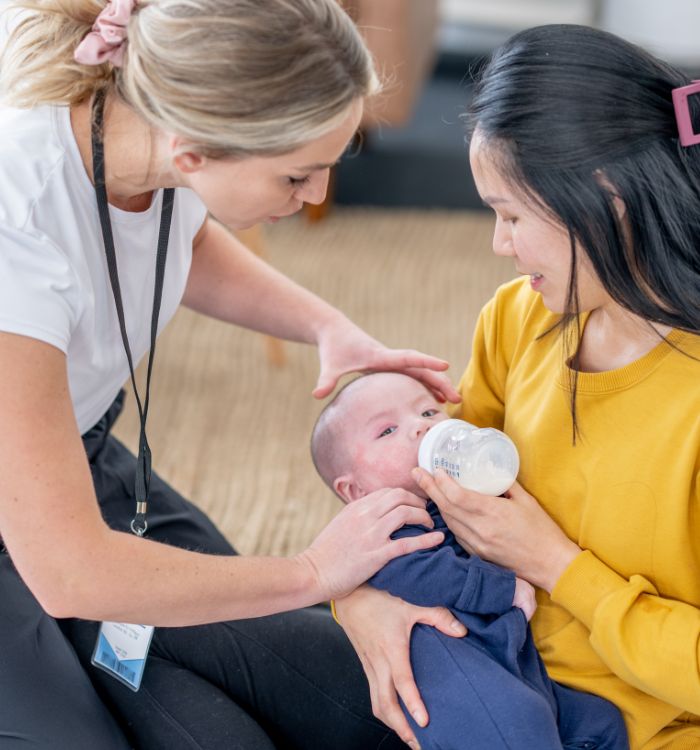
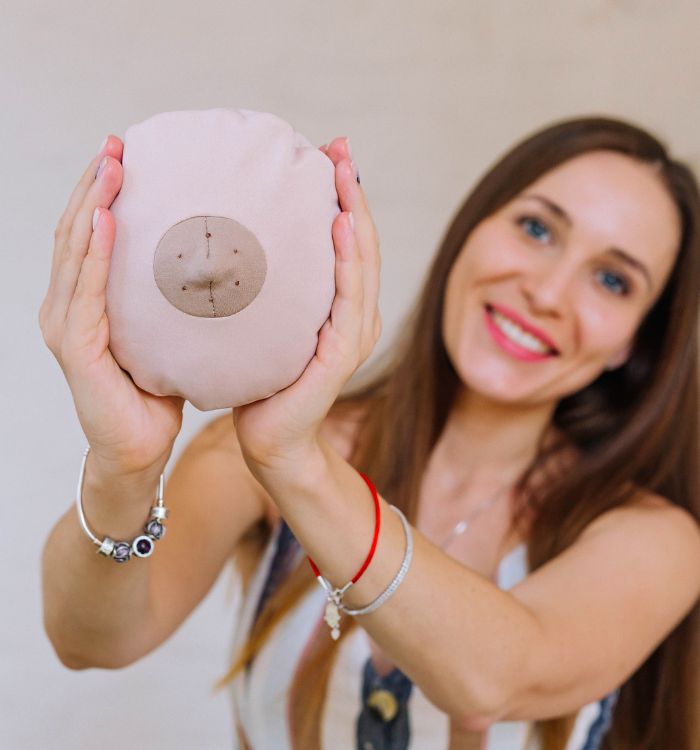



Focus on breastfeeding support, not documentation
PatientNotes uses AI to automatically draft session notes, care plans, and follow-up summaries, reducing the administrative workload and enabling you to dedicate more time to guiding families through their breastfeeding journey.


Save time with automated note-taking
IBCLCs find PatientNotes indispensable for quickly generating session notes and customized care plans. Spend less time on documentation and more time providing hands-on support to mothers and babies.
.webp)
Create detailed lactation notes instantly
PatientNotes allows IBCLCs to easily generate accurate and personalized notes on breastfeeding challenges, latch assessments, and feeding progress, ensuring thorough records without the need for excessive typing.

Provide clear, personalized breastfeeding plans
Automatically generate post-session feeding plans and care instructions, giving your clients clear, actionable steps to improve breastfeeding and support infant nutrition, without increasing your administrative burden.

Streamline reporting and referrals
PatientNotes makes it easy to generate professional reports and referral letters for collaboration with pediatricians, midwives, or other healthcare providers, ensuring holistic care for both mother and baby.

Protecting patient health data with confidence
At PatientNotes robust security measures create the strong immune system we know is vital to your patient's healthcare data. We know medical information is sensitive, and we’ve fortified PatientNotes with cutting-edge security measures to safeguard your clinical consults and notes.





Works with your practice management system
PatientNotes integrates seamlessly with your existing practice management system, ensuring accurate and organized record-keeping without disrupting your daily workflow.






Accessible on all devices, anywhere
Whether you’re in the clinic, conducting home visits, or offering telehealth consultations, PatientNotes is available on all devices—smartphones, tablets, and computers—ensuring you have access to your notes and client data anytime, anywhere.

iPhone app
iPad app
PC
Mac
Microsoft Teams
Zoom
Google Meet (using PatientNotes Mac App)





Plans for teams of all sizes



Frequently asked questions
How do I document breastfeeding assessment findings using an AI scribe during consultations?
Verbalize your observations about latch, positioning, milk transfer, and infant behavior as you conduct the assessment, creating documentation while maintaining eye contact with the mother and baby.
How do AI scribes handle lactation-specific terminology and assessment scales?
Your spoken lactation terminology, including anatomical terms, feeding assessment scores, and clinical observations, transforms into written documentation through the voice-to-text process.
What about documenting sensitive maternal health information during lactation consultations?
Speak clearly about relevant maternal health factors that impact lactation while maintaining your typical professional boundaries and awareness of privacy considerations.
How might I incorporate AI scribes into home visits or hospital rounds as an IBCLC?
Voice your observations and recommendations during the consultation, regardless of setting, allowing documentation to happen simultaneously with your hands-on support.
Book a Discovery Call
Simply fill out the form and select a time that suits you best
Ready to get started? Create an account today
Transform the medical reporting in your practice, elevate the standard of patient care and bolster effective communication among healthcare professionals.



