
Enhance mammography efficiency with automated documentation from PatientNotes
PatientNotes aids mammographers in managing imaging reports and patient records, automating documentation to improve efficiency and accuracy in breast imaging procedures, crucial for effective mammography practices.
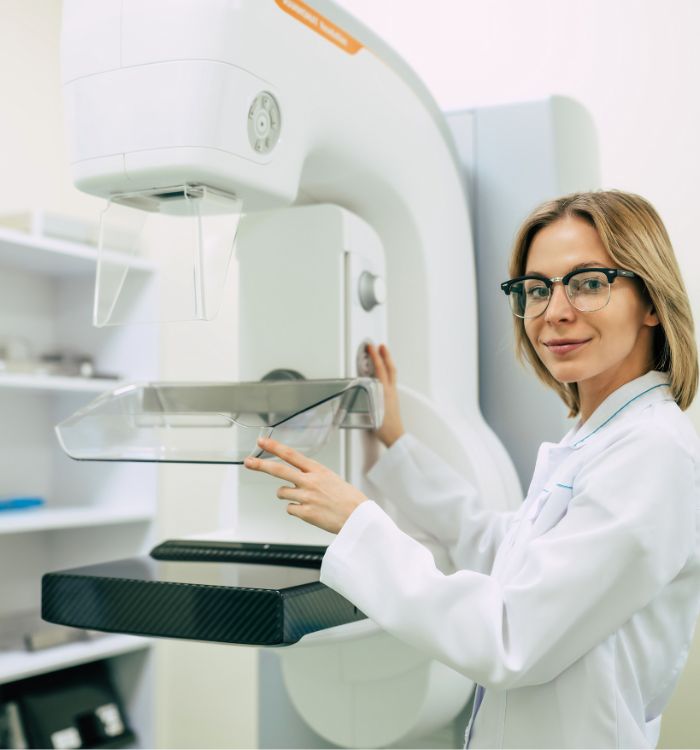
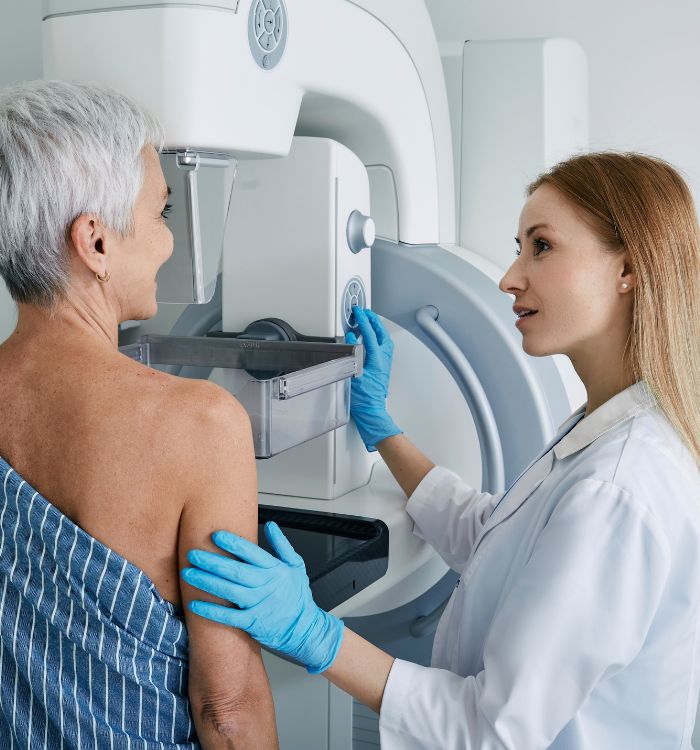
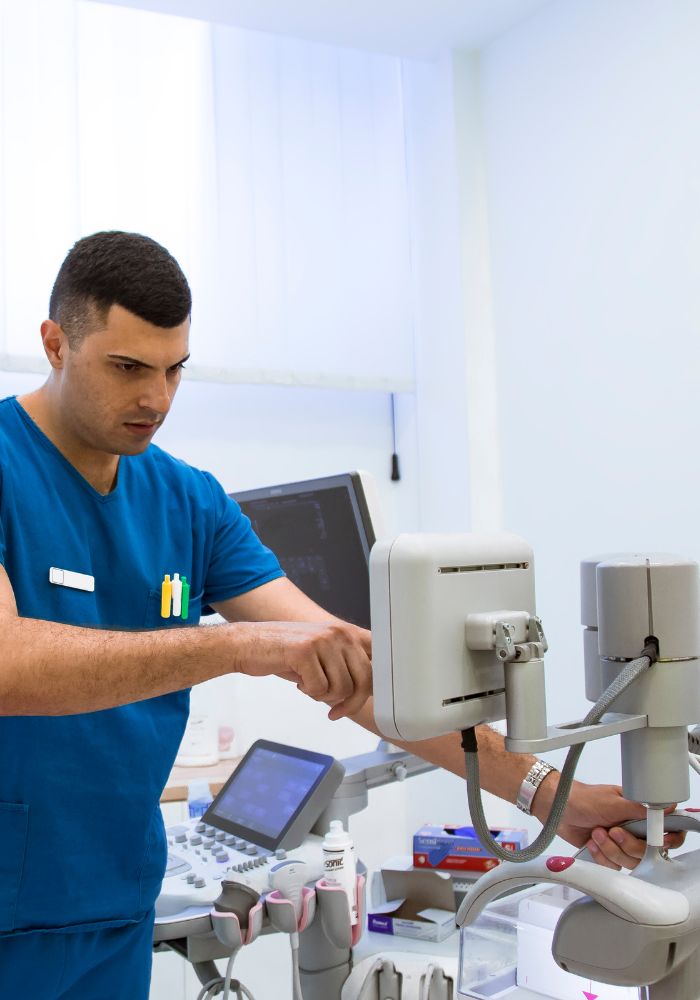
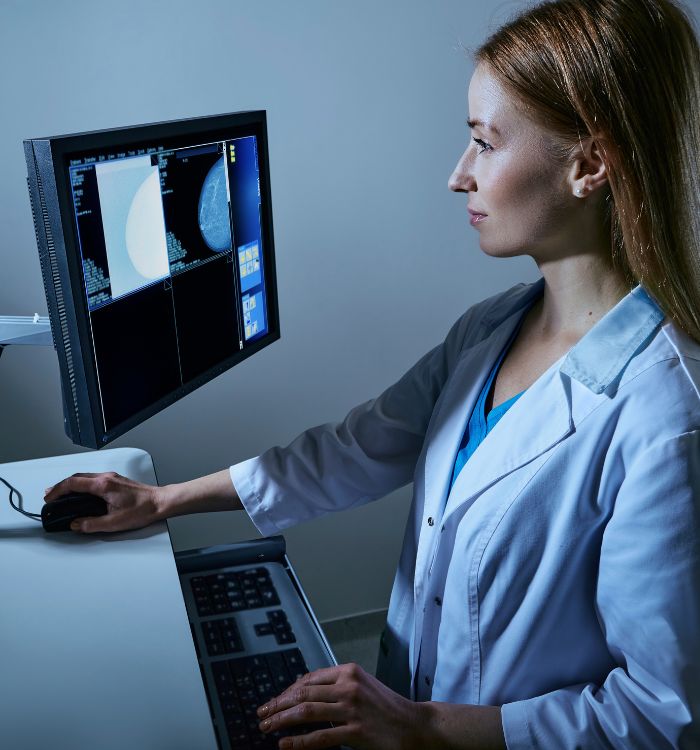
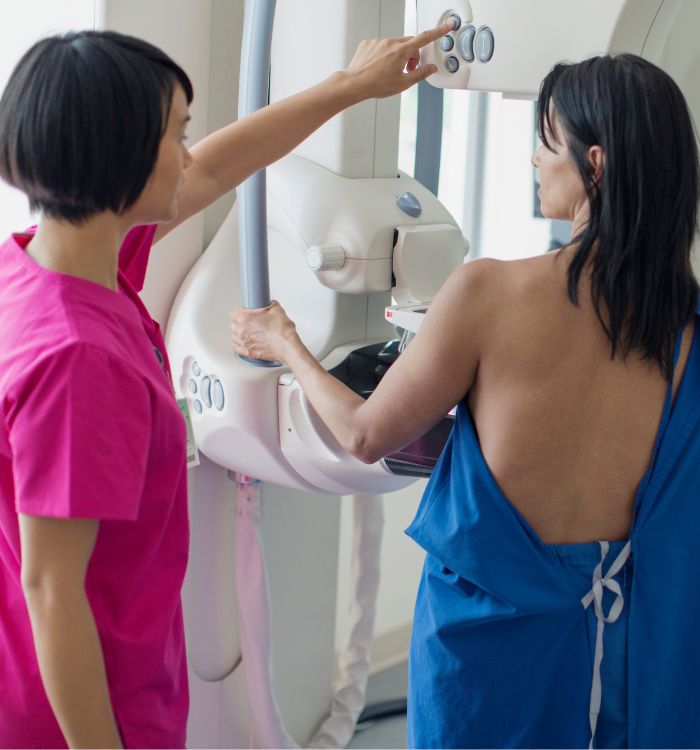
Mammographers, more screenings, less paperwork
Mammographers streamline breast imaging documentation with PatientNotes, utilizing AI to ensure quick, secure, and detailed records of diagnostic images and patient assessments, supporting effective breast cancer screening and follow-up.


Mammographers How AI Streamlines Breast Imaging
Mammographers appreciate PatientNotes for its ability to manage diagnostic imaging and patient follow-up documentation efficiently, saving time and improving the quality of notes, which supports effective breast cancer screening and patient care.
.webp)
Personalized Mammography session notes ready swiftly for better patient care
Mammographers optimize breast imaging with PatientNotes, quickly generating detailed, personalized scan notes and allowing more time for patient consultations and follow-up.

Recommended Mammographer Action Plans
Mammographers provide clear, actionable summaries post-imaging, empowering patients with a written care plan and next steps for their breast health journey.

Mammographers Save Time on Breast Imaging Reports
Rapidly handle mammography reports and referrals, enhancing breast health screening and diagnostics.

Protecting patient health data with confidence
At PatientNotes robust security measures create the strong immune system we know is vital to your patient's healthcare data. We know medical information is sensitive, and we’ve fortified PatientNotes with cutting-edge security measures to safeguard your clinical consults and notes.





Works with the existing PMS in your mammography practice
Mammographers can manage mammography sessions with PatientNotes, integrating with radiology systems like Pracsoft, optimizing mammography session documentation and breast health analysis.






Mammographers coordinate breast imaging with PatientNotes in radiology departments, during mammography training sessions, and at remote consultations.
Mammographers can keep breast imaging data handy on any device with PatientNotes, enhancing mammography with mammographer telehealth platforms.

iPhone app
iPad app
PC
Mac
Microsoft Teams
Zoom
Google Meet (using PatientNotes Mac App)





Plans for teams of all sizes



Frequently asked questions
How do AI scribes handle specific mammography terminology and breast imaging findings?
AI scribes transcribe mammography-specific terminology including BI-RADS classifications, breast density descriptors, and detailed lesion characteristics. The more you use profession-specific language in your dictation, the more the transcription will reflect accurate mammography terminology.
How do I integrate AI scribe notes with mammography PACS and reporting systems?
Copy and paste your completed clinical notes from the AI scribe into your mammography information system or PACS reporting module. This approach works with major mammography reporting systems while maintaining your established workflow.
Can I use AI scribes to document diagnostic workups that include multiple imaging modalities?
AI scribes transcribe your comprehensive assessment across mammography, ultrasound, and other breast imaging modalities performed during diagnostic evaluations. Simply dictate your findings for each modality and your integrated assessment, maintaining your clinical narrative throughout the workup.
Can AI scribes document patient positioning and technical factors during mammography exams?
AI scribes document your verbal descriptions of patient positioning, compression techniques, and technical factors used during exams. Simply dictate these details as you perform the exam, including any positioning modifications needed for challenging cases.
How do AI scribes handle dictation during back-to-back screening mammograms when time is limited?
AI scribes process dictation continuously, allowing you to dictate brief findings for multiple screening exams in succession. For normal screenings, create efficient templates or shorthand phrases that the AI scribe can expand into complete documentation.
How do AI scribes handle documentation of patient education and communication about screening results?
AI scribes transcribe your verbal descriptions of patient education provided, including discussions about breast density, screening intervals, and follow-up recommendations. Include these critical communication elements in your dictation to ensure complete documentation of patient counseling.
Book a Discovery Call
Simply fill out the form and select a time that suits you best
Ready to get started? Create an account today
Transform the medical reporting in your practice, elevate the standard of patient care and bolster effective communication among healthcare professionals.



