
Optimize your medical laboratory workflow with precise documentation technology
PatientNotes helps medical technologists reduce reporting workload for laboratory professionals and administrative personnel. Streamline test results and methodology documentation, allowing your technologists to focus on analytical precision and quality assurance.
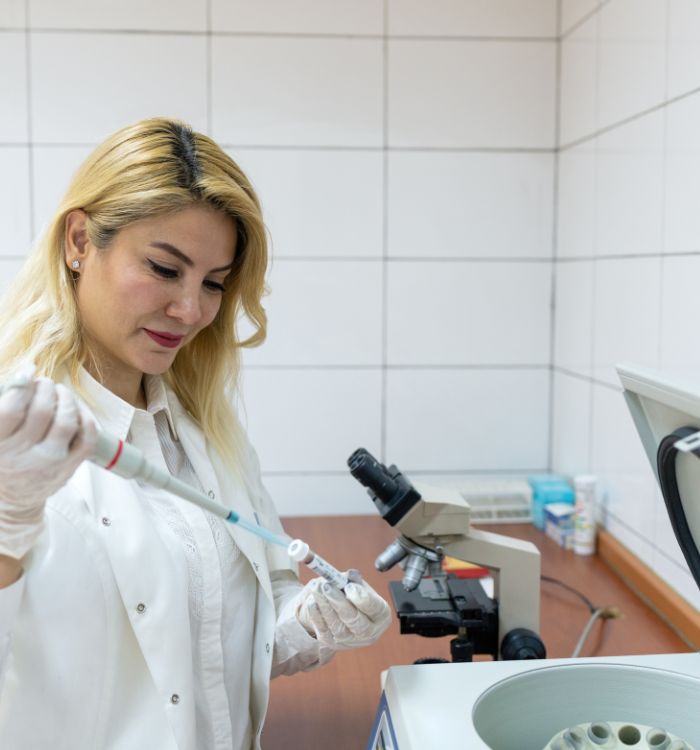
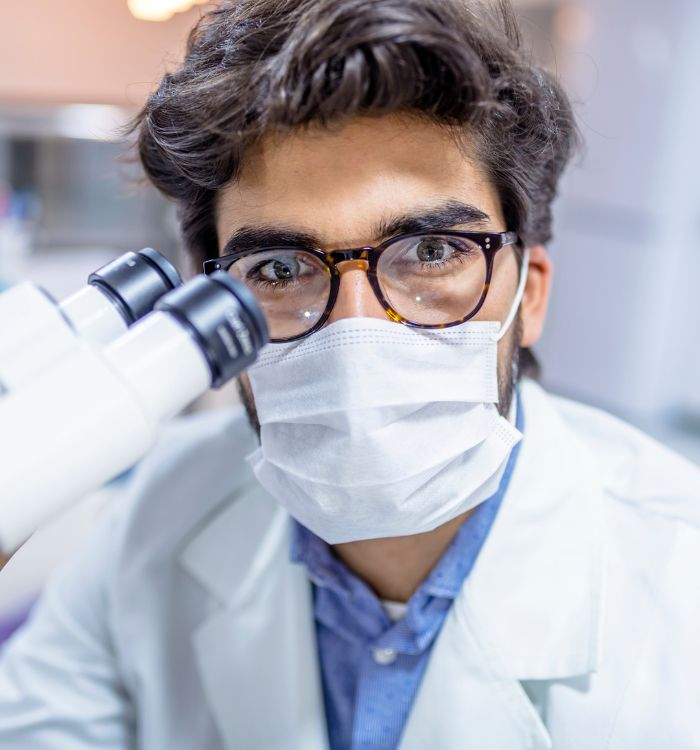

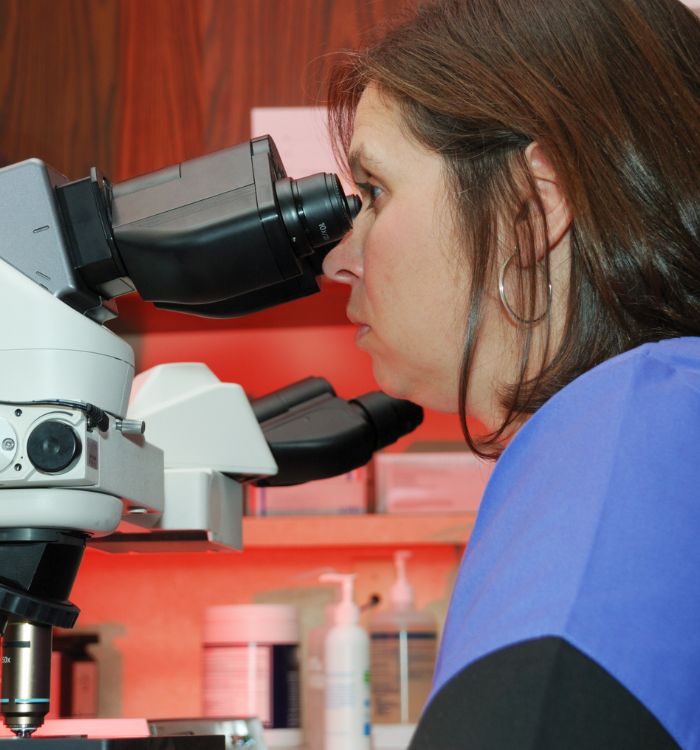
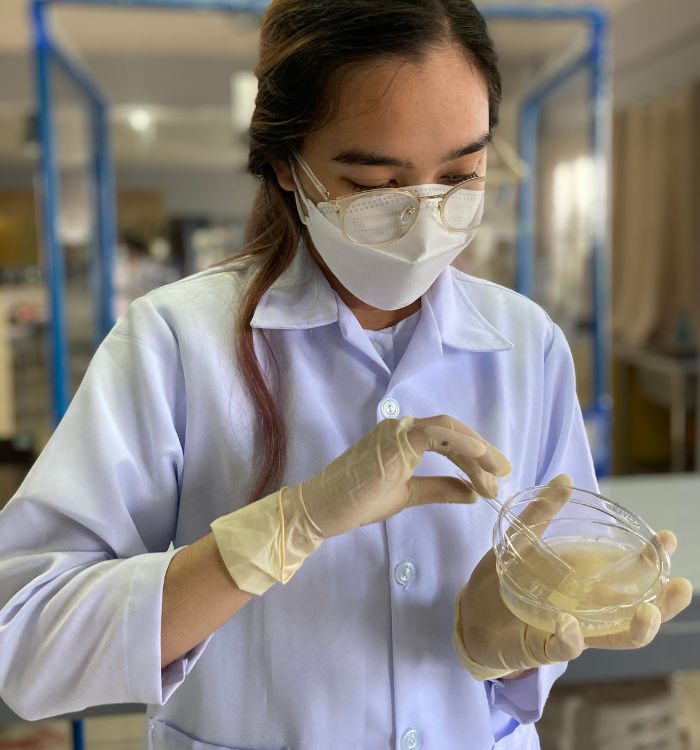
Create a more precise and quality-focused laboratory environment
PatientNotes employs AI to create detailed analytical reports and methodology documentation automatically, reducing post-testing paperwork. Enhance laboratory throughput, minimize administrative delays, and improve accuracy of diagnostic reporting.


Decrease reporting time and optimize laboratory throughput in your diagnostic department
PatientNotes optimizes laboratory operations by allowing medical technologists to complete test documentation immediately with AI. Reduce reporting backlog, improve analytical throughput, and increase capacity for specimen processing and analysis.
.webp)
Optimize your laboratory's analytical precision
Assign documentation to PatientNotes, allowing your medical technologists to focus on what they do best—conducting precise laboratory analysis and quality control. With AI-assisted reporting, administrative tasks are completed efficiently, improving overall diagnostic accuracy.

Alleviate reporting burden on your laboratory professionals
By automating the production of test results and methodological documentation, your medical technologists no longer need to manage documentation backlogs or stay after shifts, enhancing staff satisfaction and laboratory efficiency.

Laboratory standards compliance made effortless
Ensure precise, accurate, and compliant laboratory records for every test performed, reducing potential quality assurance concerns. Automatically generate comprehensive analytical reports and methodology documentation to improve diagnostic accuracy and regulatory compliance.

Protecting patient health data with confidence
At PatientNotes robust security measures create the strong immune system we know is vital to your patient's healthcare data. We know medical information is sensitive, and we’ve fortified PatientNotes with cutting-edge security measures to safeguard your clinical consults and notes.





Syncs with your laboratory information systems
PatientNotes integrates smoothly with all major laboratory information systems like Sunquest, SoftLab, and more, ensuring a seamless transition and minimal disruption to your diagnostic laboratory operations.






Accessible from any device, throughout your laboratory
PatientNotes is cloud-accessible and functions on any platform—workstations, tablets, mobile devices—allowing your laboratory team to access and update test documentation from anywhere, whether at testing stations, review areas, or during interdepartmental consultations.

iPhone app
iPad app
PC
Mac
Microsoft Teams
Zoom
Google Meet (using PatientNotes Mac App)





Plans for teams of all sizes



Frequently asked questions
How can AI scribes help Medical Technologists document complex laboratory testing procedures?
AI scribes transcribe your verbal descriptions of laboratory procedures, methodology, and results in real-time while you work. This eliminates the need to take notes during testing and reduces documentation time afterward.
How do I integrate AI scribe notes into Laboratory Information Systems (LIS)?
After dictating your notes to the AI scribe, you can review the transcribed text and copy-paste it directly into your Laboratory Information System. This maintains the integrity of your LIS while reducing manual documentation time.
Can I use an AI scribe in a busy laboratory environment with background noise?
AI scribes are designed to focus on the primary speaker's voice, though extremely noisy environments may present challenges. Many Medical Technologists find that microphone positioning and speaking clearly helps overcome moderate laboratory background noise.
Can AI scribes understand specialized terminology used in laboratory medicine?
Most AI scribes recognize common laboratory terminology and can learn specialized terms used in your specific discipline, such as hematology, microbiology, or clinical chemistry. Consistent usage helps improve recognition of profession-specific terminology over time.
How might an AI scribe help with documenting quality control procedures?
You can dictate quality control measures, calibration results, and validation steps as you perform them. The AI scribe creates a chronological record that helps maintain regulatory compliance and provides thorough documentation for laboratory accreditation requirements.
How might AI scribes benefit Medical Technologists during instrument maintenance documentation?
You can verbally document maintenance procedures, troubleshooting steps, and instrument performance metrics while performing the actual work. This creates more detailed maintenance records and eliminates the need to recall specific measurements or observations later.
Book a Discovery Call
Simply fill out the form and select a time that suits you best
Ready to get started? Create an account today
Transform the medical reporting in your practice, elevate the standard of patient care and bolster effective communication among healthcare professionals.



