
Streamline neurology practice with efficient documentation management
PatientNotes aids neurology physician assistants by automating clinical notes and follow-up documentation, allowing more focused patient interaction and better management of neurological disorders.
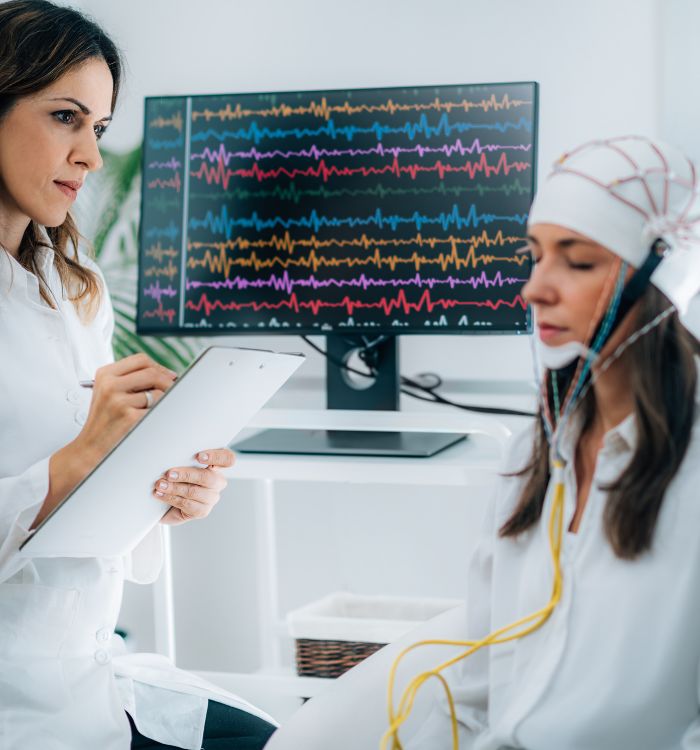
Neurology PAs, more patient care, less admin
Neurology physician assistants use PatientNotes to manage patient care documentation efficiently, allowing more time for patient interactions with AI-assured security and comprehensiveness in note-taking.


AI Streamlining Tasks for Neurology Physician Assistants
Neurology Physician Assistants use PatientNotes to manage patient care documentation efficiently, saving time and improving the quality of notes, which supports effective neurological treatment and patient management.
.webp)
Instantly drafted Neurology Assistant notes.
Neurology physician assistants use PatientNotes to quickly generate detailed notes, improving efficiency and allowing more time for patient care.

Recommended Neurology Physician Assistant Action Plans
Neurology Physician Assistants provide clear, actionable summaries post-consultation, empowering patients with a written care plan and next steps for their neurological care journey.

Neurology PAs Streamline Neurological Documentation
Quickly manage neurological reports and referrals, enhancing patient care in neurology settings.

Protecting patient health data with confidence
At PatientNotes robust security measures create the strong immune system we know is vital to your patient's healthcare data. We know medical information is sensitive, and we’ve fortified PatientNotes with cutting-edge security measures to safeguard your clinical consults and notes.





Works with the existing PMS in your neurology assistant practice
Neurology PAs find PatientNotes compatible with systems like Cliniko, streamlining neurological assessments and patient care.






Neurology physician assistants manage case files with PatientNotes in neuro clinics, at medical conferences, and during remote consultations.
Neurology PAs can keep detailed neurological care notes handy on any device with PatientNotes, which also works with neurology PA telehealth platforms.

iPhone app
iPad app
PC
Mac
Microsoft Teams
Zoom
Google Meet (using PatientNotes Mac App)





Plans for teams of all sizes



Frequently asked questions
How do I document complex neurological exam findings using an AI scribe during patient evaluations?
Verbalize your exam findings as you perform each element of the neurological examination, speaking clearly about cranial nerve function, motor strength, sensory testing, reflexes, and coordination assessments for transcription into your notes.
How do AI scribes handle specialized neurology terminology and anatomical references during documentation?
Neuroanatomical terms, clinical syndromes, and specific neurological descriptors transform from your spoken words into written documentation through the voice-to-text process.
What about documenting detailed patient histories for neurological conditions with multiple symptoms and progression timelines?
Speak through your patient interview as normal, articulating symptom onset, progression patterns, exacerbating factors, and correlation with neurological pathways while the voice-to-text system creates your documentation.
How do I document medication management for complex neurological conditions with multiple treatment adjustments?
Verbalize your medication decisions, dosage adjustments, side effect considerations, and treatment rationales during your patient encounter for immediate documentation.
Book a Discovery Call
Simply fill out the form and select a time that suits you best
Ready to get started? Create an account today
Transform the medical reporting in your practice, elevate the standard of patient care and bolster effective communication among healthcare professionals.



