
Enhance neuroradiology diagnostics with streamlined documentation from PatientNotes
PatientNotes supports neuroradiographers by automating imaging reports and patient notes, improving efficiency and accuracy in diagnosing neurological conditions. This tool helps in managing extensive diagnostic information, essential for precise imaging analysis.
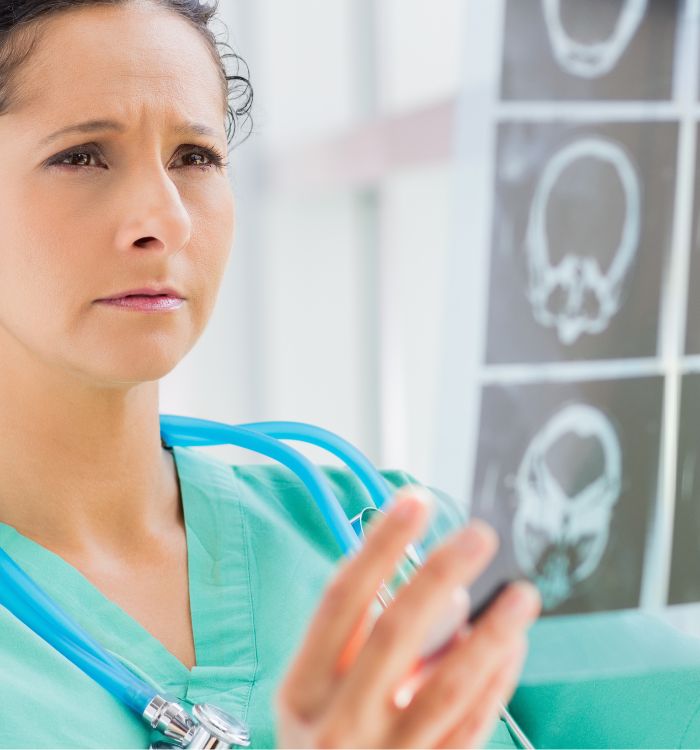
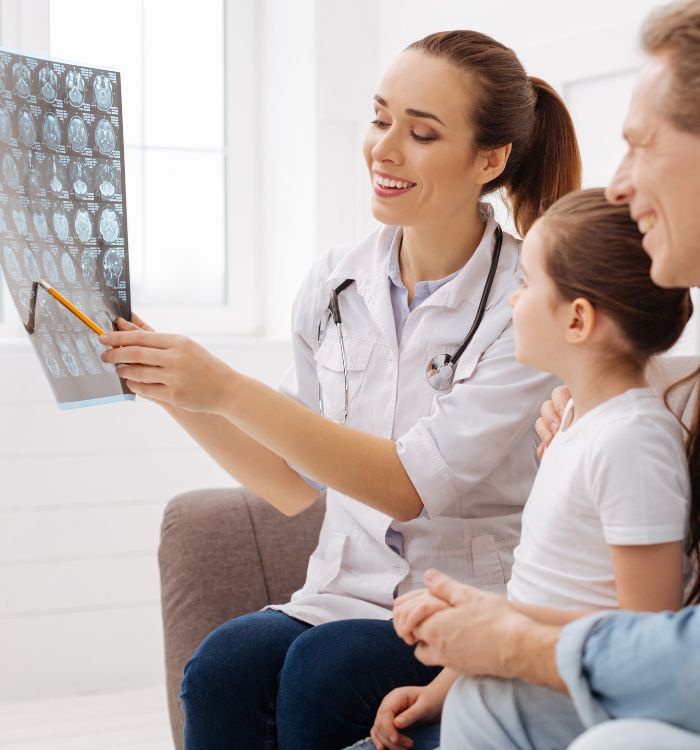
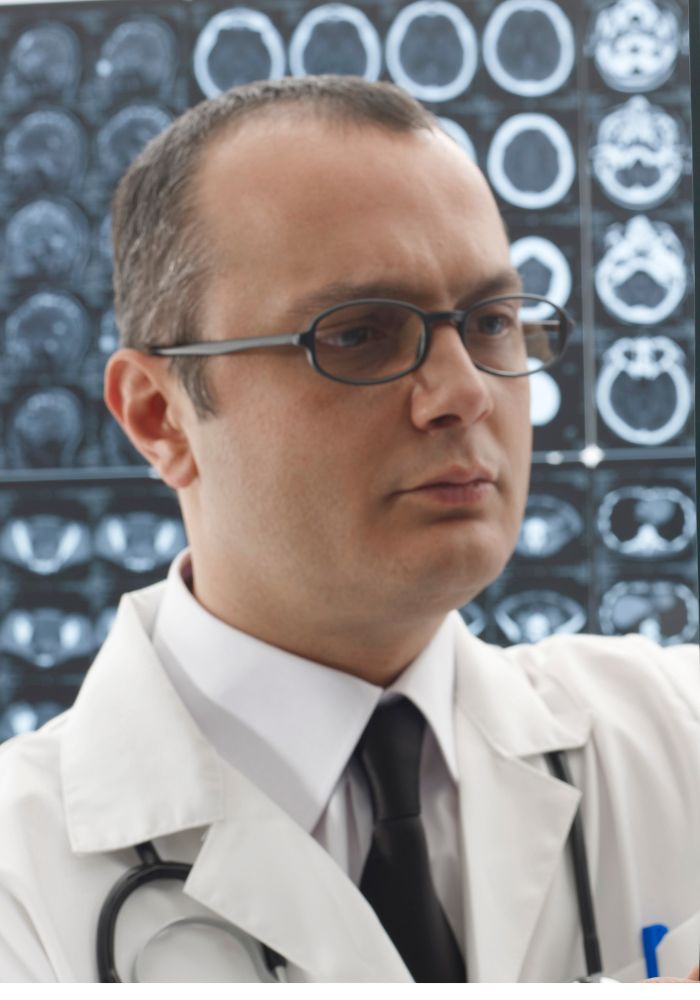
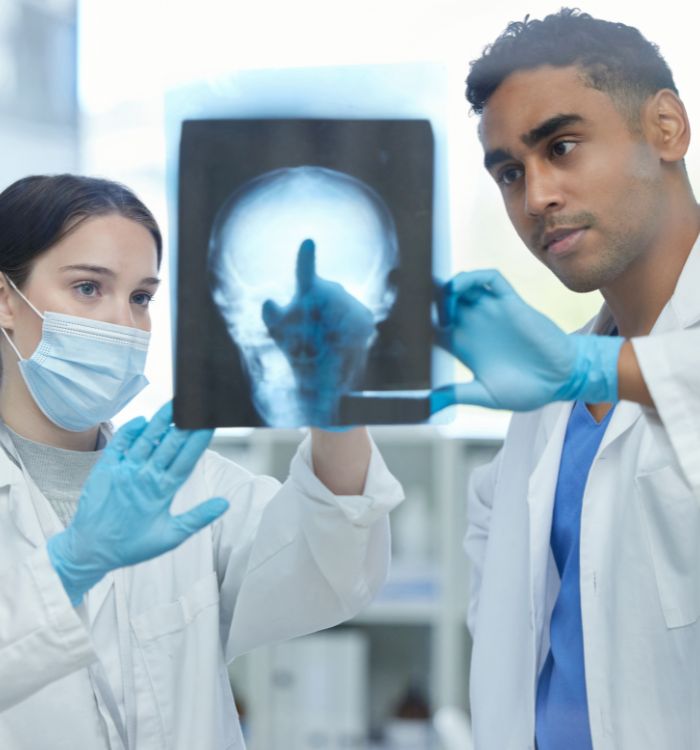
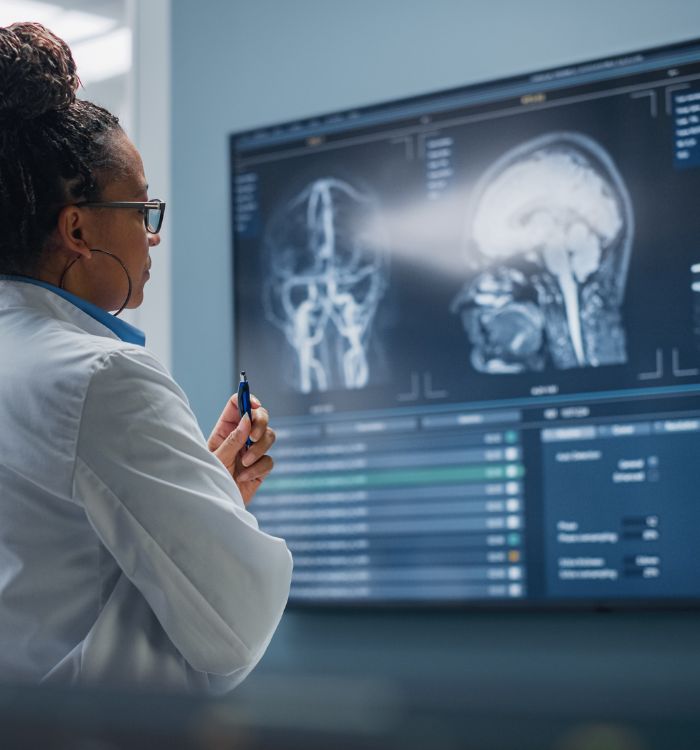
Neuroradiographers, more scanning, less scribbling
Neuroradiographers rely on PatientNotes for AI-enhanced documentation of imaging studies, ensuring fast, secure, and accurate recording of diagnostic images and patient data to aid in neurological evaluations.


Neuroradiographers Utilizing AI for Efficient Imaging Practices
Neuroradiographers utilize PatientNotes to streamline imaging documentation, saving time and improving the quality of clinical notes, which supports precise neurological diagnosis and treatment planning.
.webp)
Custom Neuroradiography notes ready instantly.
Neuroradiographers enhance imaging documentation with PatientNotes by swiftly creating detailed notes, enabling more time for diagnostic analysis and less on paperwork.

Recommended Neuroradiographer Action Plans
Neuroradiographers ensure clear, actionable summaries are provided post-examination, providing patients with a written care plan and next steps for their radiological health journey.

Neuroradiographers Expedite Brain Imaging Reports
Efficiently manage neuroradiographic reports and referrals, enhancing diagnostic imaging for neurological conditions.

Protecting patient health data with confidence
At PatientNotes robust security measures create the strong immune system we know is vital to your patient's healthcare data. We know medical information is sensitive, and we’ve fortified PatientNotes with cutting-edge security measures to safeguard your clinical consults and notes.





Works with the existing PMS in your neuroradiography practice
Neuroradiographers benefit from PatientNotes’ integration with radiology systems like Pracsoft, streamlining imaging and diagnostics.






Neuroradiographers analyze brain images using PatientNotes in radiology labs, during diagnostic training, and at remote readings.
Neuroradiographers can keep imaging notes accessible on any device with PatientNotes, compatible with neuroradiographer telehealth platforms for enhanced diagnostic precision.

iPhone app
iPad app
PC
Mac
Microsoft Teams
Zoom
Google Meet (using PatientNotes Mac App)





Plans for teams of all sizes



Frequently asked questions
How do AI scribes document specialized neural imaging sequences during MRI procedures?
Simply verbalize the sequence parameters, specific neuroanatomical landmarks, and technical adjustments as you perform the scan, creating an accurate record of your specialized neuro protocol.
How do AI scribes handle complex neuroanatomical terminology unique to brain and spine imaging?
Your spoken neuroanatomical terms, including specific white matter tracts, vascular territories, and functional regions, transform into written documentation through the voice-to-text process.
What about documenting patient neurological status observations during emergent stroke imaging?
Speak your observations of patient neurological presentation, changes in status, and any clinical concerns while managing the acute imaging workflow, generating documentation without interrupting your critical timing.
How do I integrate AI scribe documentation with neuroradiology PACS and advanced visualization software?
Copy and paste your clinical documentation from the AI scribe into your department's reporting system after completing image acquisition and initial interpretation.
How do AI scribes work during functional neuroimaging studies where patient responses need documentation?
Speak the patient's responses, task performance metrics, and your technical adjustments during functional studies, maintaining a comprehensive record without disrupting your concentration on image acquisition.
Book a Discovery Call
Simply fill out the form and select a time that suits you best
Ready to get started? Create an account today
Transform the medical reporting in your practice, elevate the standard of patient care and bolster effective communication among healthcare professionals.



