
Streamline workplace health documentation with automated reports from PatientNotes
PatientNotes supports occupational health and safety specialists in managing health assessments and safety reports, automating documentation to enhance workplace safety initiatives and compliance, which are crucial for maintaining health standards.



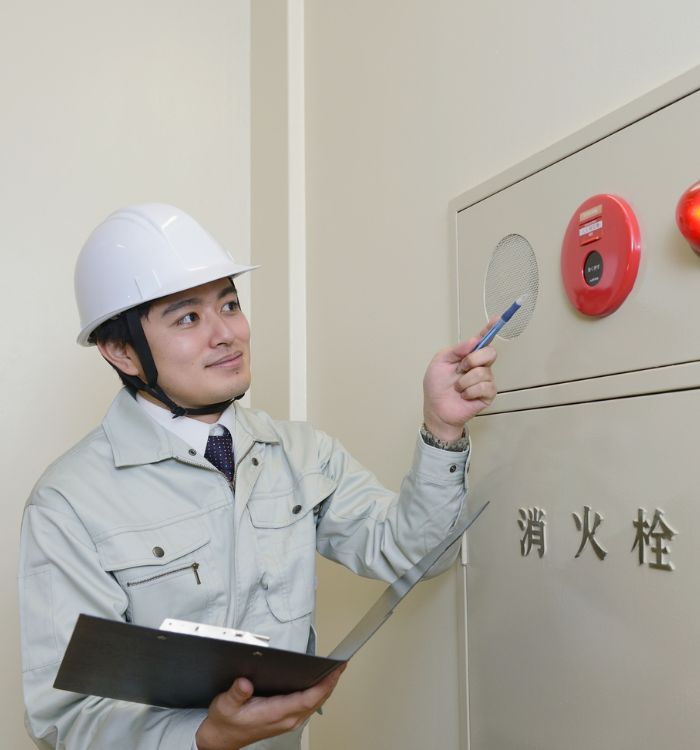

OH&S specialists, more safety training, less documentation
Occupational health and safety specialists enhance workplace safety documentation with PatientNotes, where AI-driven tools ensure detailed, secure, and accessible records that support safety compliance and training programs.


How AI Enhances Occupational Health and Safety Practices
Occupational Health and Safety Specialists appreciate PatientNotes for its ability to streamline workplace health and safety documentation, saving time and improving note quality, which supports effective safety management.
.webp)
Custom Occupational Health notes drafted swiftly for safer workplaces
Occupational health and safety specialists streamline workplace safety documentation with PatientNotes, quickly generating detailed reports and focusing more on safety training.

Recommended Occupational Health and Safety Specialist Action Plans
Occupational Health and Safety Specialists ensure clear, actionable summaries are provided post-assessment, providing workers with a written care plan and next steps for their workplace safety journey.

Occupational Health and Safety Specialists Speed Up Workplace Health Reports
Efficiently handle workplace health reports and referrals, enhancing occupational safety and compliance.

Protecting patient health data with confidence
At PatientNotes robust security measures create the strong immune system we know is vital to your patient's healthcare data. We know medical information is sensitive, and we’ve fortified PatientNotes with cutting-edge security measures to safeguard your clinical consults and notes.





Works with the existing PMS in your occupational health and safety practice
Occupational Health Specialists can manage workplace health documentation with PatientNotes, integrating with health and safety systems like Nookal.






Occupational health specialists ensure workplace safety with PatientNotes in corporate settings, during safety training, and through remote audits.
Occupational health and safety specialists can keep workplace health data accessible on any device with PatientNotes, enhancing occupational health management with occupational health and safety specialist telehealth platforms.

iPhone app
iPad app
PC
Mac
Microsoft Teams
Zoom
Google Meet (using PatientNotes Mac App)





Plans for teams of all sizes



Frequently asked questions
How do I document workplace safety inspections using an AI scribe?
Speak your observations, hazard identifications, and compliance assessments aloud during inspections, creating documentation in real-time without needing to stop and write notes.
How do AI scribes handle specialized OSHA terminology and regulatory references?
Your spoken safety terminology, regulatory citations, and technical descriptions transform into written documentation through the voice-to-text process.
Can AI scribes help with documenting incident investigations and worker interviews?
Voice your questions and summarize responses while conducting interviews, allowing you to maintain eye contact with the worker while creating accurate documentation of their account.
What about documenting noise level readings, air quality measurements, and other quantitative data?
Verbalize measurement results as you collect them, speaking clearly about the numerical values, units, locations, and any contextual information needed for your reports.
Book a Discovery Call
Simply fill out the form and select a time that suits you best
Ready to get started? Create an account today
Transform the medical reporting in your practice, elevate the standard of patient care and bolster effective communication among healthcare professionals.



