
Streamline ophthalmic surgeries with automated documentation from PatientNotes
PatientNotes supports ophthalmic surgeons in managing surgical notes and patient follow-ups, enhancing documentation efficiency to focus more on surgical precision and eye health, which is crucial for successful ophthalmic outcomes.
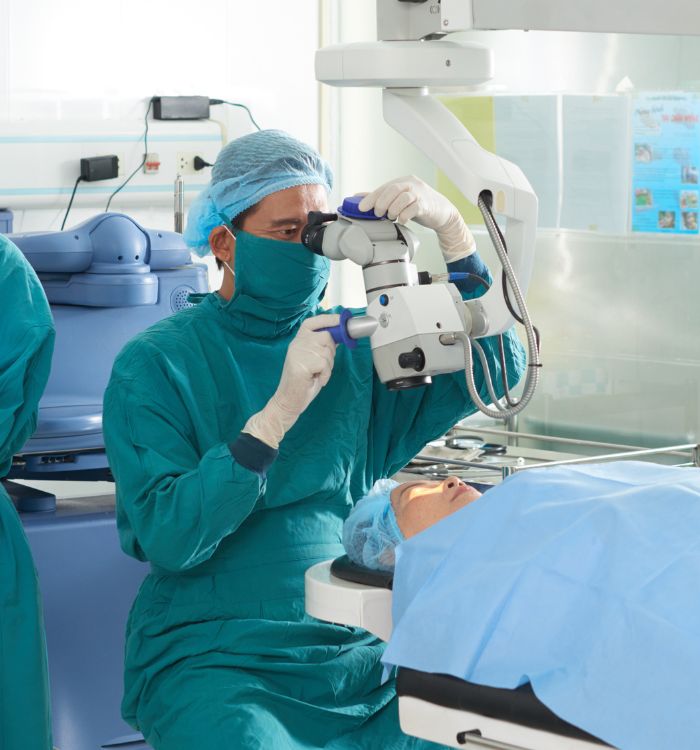
Ophthalmic surgeons, more surgeries, less paperwork
Ophthalmic surgeons benefit from PatientNotes, which streamlines surgical documentation through AI, ensuring secure, detailed, and efficient records that enhance patient care and surgical outcomes in eye surgery.


Ophthalmic Surgeons and AI Focusing on Enhanced Care
Ophthalmic Surgeons find PatientNotes invaluable for managing surgical eye care documentation, saving time and enhancing the quality of clinical notes, which supports patient vision care and surgical recovery.
.webp)
Personalized Ophthalmic Surgery notes ready in a flash.
Ophthalmic surgeons use PatientNotes to swiftly generate detailed surgical notes, improving efficiency and allowing more time for patient recovery and follow-up.

Recommended Ophthalmic Surgeon Action Plans
Ophthalmic Surgeons deliver clear, actionable summaries post-surgery, empowering patients with a written care plan and next steps for their vision recovery journey.

Ophthalmic Surgeons Streamline Eye Surgical Reports
Streamline ophthalmic surgery reports and referrals, enhancing visual health and surgical outcomes.

Protecting patient health data with confidence
At PatientNotes robust security measures create the strong immune system we know is vital to your patient's healthcare data. We know medical information is sensitive, and we’ve fortified PatientNotes with cutting-edge security measures to safeguard your clinical consults and notes.





Works with the existing PMS in your ophthalmic surgery practice
Ophthalmic Surgeons can streamline eye surgeries with PatientNotes, compatible with ophthalmology systems like TM3, enhancing surgical planning and patient follow-ups.






Ophthalmic surgeons plan eye surgeries with PatientNotes in surgical centers, during ophthalmic seminars, and via telehealth consultations.
Ophthalmic surgeons can keep eye surgery profiles handy on any device with PatientNotes, compatible with ophthalmic surgeon telehealth platforms for comprehensive ophthalmic care.

iPhone app
iPad app
PC
Mac
Microsoft Teams
Zoom
Google Meet (using PatientNotes Mac App)





Plans for teams of all sizes



Frequently asked questions
How do I document intraoperative findings during ophthalmic surgery using an AI scribe?
Speak your observations, measurements, and procedural steps clearly during surgery while the AI transcribes your verbal documentation into written clinical notes.
How do AI scribes handle ophthalmic terminology such as refractive measurements and anatomical structures of the eye?
Your spoken ophthalmic terminology transforms into written documentation through the voice-to-text process, maintaining the precision needed for surgical records.
What about documenting specific surgical techniques and instruments used during ophthalmic procedures?
Verbalize the names of specialized instruments, lens measurements, incision locations, and surgical approaches as you work, creating comprehensive documentation without breaking sterile technique.
How do I document complications or unexpected findings during surgery?
Simply verbalize any complications, adaptive techniques, or unexpected findings as they occur during the procedure, allowing this critical information to become part of your surgical record.
Book a Discovery Call
Simply fill out the form and select a time that suits you best
Ready to get started? Create an account today
Transform the medical reporting in your practice, elevate the standard of patient care and bolster effective communication among healthcare professionals.



