
PatientNotes securely writes your orthotist notes, so you don't have to
PatientNotes optimizes clinical documentation for orthotists, enhancing the management of orthotic devices and patient care plans, allowing orthotists to focus more on treatment and less on paperwork.
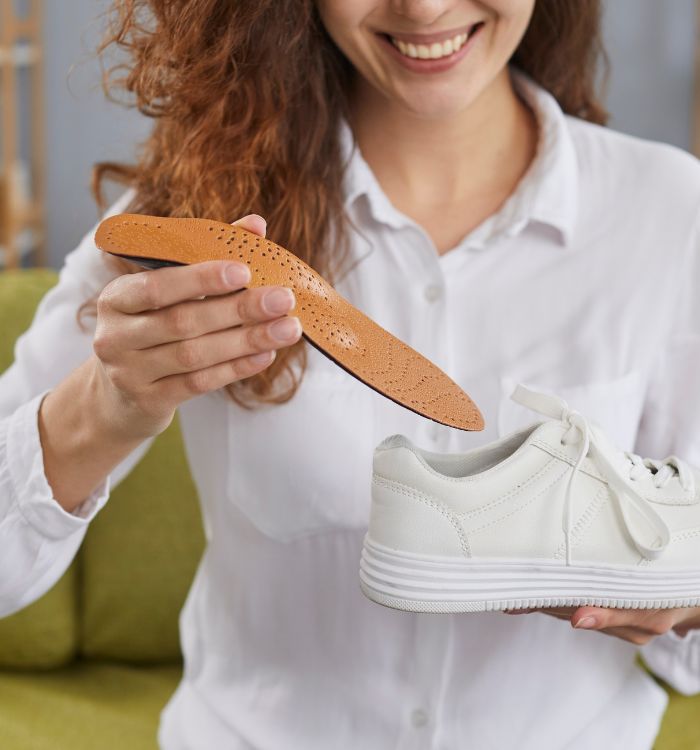
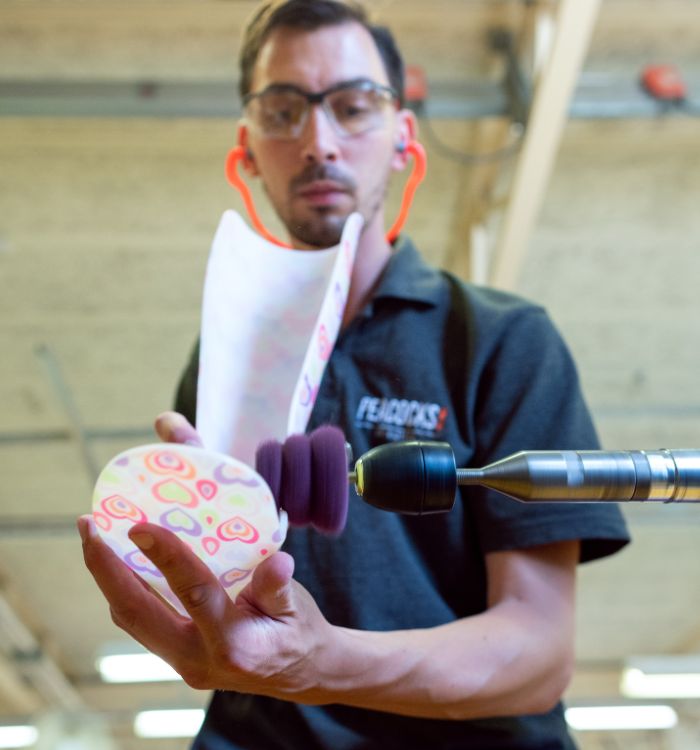
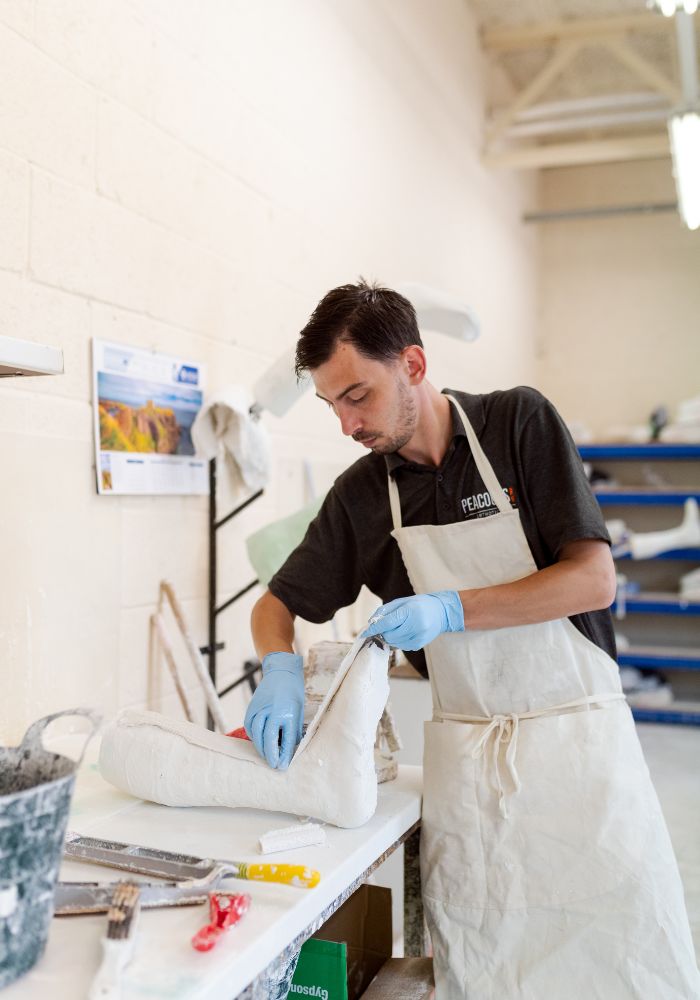
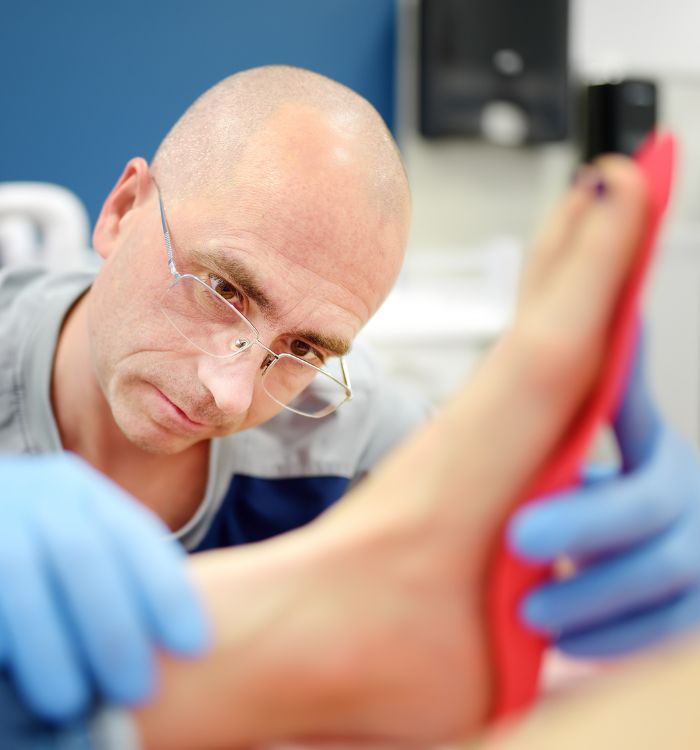
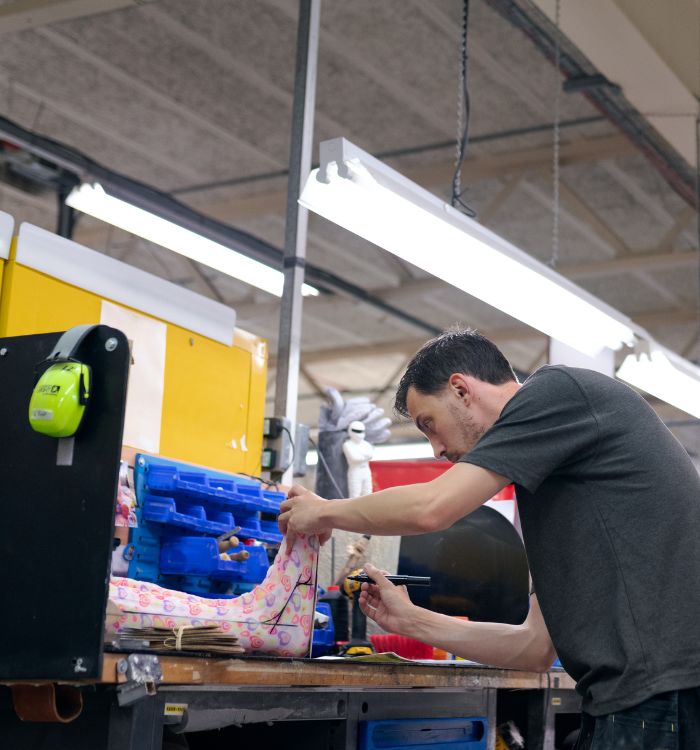
Focus on fittings, not files
Orthotists streamline patient care documentation with PatientNotes, leveraging AI to ensure quick, secure, and detailed records of orthotic assessments and treatments, supporting enhanced patient support and device customization.


Orthotists How AI Streamlines Patient Fittings
Orthotists find PatientNotes invaluable for managing orthotic device fitting and adjustment documentation efficiently, saving time and enhancing the quality of notes, which supports effective orthotic therapy and patient mobility.
.webp)
Quick, Customized Orthotic fitting notes for enhanced patient support
Orthotists optimize patient mobility support with PatientNotes, swiftly generating detailed, personalized fitting notes and allowing more time for adjustments and patient care.

Recommended Orthotist Action Plans
Orthotists offer clear, actionable summaries post-fitting, empowering patients with a written care plan and next steps for their mobility enhancement journey.

Orthotists Streamline Patient Fitting and Progress Reports
Efficiently handle orthotic fitting and adjustment reports and referrals, enhancing patient support and treatment.

Protecting patient health data with confidence
At PatientNotes robust security measures create the strong immune system we know is vital to your patient's healthcare data. We know medical information is sensitive, and we’ve fortified PatientNotes with cutting-edge security measures to safeguard your clinical consults and notes.





Works with the existing PMS in your orthotist practice
Orthotists can manage orthotic care with PatientNotes, compatible with orthotic systems like Cliniko, enhancing orthotic care documentation and patient orthotic support planning.






Orthotists customize support braces with PatientNotes in orthotic labs, during orthotic technology workshops, and via telehealth fittings.
Orthotists can access orthotic care data on any device with PatientNotes, enhancing orthotic care with orthotist telehealth platforms.

iPhone app
iPad app
PC
Mac
Microsoft Teams
Zoom
Google Meet (using PatientNotes Mac App)





Plans for teams of all sizes



Frequently asked questions
How might AI scribes help with documentation during orthotic assessments and fittings?
AI scribes transform your spoken observations during assessments and fittings into clinical notes, allowing you to focus on the patient and orthotic device rather than manual documentation. This creates a more seamless experience while still capturing essential measurements, patient feedback, and adjustment details.
How do AI scribes handle documentation for multiple orthotic interventions in a single appointment?
Simply speak through each orthotic intervention separately, clearly indicating when you're moving to discussing a different device or treatment area. The resulting notes will follow your verbal organization, creating distinct sections for each orthotic device discussed or fitted during the appointment.
How do I integrate AI scribe notes with orthotic practice management systems?
You can copy and paste your completed clinical notes from the AI scribe into your orthotic practice management system. This simple transfer works with systems commonly used in orthotic practices while maintaining the detailed documentation needed for patient records and insurance requirements.
What about profession-specific terminology related to orthotic devices and biomechanics?
When you speak naturally using orthotic terminology about AFOs, KAFOs, spinal orthoses, or biomechanical principles, the notes capture this specialized vocabulary. Documentation that includes terms related to materials, trimlines, corrective forces, and gait analysis maintains the professional standard required for orthotic practice.
Can AI scribes help document the progression of orthotic treatments over time?
When reviewing previous orthotic interventions, speak about observed changes in alignment, patient function, or device condition, and these comparative observations become part of your clinical notes. This builds a comprehensive record of how orthotic interventions have influenced patient outcomes over the course of treatment.
What about documenting measurements and technical specifications for custom orthotic devices?
When you verbalize measurements, material specifications, modification requirements, or casting details for custom orthotic devices, these technical elements are captured in your notes. Speaking clearly about numerical values ensures accurate documentation of the precise specifications needed for orthotic fabrication.
Book a Discovery Call
Simply fill out the form and select a time that suits you best
Ready to get started? Create an account today
Transform the medical reporting in your practice, elevate the standard of patient care and bolster effective communication among healthcare professionals.



