
Streamline ENT documentation to focus more on patient care
PatientNotes supports ENT physician assistants by automating clinical notes and treatment documentation, enhancing efficiency and patient care in the management of ear, nose, and throat conditions.


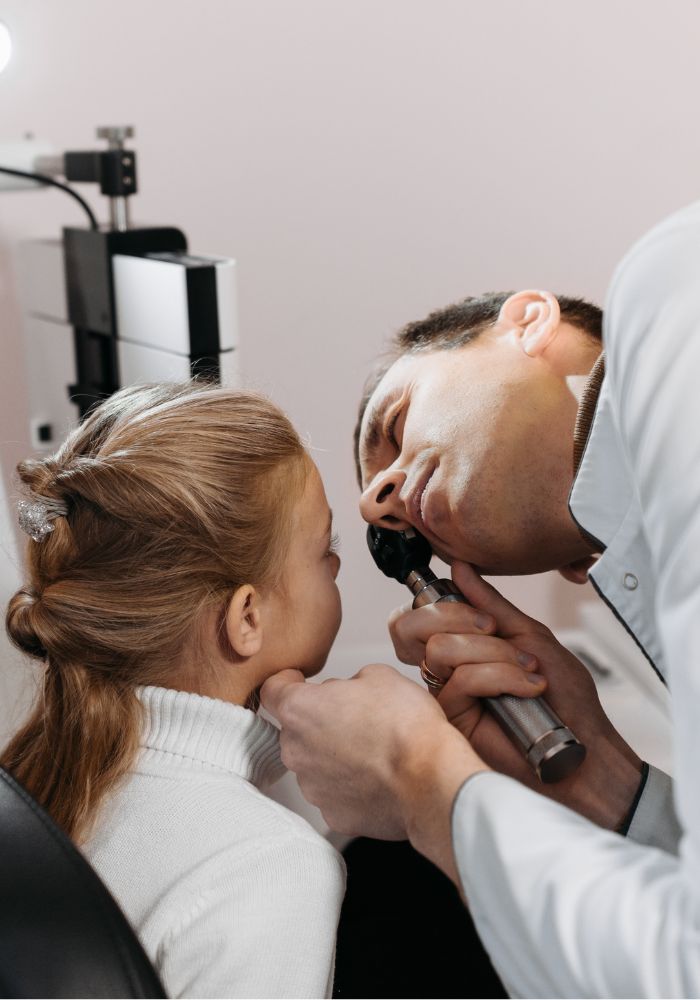
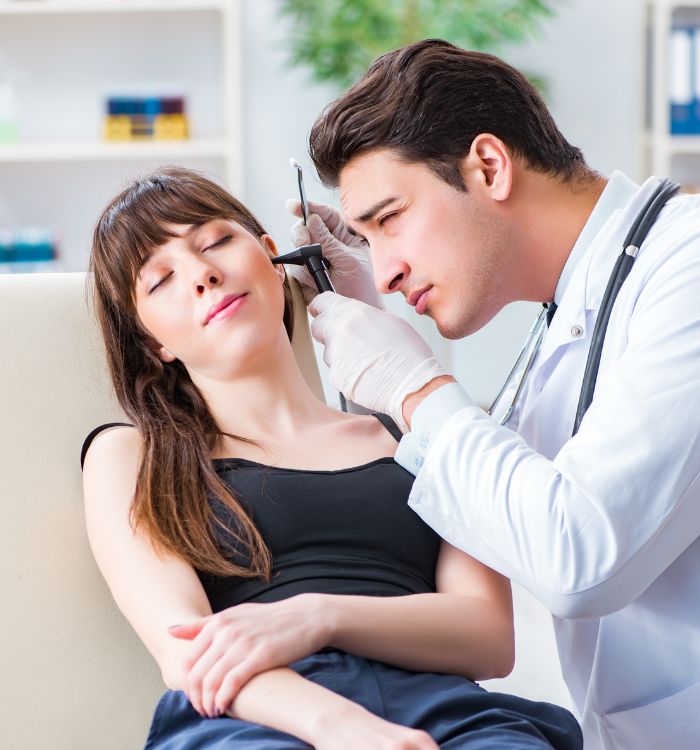
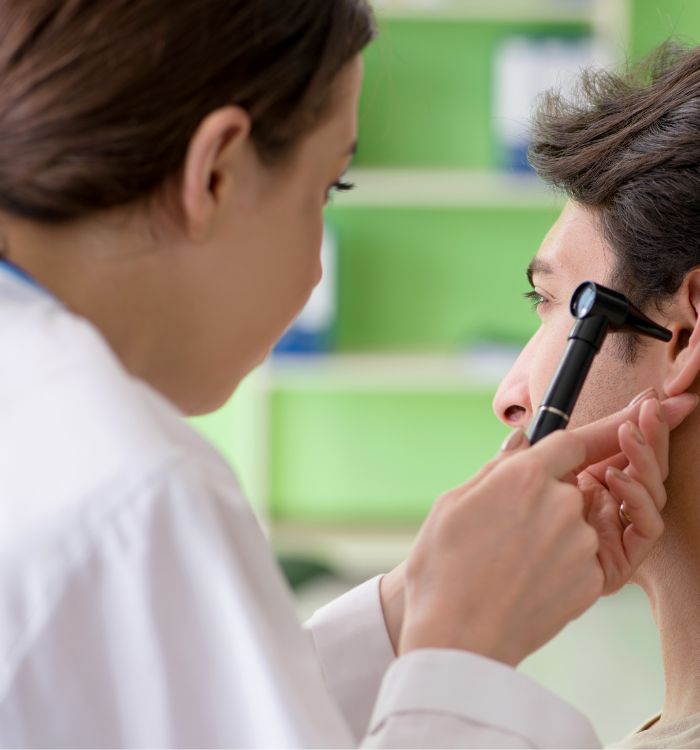
ENT PAs, more patient care, less paperwork
ENT physician assistants maximize clinical efficiency using PatientNotes, with AI-powered tools that ensure secure, fast, and detailed documentation of patient ENT conditions and treatments.


ENT PAs and AI Streamlining Ear, Nose, and Throat Care
Otorhinolaryngology Physician Assistants utilize PatientNotes to manage ENT care documentation efficiently, saving time and improving the quality of notes, which allows for better patient treatment and follow-up in ENT practices.
.webp)
Quick, Tailored ENT Assistant notes available instantly.
Otorhinolaryngology physician assistants enhance ENT care with PatientNotes, swiftly generating detailed notes and allowing more time for patient procedures.

Recommended Otorhinolaryngology Physician Assistant Action Plans
Otorhinolaryngology Physician Assistants deliver clear, actionable summaries post-consultation, empowering patients with a written care plan and next steps for their ENT health journey.

Otorhinolaryngology PAs Save Hours on ENT Report Writing
Streamline ENT reports and referrals, focusing more on ear, nose, and throat health.

Protecting patient health data with confidence
At PatientNotes robust security measures create the strong immune system we know is vital to your patient's healthcare data. We know medical information is sensitive, and we’ve fortified PatientNotes with cutting-edge security measures to safeguard your clinical consults and notes.





Works with the existing PMS in your otolaryngology assistant practice
Otorhinolaryngology PAs can use PatientNotes with ENT systems like Cliniko, optimizing ear, nose, and throat care.






Otorhinolaryngology physician assistants manage ENT cases with PatientNotes in specialty clinics, during ENT training sessions, and at remote consults.
Otorhinolaryngology PAs can access ENT care notes on any device with PatientNotes, compatible with otorhinolaryngology PA telehealth platforms for comprehensive ENT care.

iPhone app
iPad app
PC
Mac
Microsoft Teams
Zoom
Google Meet (using PatientNotes Mac App)





Plans for teams of all sizes



Frequently asked questions
How do I document ENT-specific physical exam findings using an AI scribe during patient evaluations?
Verbalize your findings as you examine the patient's ears, nose, throat, and neck structures, speaking clearly about visualization through otoscopes, nasal endoscopes, or laryngoscopes for documentation in your clinical notes.
How do AI scribes handle specialized ENT terminology and anatomical references?
Your spoken ENT-specific terminology transforms into text documentation through the voice transcription process, capturing anatomical structures and pathological findings within the head and neck region.
What about recording detailed hearing test results or vestibular assessments with an AI scribe?
Speak the audiometry values, tympanometry results, or vestibular test findings as you review them, allowing this specialized data to be captured in your documentation without manual entry.
How do I document procedural steps during in-office procedures like ear lavage or nasal cautery?
Narrate each step of the procedure as you perform it, creating a chronological record of the technique, patient response, and immediate outcomes in your clinical documentation.
Book a Discovery Call
Simply fill out the form and select a time that suits you best
Ready to get started? Create an account today
Transform the medical reporting in your practice, elevate the standard of patient care and bolster effective communication among healthcare professionals.



