
Automate pediatric nursing documentation to enhance child care
PatientNotes supports pediatric nurses by managing clinical notes and health records for children, streamlining documentation to enhance care and interaction during pediatric treatments.
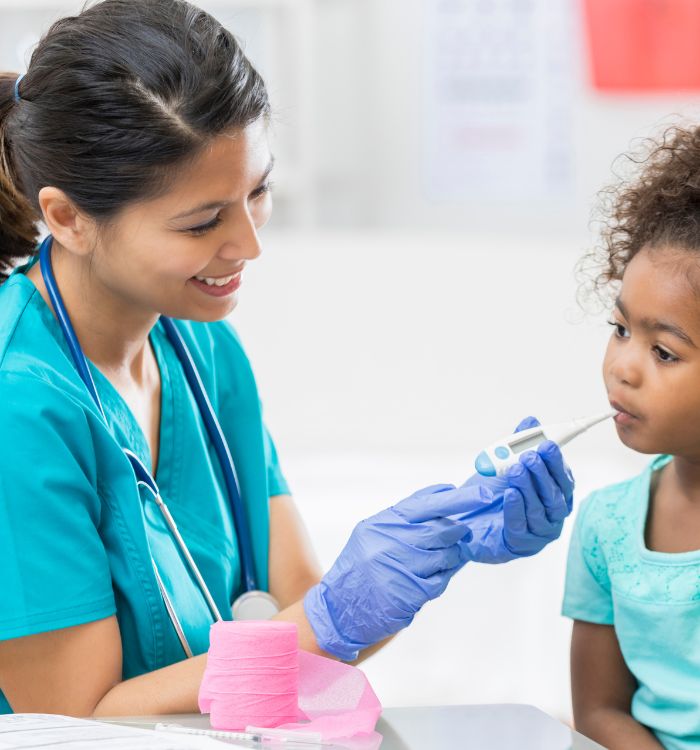
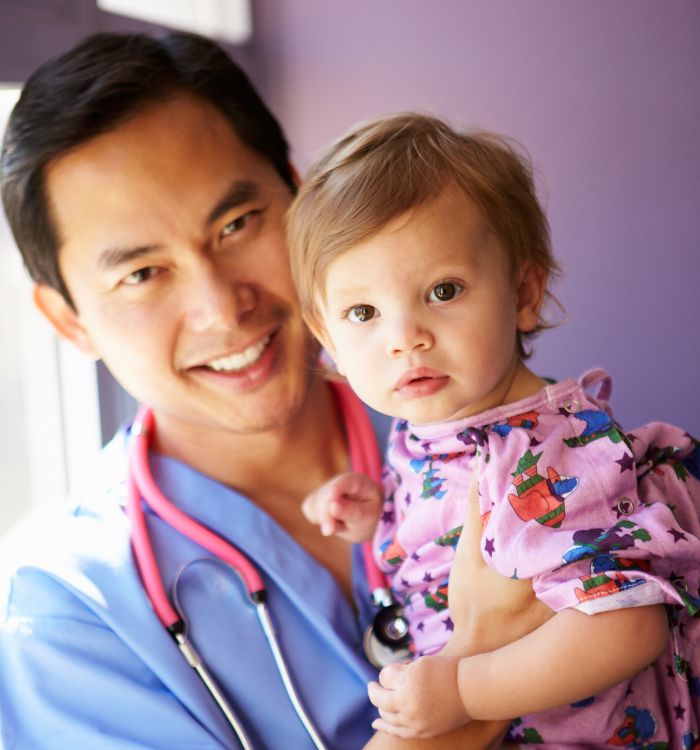
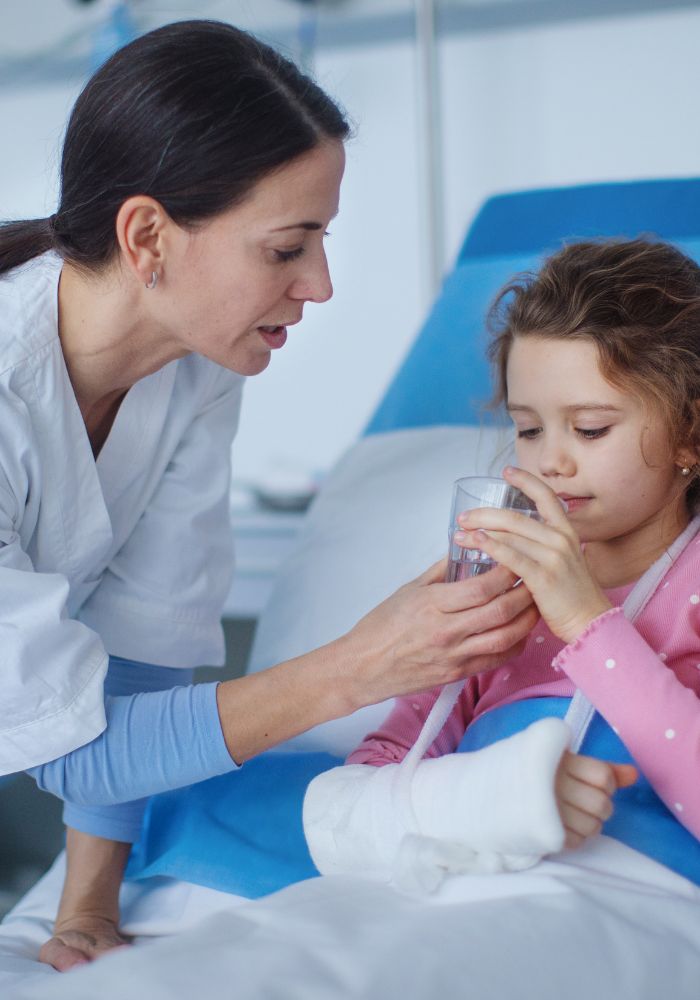
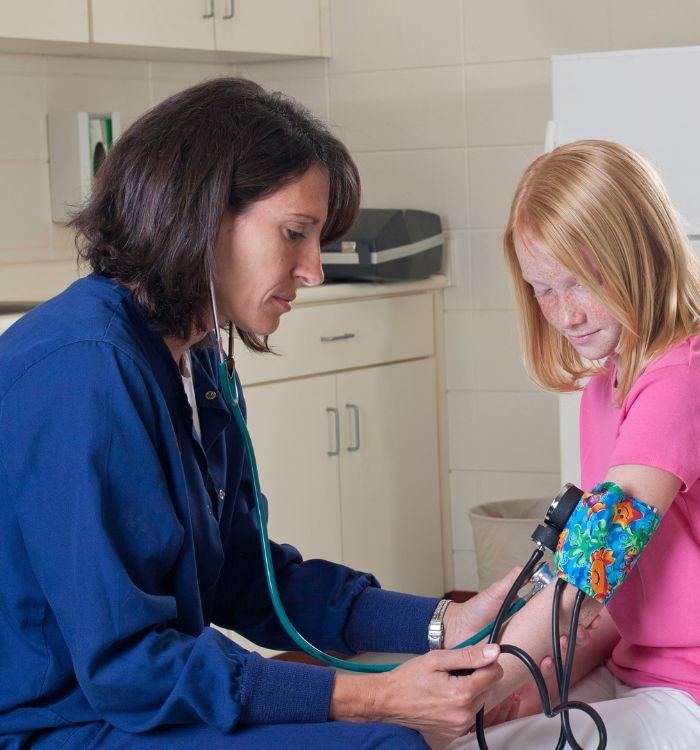
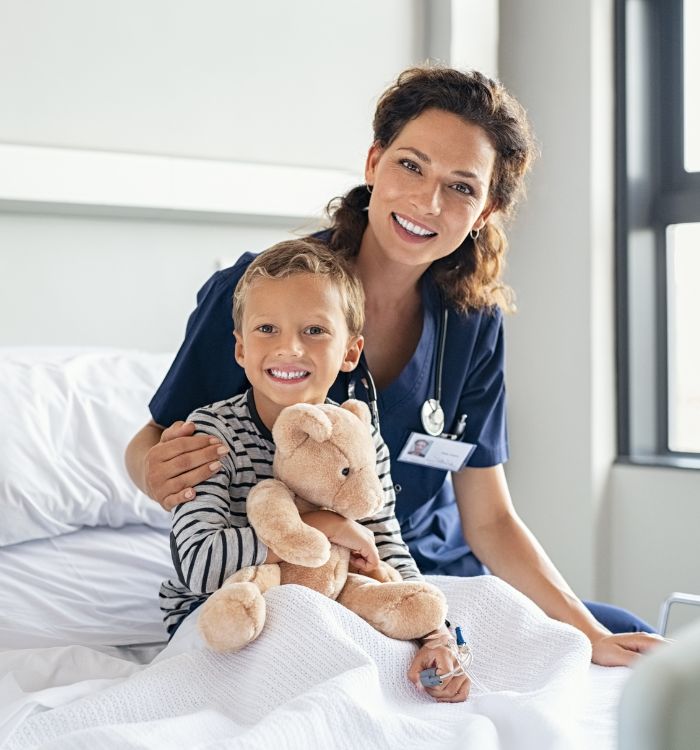
Pediatric nurses, more care, less typing
Pediatric nurses can focus more on patient care with the help of PatientNotes, which uses AI to efficiently manage health records and developmental notes, ensuring secure and comprehensive documentation for better pediatric care.


Pediatric Nurses and AI Improving Care with Efficiency
Pediatric Nurses appreciate PatientNotes for its ability to save time and enhance the quality of clinical documentation, allowing for more focused pediatric care and better management of child patient health.
.webp)
Instantly drafted Pediatric Nursing notes for enhanced care.
Pediatric nurses enhance child care with PatientNotes by swiftly generating detailed notes, allowing more time for patient interaction and less on documentation.

Recommended Pediatric Nurse Action Plans
Pediatric Nurses ensure clear, actionable summaries are provided post-consultation, providing children and parents with a written care plan and next steps for the child's health journey.

Pediatric Nurses Streamline Child Health Reports
Quickly generate pediatric care reports and referrals, enhancing focus on child health.

Protecting patient health data with confidence
At PatientNotes robust security measures create the strong immune system we know is vital to your patient's healthcare data. We know medical information is sensitive, and we’ve fortified PatientNotes with cutting-edge security measures to safeguard your clinical consults and notes.





Works with the existing PMS in your pediatric nursing practice
Pediatric Nurses benefit from PatientNotes’ compatibility with pediatric systems like Pracsoft, enhancing child care and documentation.






Pediatric nurses update child patient records with PatientNotes in pediatric wards, during child health seminars, and through telehealth.
Pediatric nurses can keep child care profiles accessible on any device with PatientNotes, enhancing pediatric care with pediatric nurse telehealth platforms.

iPhone app
iPad app
PC
Mac
Microsoft Teams
Zoom
Google Meet (using PatientNotes Mac App)





Plans for teams of all sizes



Frequently asked questions
How do I document developmental milestones and growth metrics using an AI scribe during pediatric assessments?
Speak the measurements, observations, and developmental markers clearly as you perform your assessment, creating documentation while maintaining eye contact with both the child and parents.
How do AI scribes handle pediatric-specific terminology and growth percentiles?
Your spoken pediatric terminology, including growth chart percentiles, developmental screening results, and age-specific assessment findings, transforms into written documentation through the voice-to-text process.
What approaches work best for using an AI scribe during busy pediatric vaccination clinics?
Narrate the vaccine information, site, batch numbers, and patient response as you administer each vaccination, allowing the documentation to be created simultaneously with your clinical care.
What strategies help with using an AI scribe when dealing with distressed children or anxious parents?
Brief, clear dictation during calmer moments of the interaction creates your documentation without disrupting your focus on the emotional needs of the child and family.
Book a Discovery Call
Simply fill out the form and select a time that suits you best
Ready to get started? Create an account today
Transform the medical reporting in your practice, elevate the standard of patient care and bolster effective communication among healthcare professionals.



