
Automate pharmacy records to enhance efficiency and patient service
PatientNotes aids pharmacy technicians in managing prescription processing and inventory documentation, streamlining workflows and improving patient interactions in pharmacies.


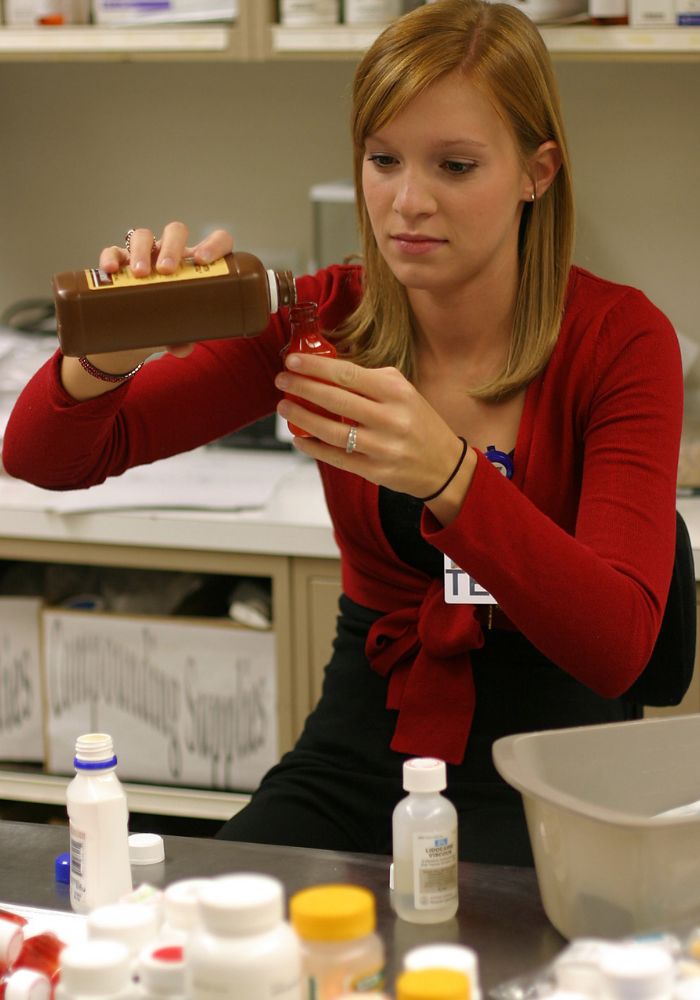


Pharmacy techs, more assistance, less admin
Pharmacy technicians can manage prescription details and patient interactions more efficiently with PatientNotes, where AI helps ensure the documentation is secure, accurate, and swiftly handled.


Pharmacy Technicians Reap the Benefits of AI
Pharmacy Technicians utilize PatientNotes to efficiently document medication dispensing and patient interactions, saving time and improving the quality of clinical notes, which supports effective pharmacy operations and patient safety.
.webp)
Custom Pharmacy Technician notes drafted swiftly for better service
Pharmacy technicians enhance efficiency with PatientNotes by swiftly creating detailed prescription notes, allowing more time for patient interaction and less on administrative tasks.

Recommended Pharmacy Technician Action Plans
Pharmacy Technicians offer clear, actionable summaries post-service, empowering patients with a written care plan and next steps for their pharmaceutical care journey.

Pharmacy Technicians Facilitate Quicker Prescription Processing
Rapidly handle pharmacy-related reports and referrals, enhancing pharmaceutical care processes.

Protecting patient health data with confidence
At PatientNotes robust security measures create the strong immune system we know is vital to your patient's healthcare data. We know medical information is sensitive, and we’ve fortified PatientNotes with cutting-edge security measures to safeguard your clinical consults and notes.





Works with the existing PMS in your pharmacy technician practice
Pharmacy Technicians can enhance workflow with PatientNotes, compatible with pharmacy systems like Nookal, improving patient service and management.






Pharmacy technicians coordinate prescriptions with PatientNotes in drugstores, during pharmacy assistant training, and at remote patient consultations.
Pharmacy technicians can access drug dispensing notes on any device with PatientNotes, enhancing pharmacy operations with pharmacy technician telehealth platforms.

iPhone app
iPad app
PC
Mac
Microsoft Teams
Zoom
Google Meet (using PatientNotes Mac App)





Plans for teams of all sizes



Frequently asked questions
How does an AI scribe help with medication inventory documentation?
Speak your observations during inventory counts and the AI transcribes this information into written documentation while you continue handling medications.
How do AI scribes handle pharmacy-specific terminology and medication names?
Voice-to-text transcription captures pharmacy terminology, including medication names, NDC numbers, and compounding instructions as you speak them.
What about documenting patient interactions at the pharmacy counter?
After speaking with patients about their medications, verbalize the key points of the conversation to create documentation of patient counseling interactions and concerns.
How might I document medication preparation and compounding processes?
Verbalize each step of your preparation process, including measurements, ingredients, and quality checks, creating a detailed record of your compounding work.
Book a Discovery Call
Simply fill out the form and select a time that suits you best
Ready to get started? Create an account today
Transform the medical reporting in your practice, elevate the standard of patient care and bolster effective communication among healthcare professionals.



