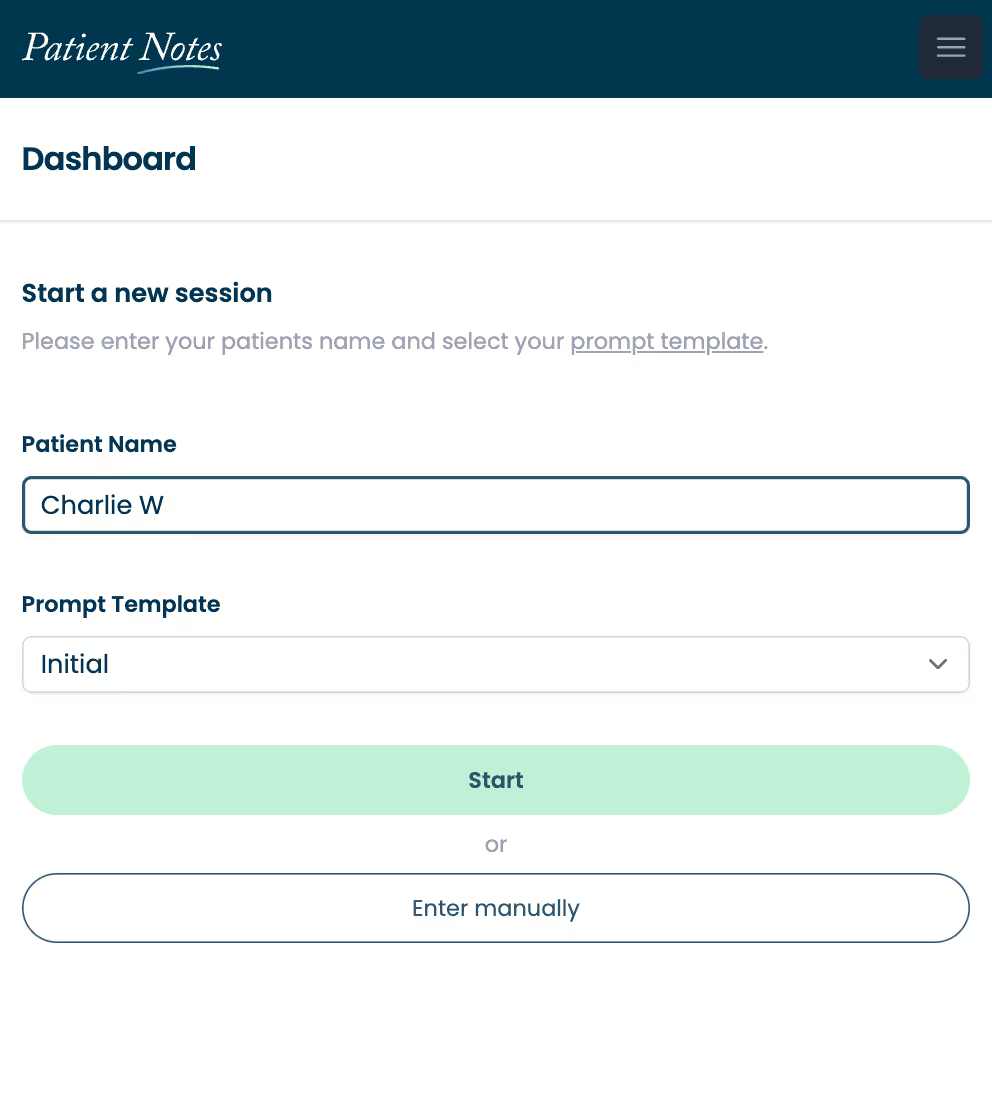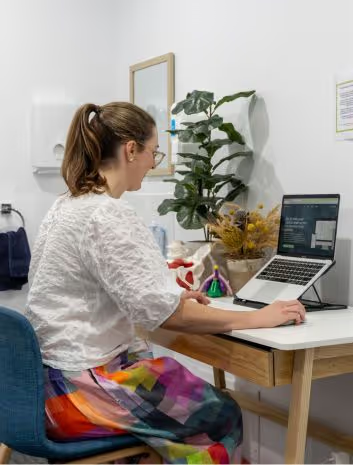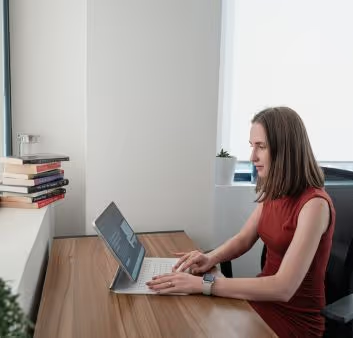
Streamline your patient care with automated clinical documentation
PatientNotes aids primary care physicians in efficiently managing comprehensive patient records, improving clinical workflow and patient interactions.
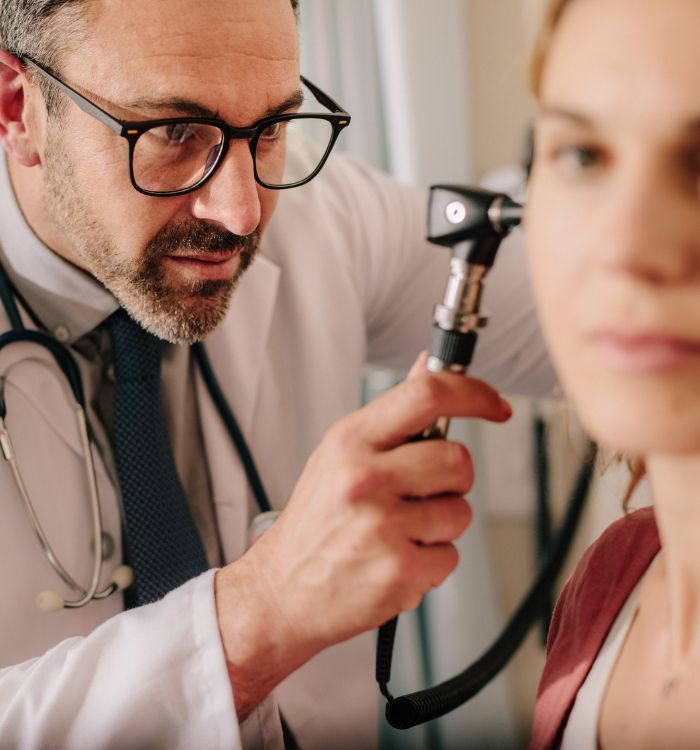




Primary care physicians, streamline your clinic time
Primary care physicians can streamline their practice with PatientNotes’ AI-powered documentation tools, ensuring fast, secure, and thorough patient record management.
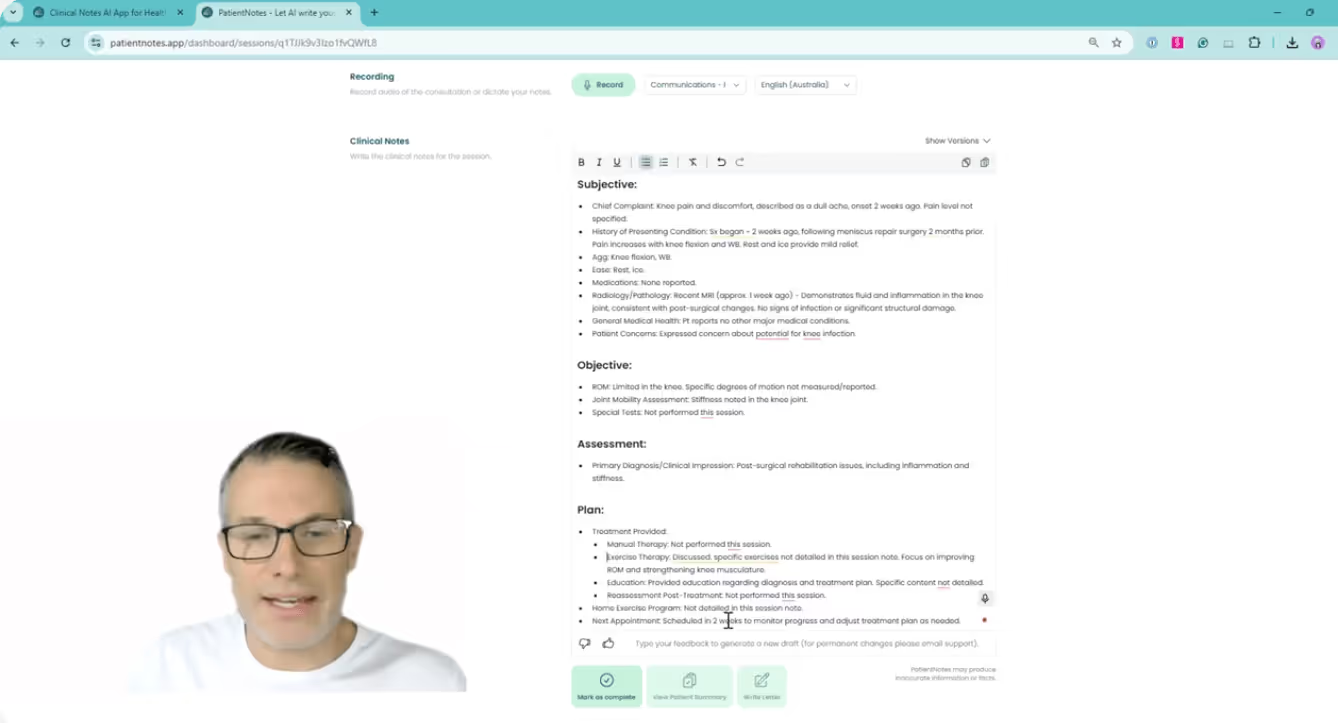

Primary Care Enhanced with AI
Primary Care Physicians use PatientNotes to streamline the documentation process, enhancing the quality of their clinical notes and saving time, which allows for more comprehensive patient interactions.
.webp)
Instantly drafted Primary Care Physician notes.
Primary care physicians utilize PatientNotes to swiftly produce detailed notes, improving efficiency and patient interaction.
Recommended Primary Care Physician Action Plans
Primary Care Physicians offer clear, actionable summaries post-consultation, empowering patients with a written care plan and next steps for their primary health care journey.
Primary Care Physicians Save Valuable Time on Documentation
Speedily manage referral letters and medicolegal reports, enhancing efficiency in primary care settings.
Protecting patient health data with confidence
At PatientNotes robust security measures create the strong immune system we know is vital to your patient's healthcare data. We know medical information is sensitive, and we’ve fortified PatientNotes with cutting-edge security measures to safeguard your clinical consults and notes.




Works with the existing PMS in your primary care practice
PatientNotes integrates with all popular primary care Patient Management Systems, enhancing documentation and patient interaction.

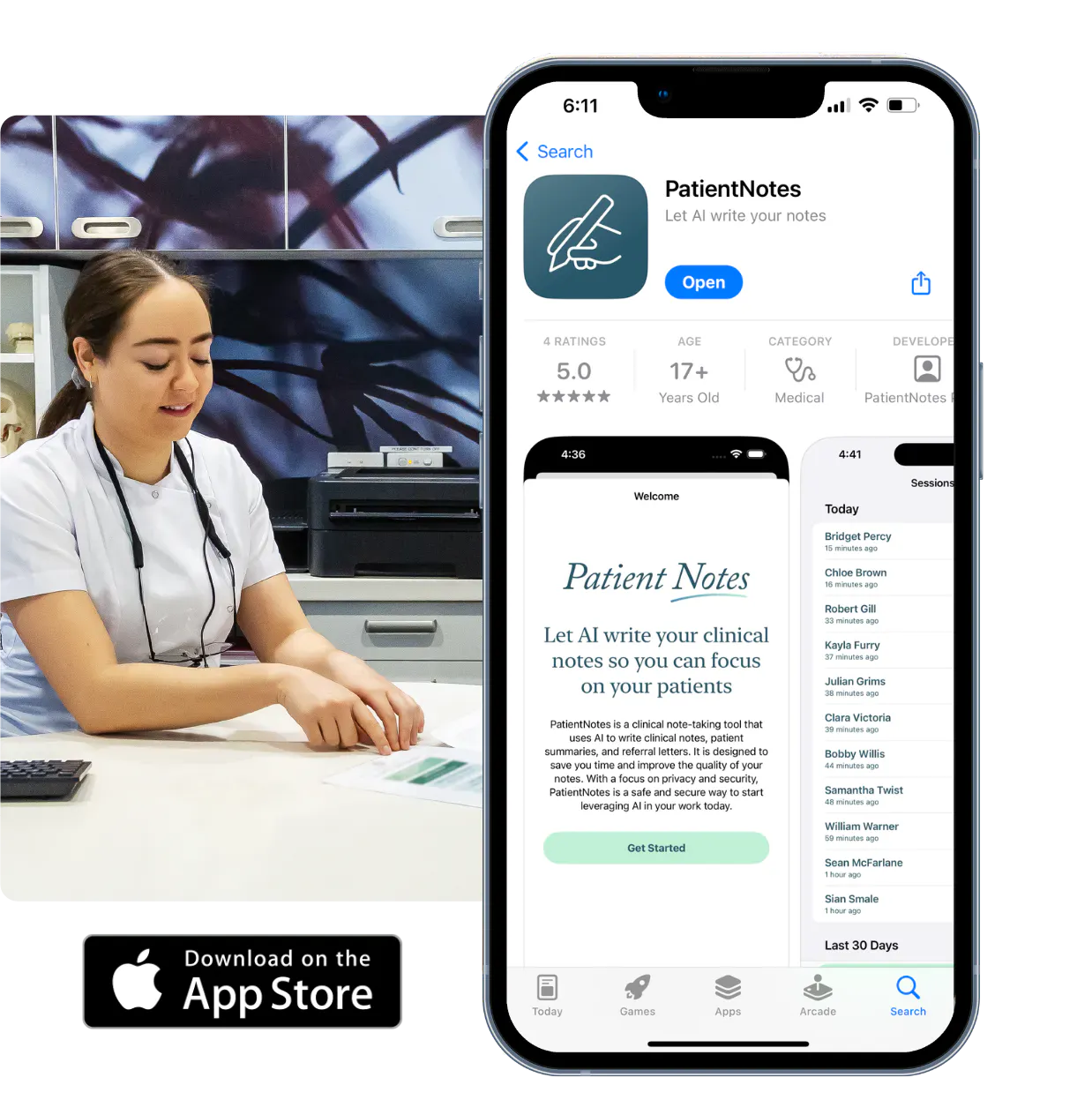
Primary care physicians utilize PatientNotes across traditional and telehealth consultations.
Primary care physicians can keep patient notes handy on any device with PatientNotes, which also supports primary care telehealth platforms for remote consultations.

iPhone app
iPad app
PC
Mac
Microsoft Teams
Zoom
Google Meet (using PatientNotes Mac App)


Plans for teams of all sizes



Frequently asked questions
How does an AI scribe fit into my patient workflow when I'm seeing 20+ patients daily?
The AI scribe documents your patient encounters in real-time as you speak, creating clinical notes while you maintain eye contact and connection with your patients throughout the visit.
What about capturing medication reconciliation and prescription changes?
Verbalize your medication review process, including current medications, dosage adjustments, and new prescriptions as you discuss them with your patient, creating a comprehensive medication record in your notes.
How do I document complex medical histories and multiple chronic conditions during a single visit?
Simply speak through your assessment and findings as you normally would during the examination, addressing each condition while the voice-to-text technology captures your medical reasoning and treatment decisions.
How do AI scribes handle primary care-specific terminology and common diagnostic codes?
Your spoken medical terminology and diagnostic assessments transform into written documentation through the voice-to-text process, capturing the language you use in your everyday practice.
Book a Discovery Call
Simply fill out the form and select a time that suits you best
Ready to get started? Create an account today
Transform the medical reporting in your practice, elevate the standard of patient care and bolster effective communication among healthcare professionals.