
Enhance cancer treatment with automated clinical notes from PatientNotes
PatientNotes aids radiation therapists in managing detailed treatment plans and patient responses, automating documentation to allow more focus on patient care during radiation therapy, crucial for effective treatment and follow-up.
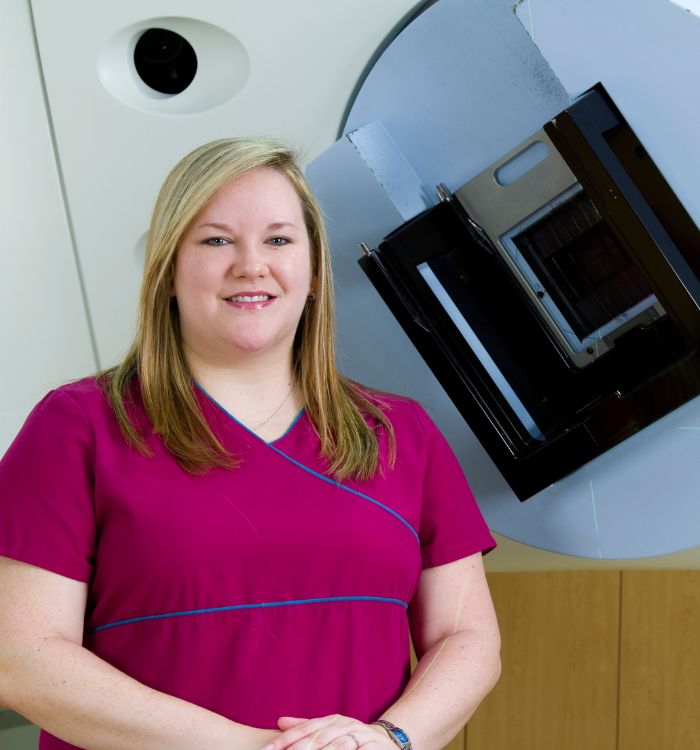
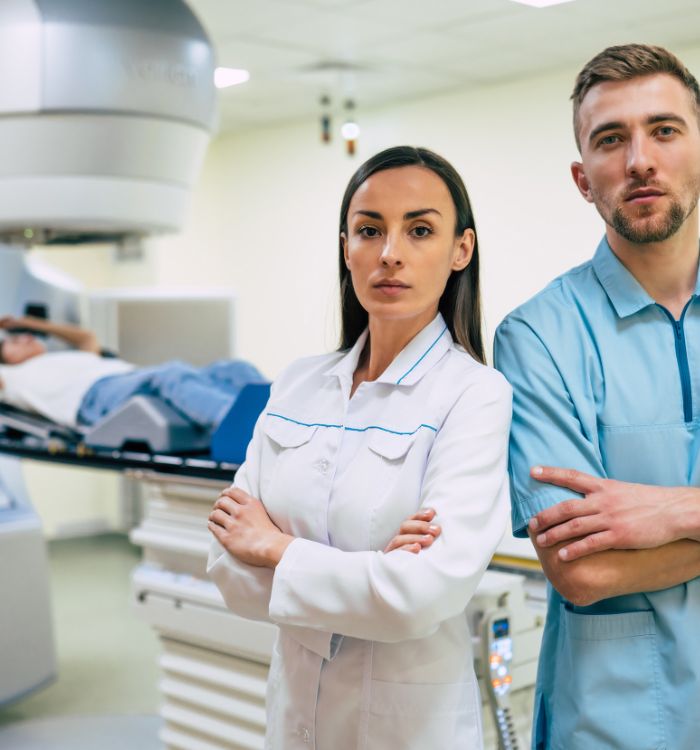
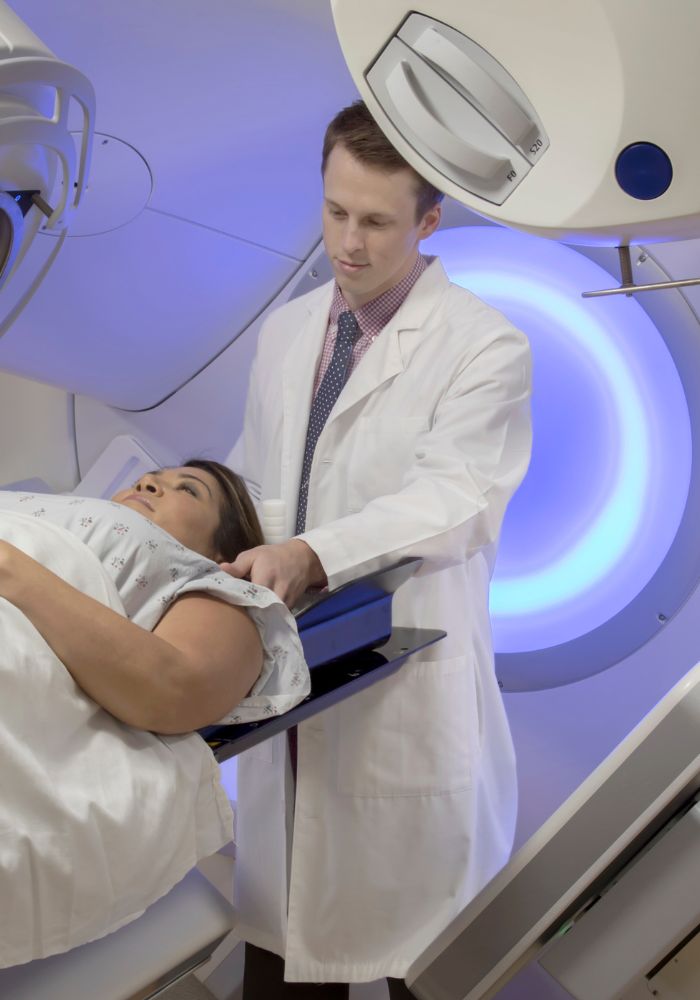
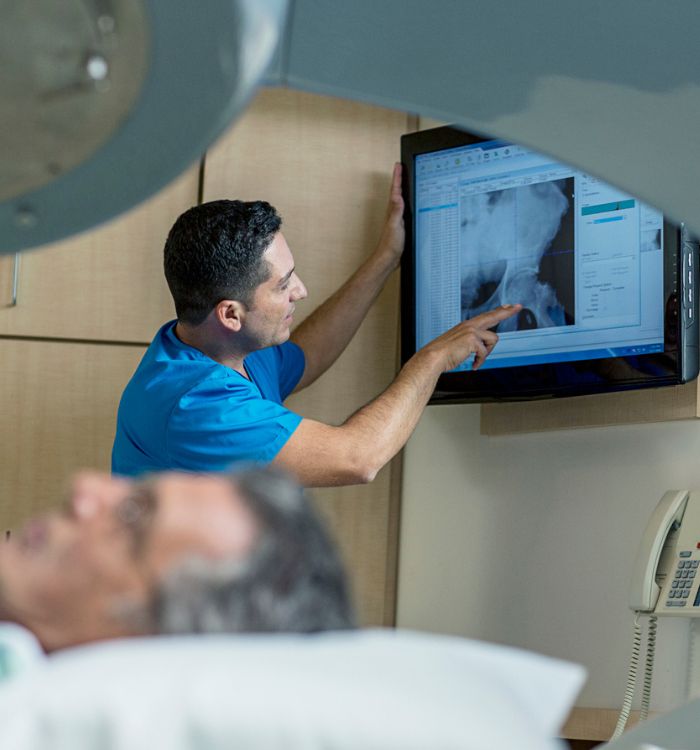
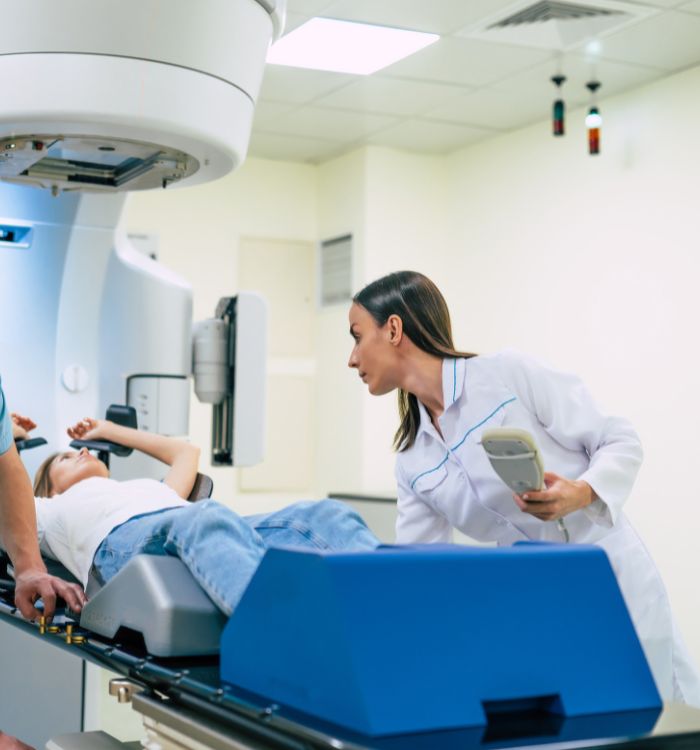
Radiation therapists, more treatment planning, less typing
Radiation therapists benefit from PatientNotes, which enhances treatment planning and patient follow-up documentation through AI, ensuring all records are secure, detailed, and efficiently managed.


Radiation Therapists Leverage AI for Better Treatment Management
Radiation Therapists find PatientNotes essential for managing cancer treatment documentation, saving time and improving the quality of notes, which supports accurate therapy planning and patient follow-ups.
.webp)
Personalized Radiation Therapy notes drafted swiftly.
Radiation therapists enhance cancer treatment documentation with PatientNotes, quickly generating detailed therapy notes and allowing more time for patient care.

Recommended Radiation Therapist Action Plans
Radiation Therapists offer clear, actionable summaries post-treatment, empowering patients with a written care plan and next steps for their cancer treatment journey.

Radiation Therapists Reduce Paperwork in Cancer Treatment Reporting
Quickly generate radiation therapy reports and referrals, enhancing cancer treatment processes.

Protecting patient health data with confidence
At PatientNotes robust security measures create the strong immune system we know is vital to your patient's healthcare data. We know medical information is sensitive, and we’ve fortified PatientNotes with cutting-edge security measures to safeguard your clinical consults and notes.





Works with the existing PMS in your radiation therapy practice
Radiation Therapists can enhance cancer treatment documentation with PatientNotes, compatible with oncology systems like TM3.






Radiation therapists plan cancer treatments with PatientNotes in oncology centers, during radiation safety training, and through telehealth planning.
Radiation therapists can access cancer treatment profiles on any device with PatientNotes, enhancing cancer therapy with radiation therapist telehealth platforms.

iPhone app
iPad app
PC
Mac
Microsoft Teams
Zoom
Google Meet (using PatientNotes Mac App)





Plans for teams of all sizes



Frequently asked questions
How do I document patient positioning and immobilization details using an AI scribe during radiation therapy setup?
Speak your observations about setup variations, shifts from reference marks, and immobilization effectiveness while performing the setup, creating documentation without having to leave the treatment room or break patient contact.
How do AI scribes handle specialized radiation therapy terminology like isodose lines, fractional dose, and beam parameters?
Treatment-specific terminology spoken during your workflow transforms into text documentation through the voice recognition system. The documentation reflects the technical language used in radiation oncology practice.
What about documenting patient-reported side effects and tolerance to treatment with an AI scribe?
Voice your patient's reported symptoms and your observations during your daily check-ins, capturing this valuable information directly in your clinical documentation while maintaining your caring presence with the patient.
How do I document image verification and setup adjustments during daily treatments?
Verbalize the image verification findings and resulting couch shifts or adjustments as you perform them, creating a real-time record of these critical quality assurance steps.
How do I use an AI scribe while managing multiple radiation therapy machines or treatment rooms?
Voice your documentation between patient treatments or during machine warmup periods, maintaining full attention on safety protocols and equipment function during active treatments. Your documentation happens in parallel with your clinical workflow rather than as a separate task after hours.
Book a Discovery Call
Simply fill out the form and select a time that suits you best
Ready to get started? Create an account today
Transform the medical reporting in your practice, elevate the standard of patient care and bolster effective communication among healthcare professionals.



