
Let PatientNotes handle your radiography notes
PatientNotes optimizes the speed and efficiency of radiographic documentation, making comprehensive, secure, and efficient note-taking a reality for radiographers.
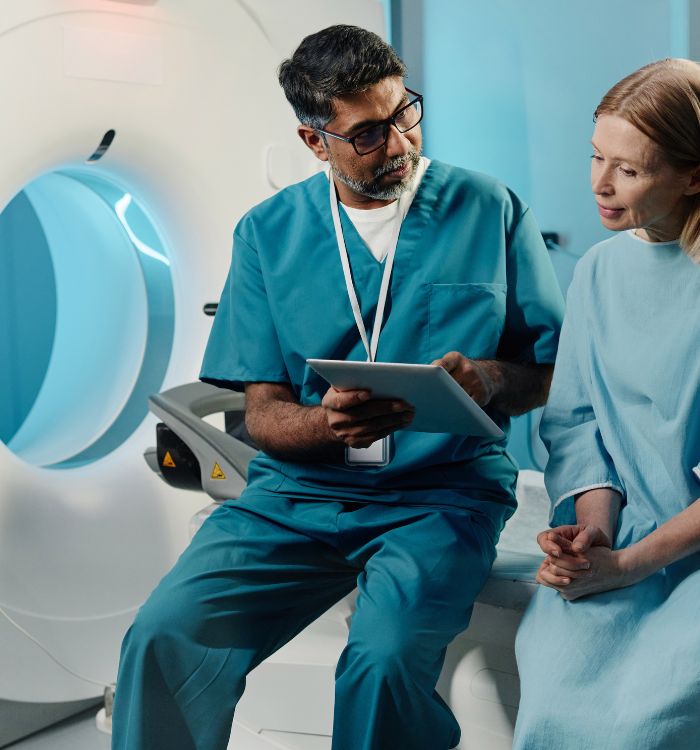
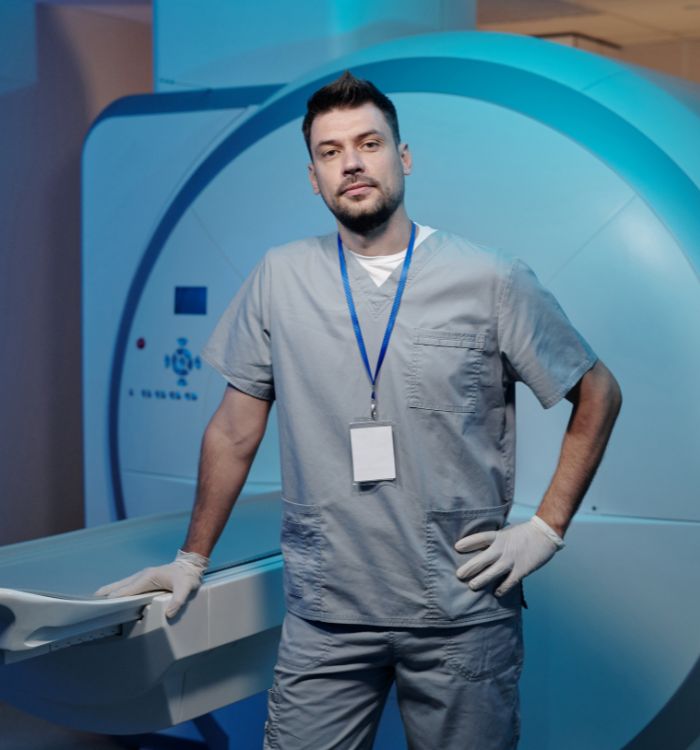
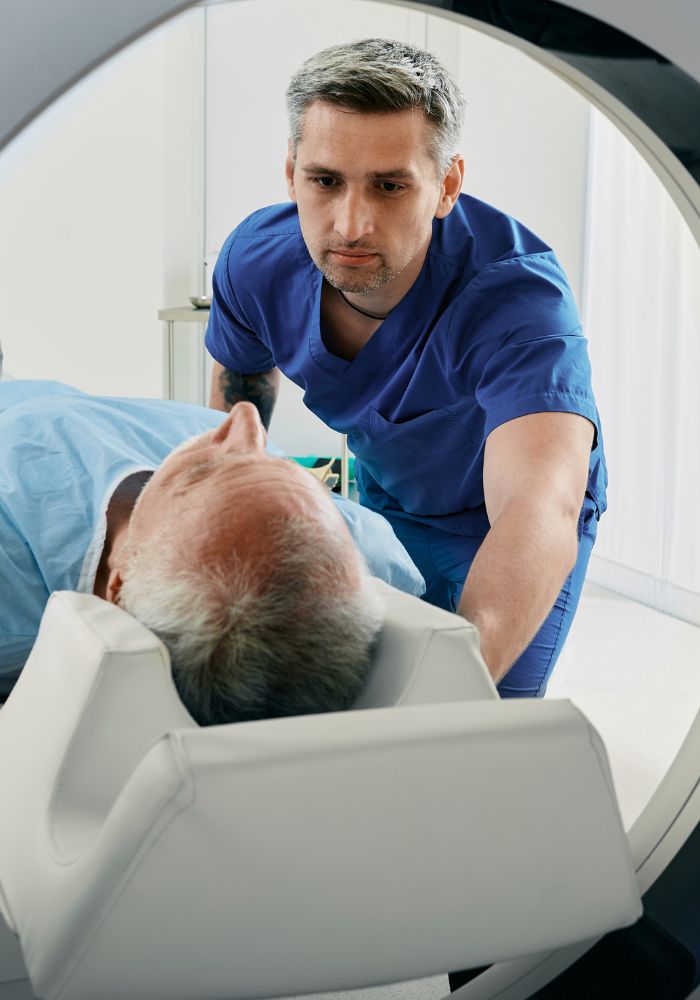
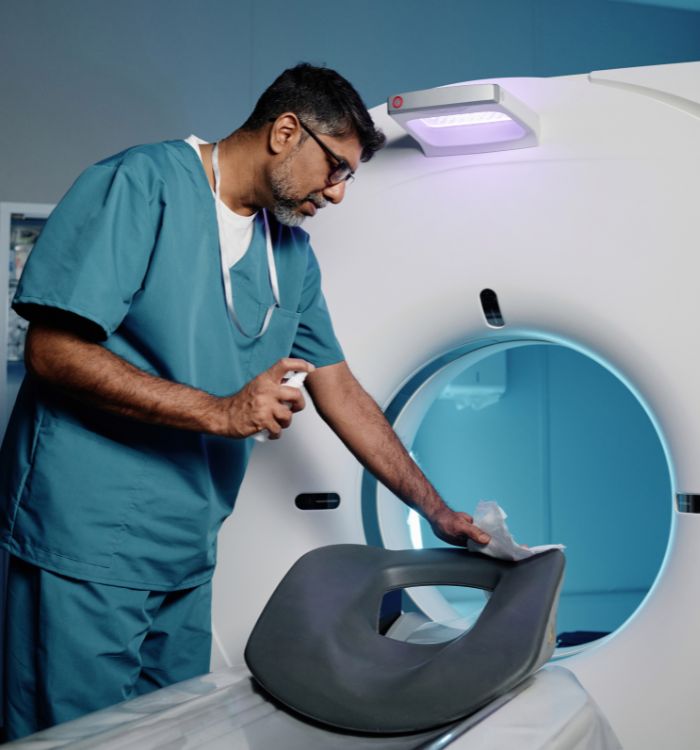
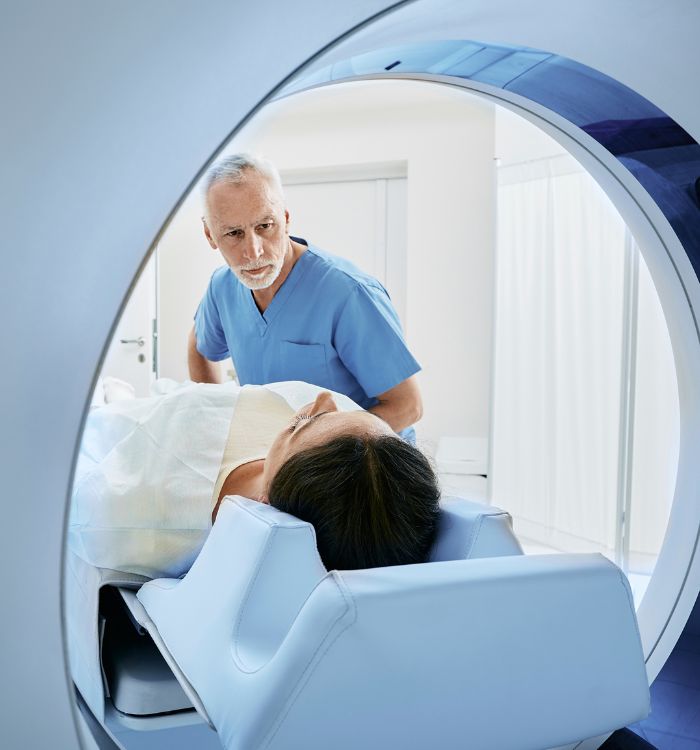
Image more, write less
Radiographers benefit from PatientNotes, which simplifies the documentation of diagnostic imaging with AI, ensuring secure, detailed, and efficient records that support radiological assessments and patient care.


Radiographers How AI Saves Time in Diagnostic Imaging
Radiographers utilize PatientNotes to document diagnostic imaging procedures efficiently, saving time and enhancing the quality of clinical notes, which supports accurate diagnosis and effective patient treatment planning.
.webp)
Quick, Customized Radiography session notes for enhanced diagnostic accuracy
Radiographers streamline diagnostic imaging with PatientNotes, quickly generating detailed, personalized imaging notes and allowing more time for patient consultations and follow-up.

Recommended Radiographer Action Plans
Radiographers deliver clear, actionable summaries post-imaging, empowering patients with a written care plan and next steps for their diagnostic health journey.

Radiographers Expedite Imaging Reports
Quickly handle diagnostic imaging reports and referrals, enhancing radiographic services and patient care.

Protecting patient health data with confidence
At PatientNotes robust security measures create the strong immune system we know is vital to your patient's healthcare data. We know medical information is sensitive, and we’ve fortified PatientNotes with cutting-edge security measures to safeguard your clinical consults and notes.





Works with the existing PMS in your radiography practice
Radiographers can manage diagnostic imaging with PatientNotes, compatible with radiology systems like Pracsoft, enhancing diagnostic imaging documentation and patient imaging analysis.






Radiographers manage diagnostic imaging with PatientNotes in radiology departments, during radiographic technique training, and at remote readings.
Radiographers can access diagnostic imaging profiles on any device with PatientNotes, enhancing diagnostic imaging with radiographer telehealth platforms.

iPhone app
iPad app
PC
Mac
Microsoft Teams
Zoom
Google Meet (using PatientNotes Mac App)





Plans for teams of all sizes



Frequently asked questions
How do I document patient positioning and technical factors during multiple radiographic exposures with an AI scribe?
Verbalize each position change, technical adjustment, and exposure detail as you work through the examination, creating sequential documentation without needing to stop between projections.
How do AI scribes handle radiographic terminology like grid ratios, SID measurements, and projection nomenclature?
Voice-to-text captures your spoken radiographic terminology, translating technical parameters and anatomical positioning terms into written documentation as you verbalize them during examinations.
What about documenting adaptations made for patients with mobility limitations during radiographic procedures?
Speak the specific positioning modifications, assistance methods, and technical adjustments required for the patient's limitations as you implement them, establishing a thorough record of your clinical reasoning.
How do I document radiation dose considerations and protective measures taken during examinations?
Verbalize the specific shielding used, technical factor adjustments made for dose optimization, and any repeat exposures with their justification during the examination workflow.
How would I use an AI scribe during mobile radiography rounds or in emergency trauma situations?
Speak your observations, technical factors, and clinical context while performing portable examinations or trauma radiography, allowing documentation to be created simultaneously with patient care even in fast-paced environments.
Book a Discovery Call
Simply fill out the form and select a time that suits you best
Ready to get started? Create an account today
Transform the medical reporting in your practice, elevate the standard of patient care and bolster effective communication among healthcare professionals.



