
Enhance your sonography practice with precise AI-powered reporting
PatientNotes helps sonographers reduce reporting workload for imaging specialists and administrative teams. Streamline ultrasound findings documentation and patient history recording, enabling your imaging professionals to focus on diagnostic accuracy.
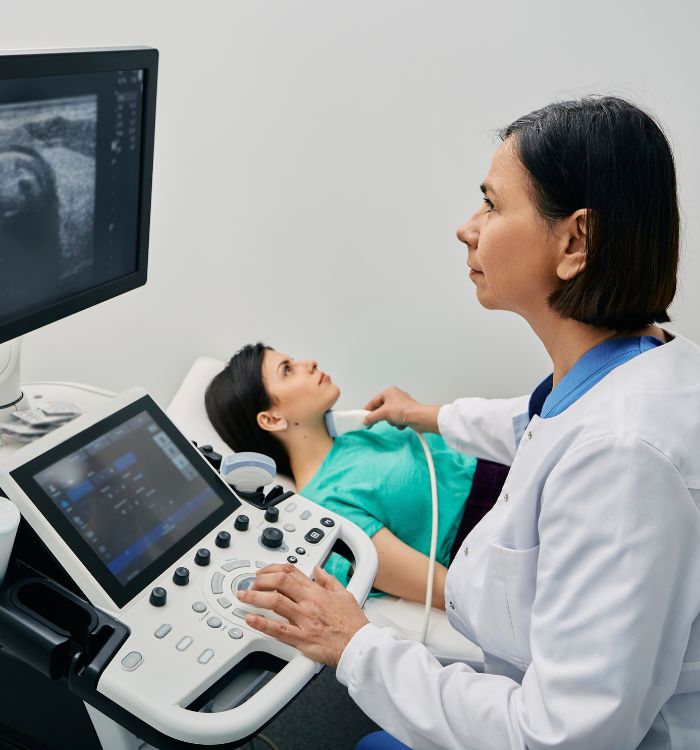
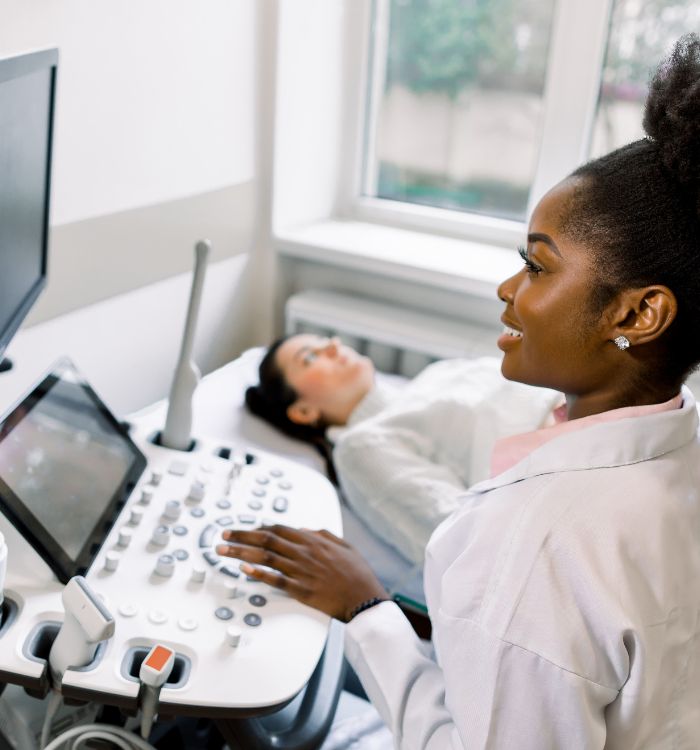
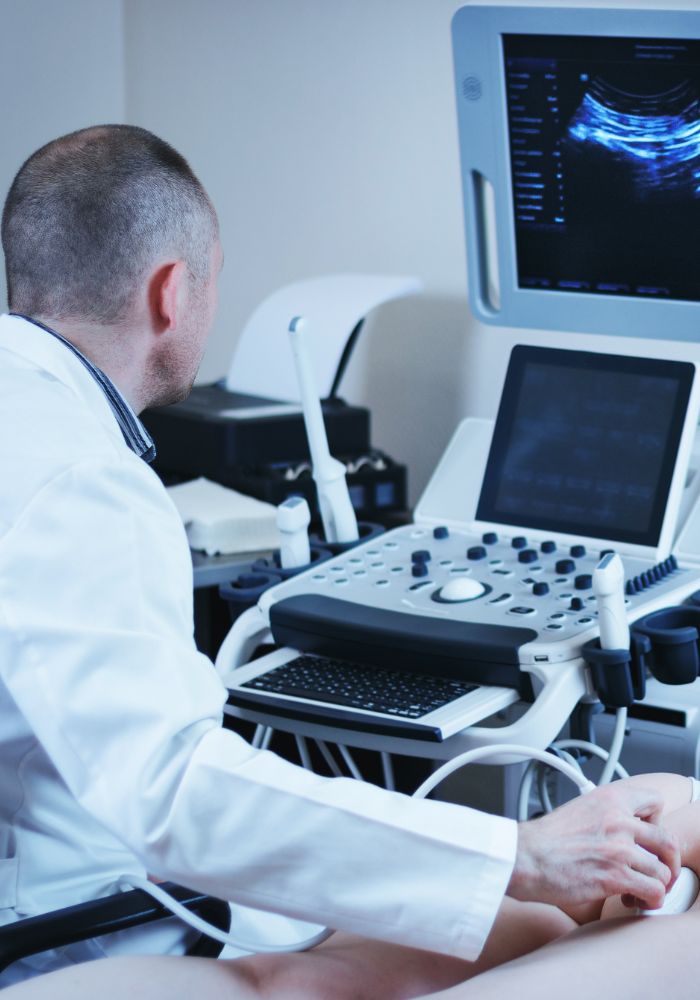
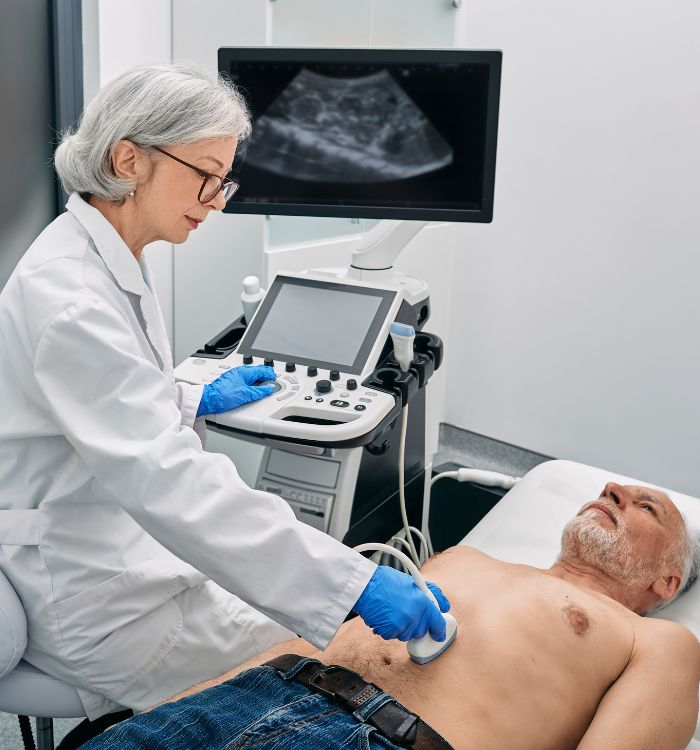
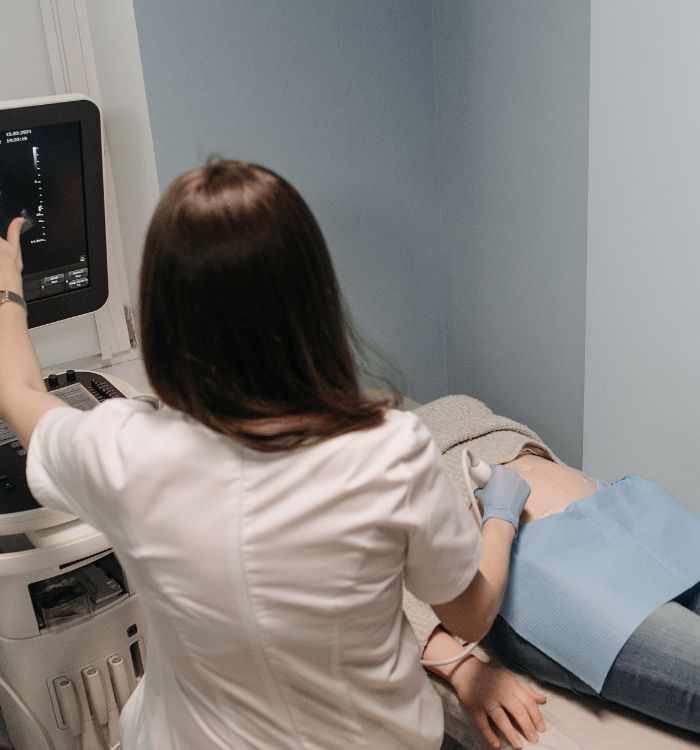
Establish a more efficient and patient-centered imaging environment
PatientNotes utilizes AI to draft detailed sonographic reports and findings summaries automatically, minimizing post-procedure documentation time. Boost department throughput, decrease sonographer burnout, and create smoother imaging workflows.


Reduce reporting time and optimize diagnostic workflows in your imaging department
PatientNotes enhances operational efficiency by allowing sonographers to complete study documentation instantly with AI. Minimize reporting delays, improve departmental productivity, and increase scanner availability for patient appointments.
.webp)
Maximize your sonography team's diagnostic impact
Delegate documentation to PatientNotes, allowing your sonographers to focus on what they do best—providing accurate diagnostic imaging. With AI-driven reporting, administrative tasks are completed efficiently, improving overall departmental throughput.

Alleviate documentation pressure on your imaging professionals
By automating the creation of sonographic reports and findings documentation, your sonographers no longer need to stay after shifts to complete paperwork, enhancing staff satisfaction and work-life balance.

Diagnostic compliance made straightforward
Ensure detailed, accurate, and compliant sonographic records for every examination, reducing potential quality assurance concerns. Automatically generate imaging summaries and findings reports to improve patient care and communication with referring physicians.

Protecting patient health data with confidence
At PatientNotes robust security measures create the strong immune system we know is vital to your patient's healthcare data. We know medical information is sensitive, and we’ve fortified PatientNotes with cutting-edge security measures to safeguard your clinical consults and notes.





Integrates with your imaging information system
PatientNotes connects seamlessly with all major radiology information systems and PACS like GE Centricity, Philips IntelliSpace, and more, ensuring a smooth transition and minimal disruption to your sonography operations.






Available on any device, throughout your imaging department
PatientNotes is web-based and functions on any platform—workstations, tablets, mobile devices—allowing your sonography team to access and update study documentation from anywhere, whether in scanning rooms, reading rooms, or during consultations.

iPhone app
iPad app
PC
Mac
Microsoft Teams
Zoom
Google Meet (using PatientNotes Mac App)





Plans for teams of all sizes



Frequently asked questions
How do AI scribes understand sonography terminology and measurements?
AI scribes recognize common sonography terminology through their medical language processing capabilities, though you may need to speak clearly when using highly specialized terms or measurements. Training the AI with your specific vocabulary improves accuracy over time.
How do I transfer my sonography report from an AI scribe to my imaging information system?
After reviewing and editing your AI-generated sonography report, simply copy and paste the text into your imaging information system or ultrasound reporting software. This seamless transfer eliminates double documentation while preserving your diagnostic findings.
Can I dictate findings while performing an ultrasound examination?
Yes, you can dictate findings in real-time during ultrasound examinations. The AI scribe transcribes your observations as you speak, allowing you to maintain focus on the patient and ultrasound images.
What's the best way to dictate complex fetal measurements or vascular assessments?
Speaking in complete sentences with clear measurement values helps the AI scribe accurately document your findings. For example, saying "The fetal femur length measures 34 millimeters" rather than fragmented phrases ensures more accurate transcription.
Can AI scribes document both normal and abnormal sonographic findings properly?
AI scribes transcribe whatever you dictate about normal or abnormal findings during your examination. Being specific and thorough in your verbal descriptions ensures accurate documentation of both routine examinations and complex pathologies.
Book a Discovery Call
Simply fill out the form and select a time that suits you best
Ready to get started? Create an account today
Transform the medical reporting in your practice, elevate the standard of patient care and bolster effective communication among healthcare professionals.



