
AI medical scribe for all registered respiratory therapists
PatientNotes securely writes respiratory care notes and patient assessments, freeing respiratory therapists to focus on patient respiratory health and treatments, essential for effective respiratory care.

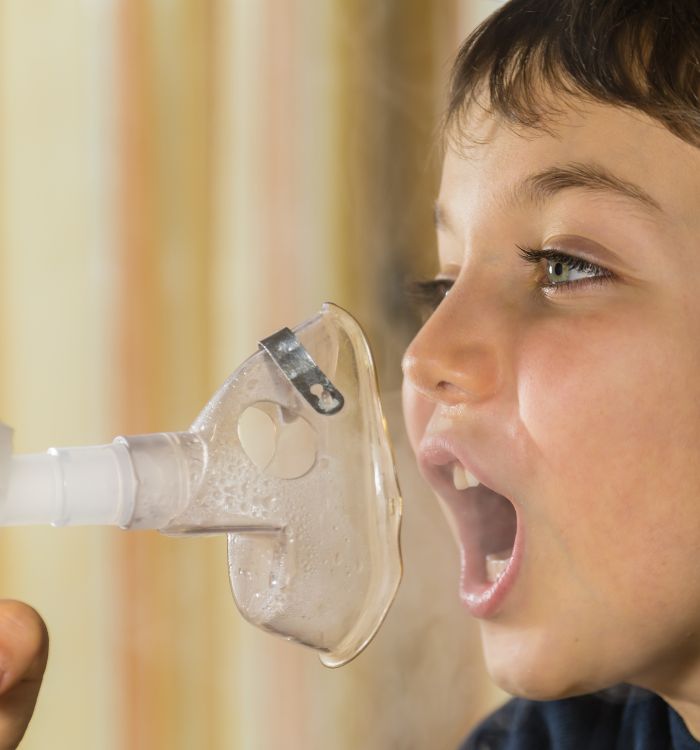



Respiratory therapists, breathe easier with less paperwork
Registered respiratory therapists enhance respiratory care documentation with PatientNotes, where AI ensures quick, secure, and detailed records of respiratory treatments and patient assessments, supporting effective respiratory healthcare.


Registered Respiratory Therapists How AI Saves Time in Patient Care
Registered Respiratory Therapists utilize PatientNotes to document respiratory therapy sessions and patient interactions efficiently, saving time and improving the quality of notes, which supports effective respiratory care and patient treatment.
.webp)
Personalized Respiratory Therapy notes ready instantly for enhanced patient care
Registered respiratory therapists streamline patient respiratory care with PatientNotes, quickly generating detailed, customized treatment notes and allowing more time for patient management and support.

Recommended Registered Respiratory Therapist Action Plans
Registered Respiratory Therapists deliver clear, actionable summaries post-treatment, empowering patients with a written care plan and next steps for their respiratory health journey.

Registered Respiratory Therapists Streamline Respiratory Care Reports
Rapidly complete respiratory care reports and referrals, enhancing pulmonary support and patient breathing functions.

Protecting patient health data with confidence
At PatientNotes robust security measures create the strong immune system we know is vital to your patient's healthcare data. We know medical information is sensitive, and we’ve fortified PatientNotes with cutting-edge security measures to safeguard your clinical consults and notes.





Works with the existing PMS in your respiratory therapy practice
Registered Respiratory Therapists can enhance respiratory care with PatientNotes, compatible with respiratory systems like Pracsoft, optimizing respiratory care documentation and patient respiratory support planning.






Registered respiratory therapists update ventilator management with PatientNotes in respiratory care units, during respiratory therapy workshops, and via telehealth monitoring.
Registered respiratory therapists can access respiratory care profiles on any device with PatientNotes, enhancing respiratory care with registered respiratory therapist telehealth platforms.

iPhone app
iPad app
PC
Mac
Microsoft Teams
Zoom
Google Meet (using PatientNotes Mac App)





Plans for teams of all sizes



Frequently asked questions
How do I document ventilator settings and adjustments using an AI scribe?
Speak the ventilator parameters and any adjustments clearly as you manage the equipment, allowing your spoken words to transform into written documentation.
How do AI scribes handle specialized respiratory terminology and abbreviations?
Your spoken respiratory-specific terminology, including ventilation modes, blood gas values, and pulmonary function metrics, transforms into written documentation as you verbalize your observations and interventions.
What about documenting respiratory assessments and breath sounds with an AI scribe?
Verbalize your assessment findings and breath sound observations as you perform them, creating a concurrent record of your patient evaluation through the voice-to-text process.
How do I document emergency airway management scenarios when timing is critical?
After stabilizing the patient, quickly narrate the key details of the emergency intervention including timing, technique used, and patient response for accurate documentation.
Book a Discovery Call
Simply fill out the form and select a time that suits you best
Ready to get started? Create an account today
Transform the medical reporting in your practice, elevate the standard of patient care and bolster effective communication among healthcare professionals.



