
Streamline surgical assistance with efficient documentation management
PatientNotes aids surgery physician assistants in automating patient records and surgical notes, enhancing efficiency and patient care during and post-surgery, critical for successful surgical procedures and recovery.
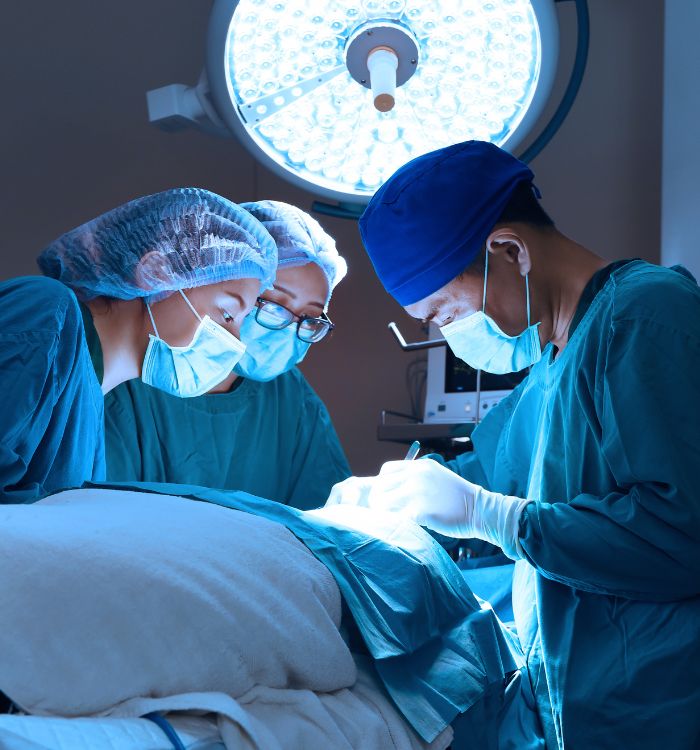
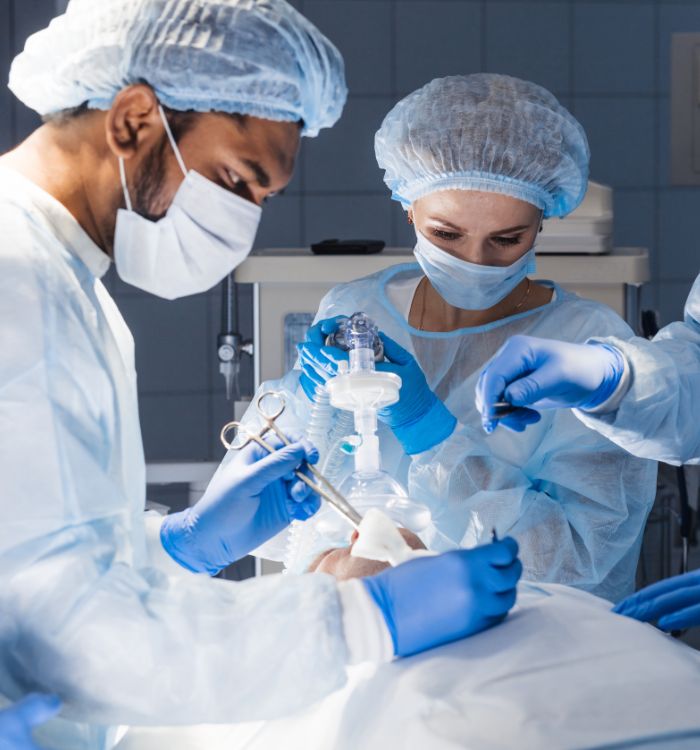

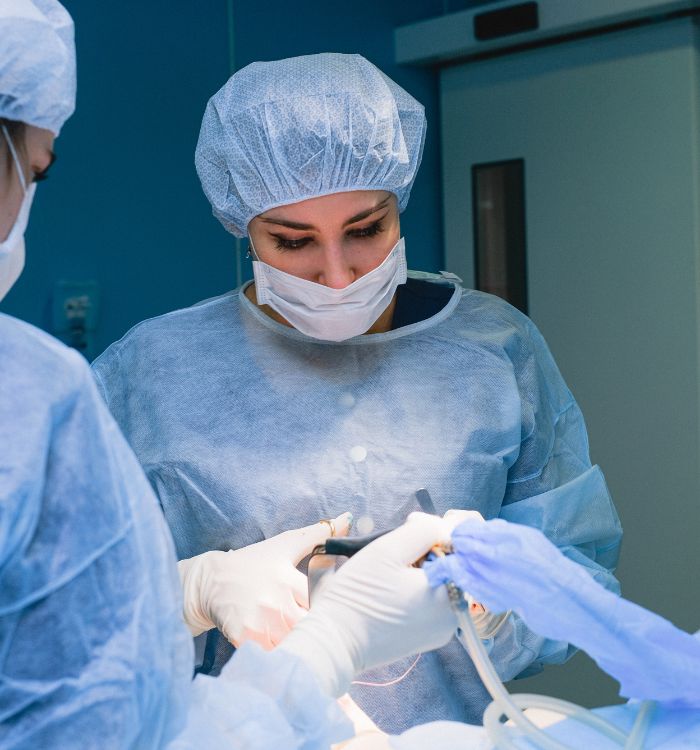
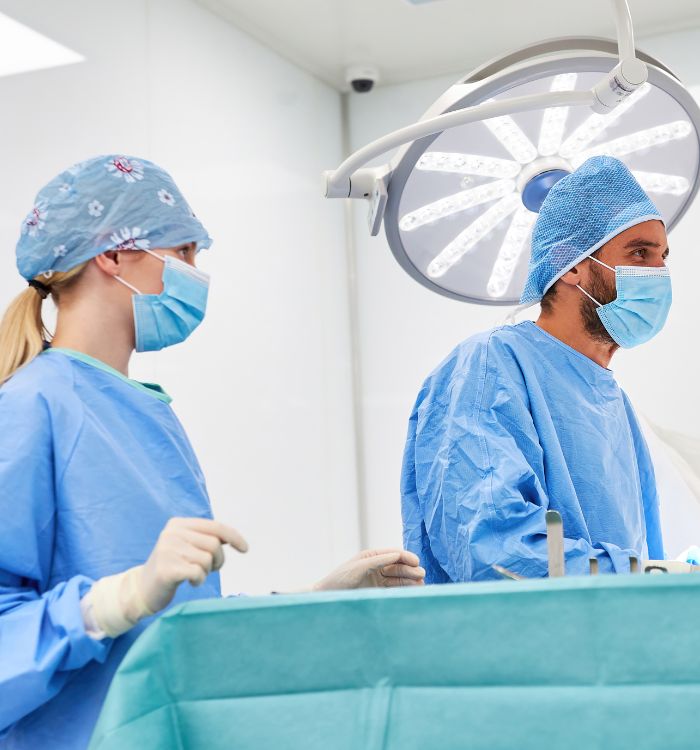
Surgery PAs, more support in OR, less paperwork
Surgery physician assistants can focus more on operative support with PatientNotes, which uses AI to efficiently manage surgical documentation, ensuring secure, detailed, and accessible records that enhance surgical team coordination.


Surgery PAs Find Efficiency with AI
Surgery Physician Assistants utilize PatientNotes to manage pre-operative and post-operative care documentation efficiently, saving time and improving note quality, which allows for better patient care and surgical support.
.webp)
Personalized Surgery Assistant notes ready swiftly for efficient care
Surgery physician assistants enhance surgical care with PatientNotes by swiftly creating detailed notes, improving efficiency and allowing more time for patient support.

Recommended Surgery Physician Assistant Action Plans
Surgery Physician Assistants provide clear, actionable summaries post-surgical care, empowering patients with a written care plan and next steps for their post-operative journey.

Surgery Physician Assistants Streamline Surgical Team Reporting
Streamline surgical reports and referrals, enhancing surgical team efficiency and patient care.

Protecting patient health data with confidence
At PatientNotes robust security measures create the strong immune system we know is vital to your patient's healthcare data. We know medical information is sensitive, and we’ve fortified PatientNotes with cutting-edge security measures to safeguard your clinical consults and notes.





Works with the existing PMS in your surgery assistant practice
Surgery PAs can enhance surgical team coordination and documentation with PatientNotes, compatible with systems like TM3.






Surgery physician assistants coordinate surgical care with PatientNotes in operating rooms, at surgical tech workshops, and via telehealth consultations.
Surgery PAs can keep detailed surgical care notes handy on any device with PatientNotes, which also works with surgery PA telehealth platforms.

iPhone app
iPad app
PC
Mac
Microsoft Teams
Zoom
Google Meet (using PatientNotes Mac App)





Plans for teams of all sizes



Frequently asked questions
How do I incorporate an AI scribe into my pre-operative patient assessments?
Speak your assessment findings, patient history elements, and pre-surgical planning considerations aloud during your evaluation, creating documentation that captures these critical pre-operative details.
How do AI scribes handle surgical terminology and anatomy-specific language?
Surgical terminology, anatomical references, and procedure-specific language spoken during your assessments or procedures become written documentation through the voice-to-text process. The documentation reflects the precise surgical vocabulary you use in your verbal communications.
How do I integrate AI scribe notes with surgical Electronic Health Record systems?
Copy and paste your clinical documentation from the AI scribe into your surgical EHR once you've reviewed the content for accuracy. This streamlines the transfer of information while maintaining complete control over what enters the official medical record.
What about documenting intraoperative assistance and procedures when I'm scrubbed in?
A team member can activate the AI scribe while you verbalize key procedural steps, assistance provided to the surgeon, and notable intraoperative findings as they occur. Your spoken observations transform into documentation that can be refined post-procedure.
How do I document post-operative rounds and wound assessments with an AI scribe?
Verbalize your observations of wound healing, drain outputs, patient mobility status, and post-operative recovery milestones during rounds, creating comprehensive documentation of each patient's progress.
What about using AI scribes for documenting first assist procedures and technical aspects of surgery?
Speak the technical details of retraction techniques, suturing, closures, and other first assist responsibilities you perform, documenting these important contributions to the surgical procedure. The voice-to-text capability creates a record of your specific surgical involvement while your hands remain in the sterile field.
Book a Discovery Call
Simply fill out the form and select a time that suits you best
Ready to get started? Create an account today
Transform the medical reporting in your practice, elevate the standard of patient care and bolster effective communication among healthcare professionals.



